Receipt statuses
This article lists the four statuses a receipt document can be in, what triggers a transition, and what the operator can or cannot do in each status. Status labels match what the operator sees on the screen.
A receipt can also close itself without anyone pressing finish — see Automatic confirmation.
Draft (DRAFT)
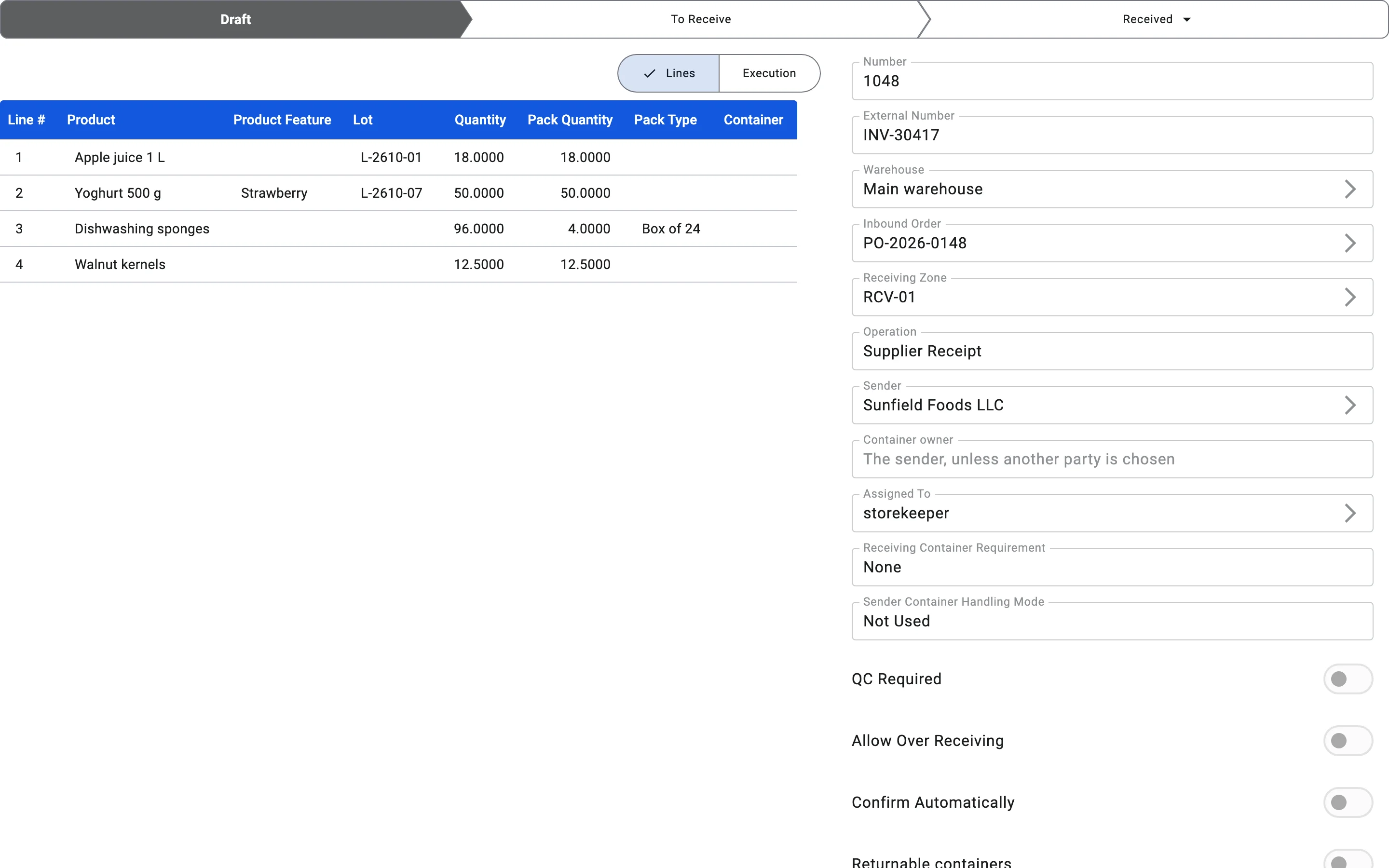
Entered when the receipt is created — either from an inbound order or from scratch — and before it is released for receiving. Nothing has been received yet.
In this status the operator can: edit and add lines, adjust quantities and pack types, cancel the document cleanly.
Transitions out: To receive when the document is released for execution (by a supervisor or automatically); Cancelled if it is cancelled before release.
A document can also come back here from To receive — see below.
To receive (TO_RECEIVE)
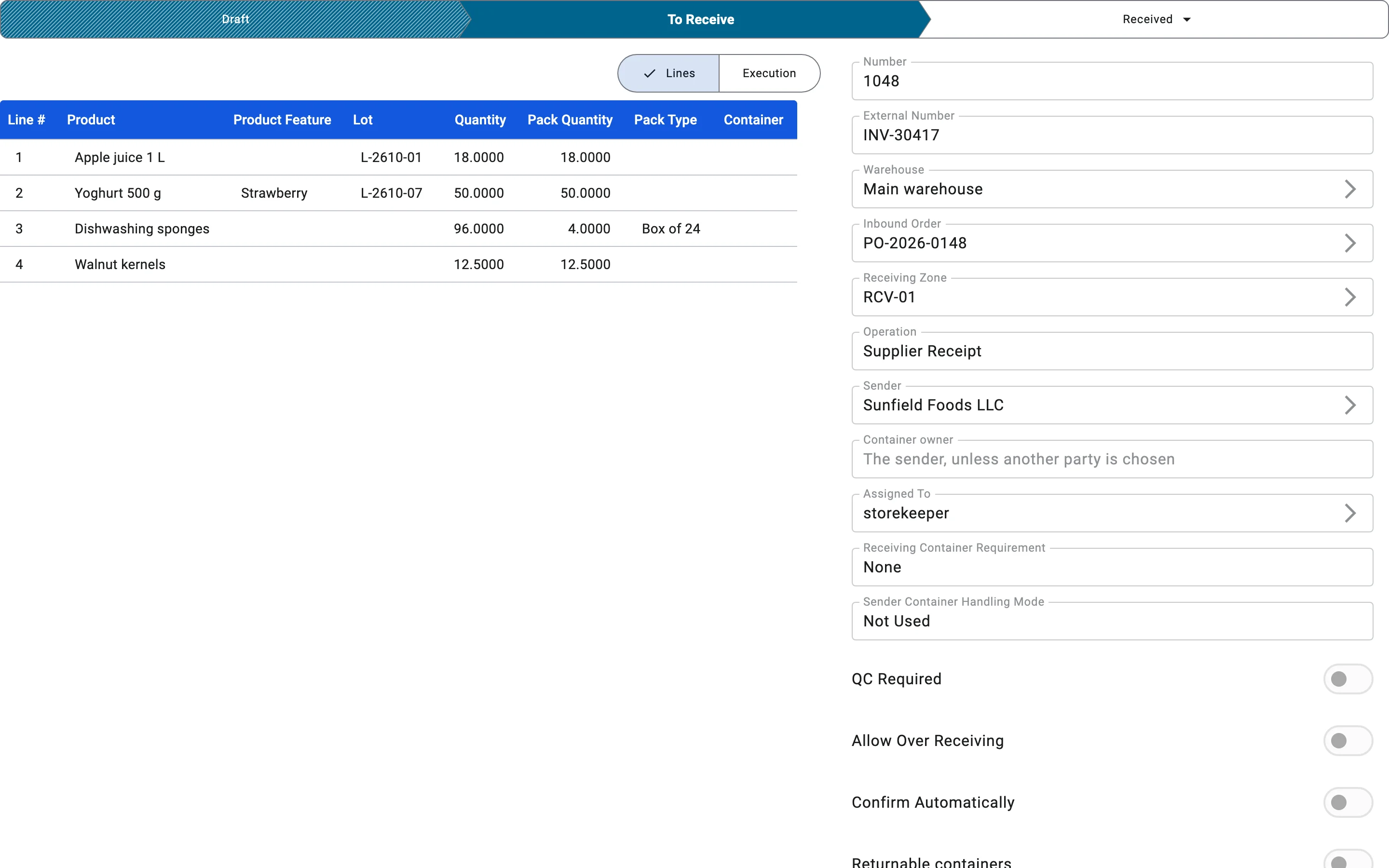
Entered when the document is released to the execution queue. The operator can now record receiving facts against it line by line. Once the document leaves Draft, line editing is restricted — receiving works against the released set of lines.
In this status the operator can: record receiving facts; close the document when receiving is finished (this needs the Post receipts right, unless the receipt confirms itself). Transitions out:
- Received when receiving is finished — by an operator, or automatically (see Automatic confirmation). Something must have been received first: a receipt with no accepted goods and no accepted containers cannot be finished.
- Draft when the document needs to be reworked. This is allowed only while nothing has been received yet — no facts recorded and no containers accepted. Once receiving has started, the document cannot go back.
- Cancelled if the document is cancelled. This too is possible only while nothing has been received; after receiving has started the document is finished, not cancelled.
Received (RECEIVED)
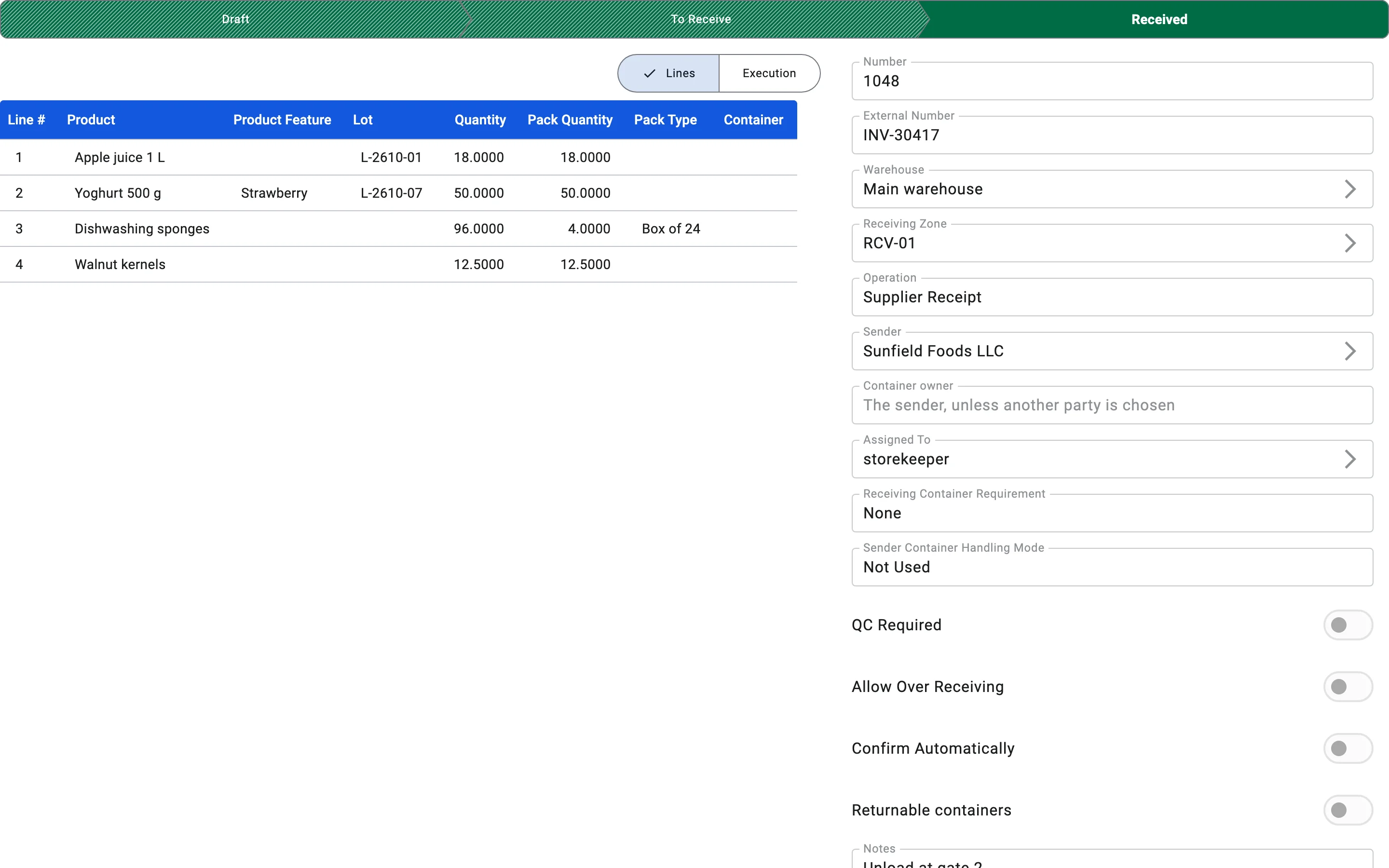
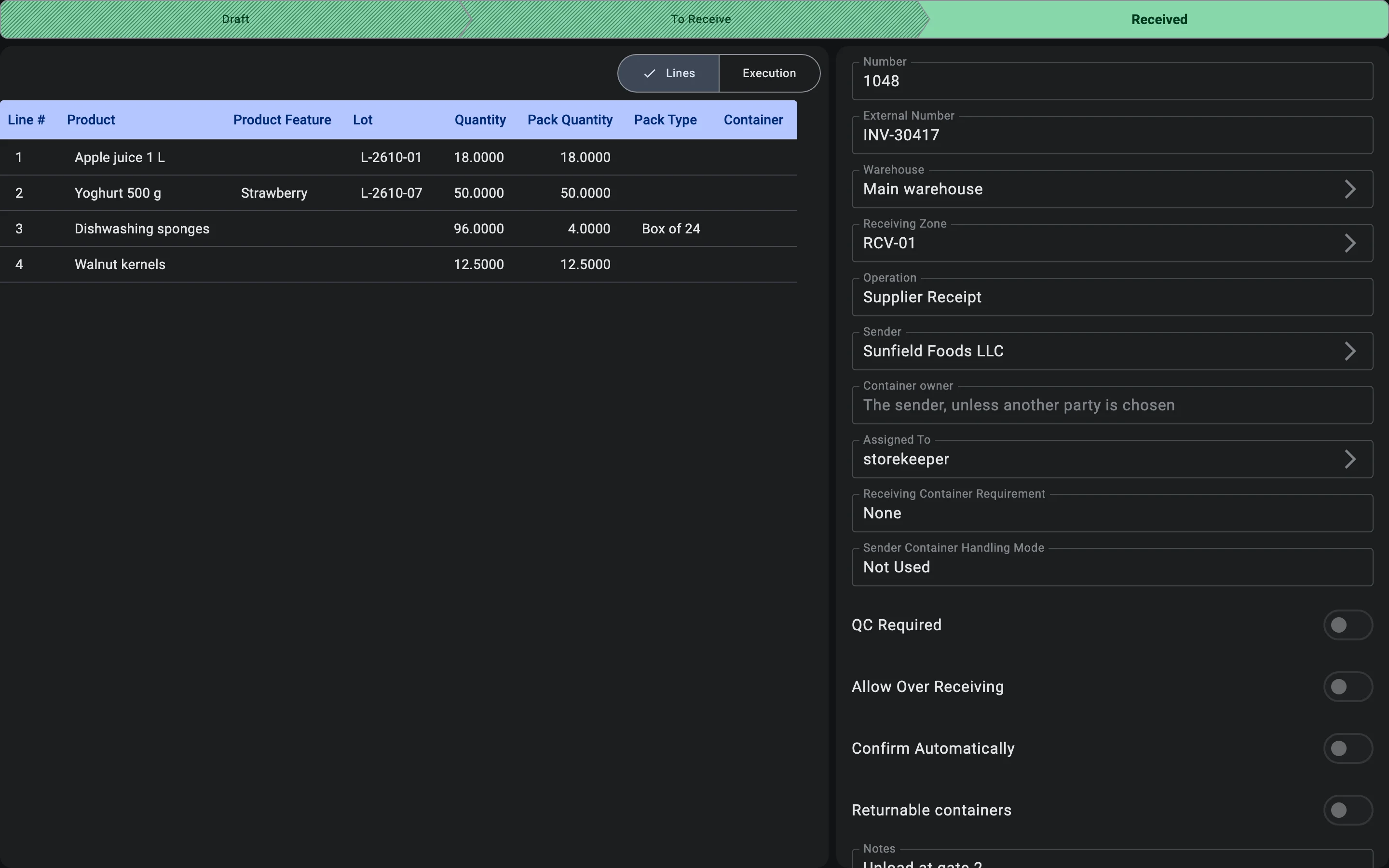
Terminal state. Entered when receiving is finished and the document is closed. At that moment the warehouse stock is increased by the received quantity, the goods become available for sale and order picking, the receipt report and, if there are discrepancies, the discrepancy act can be printed, and the updated data is passed to the ERP system through the integration. Completion also settles the receiving containers: containers that hold goods are closed, empty ones are released. A container that is still open does not block completion.
In this status the operator cannot edit or reopen the document. It is read-only. A correction to an already-received document is made by creating a new receipt.
Transitions out: none for the operator. The only exception is an external system (for example the ERP) cancelling the document through the integration: the receipt then becomes Cancelled and keeps all facts that were recorded, so the history of what was physically received is not lost.
Cancelled (CANCELLED)
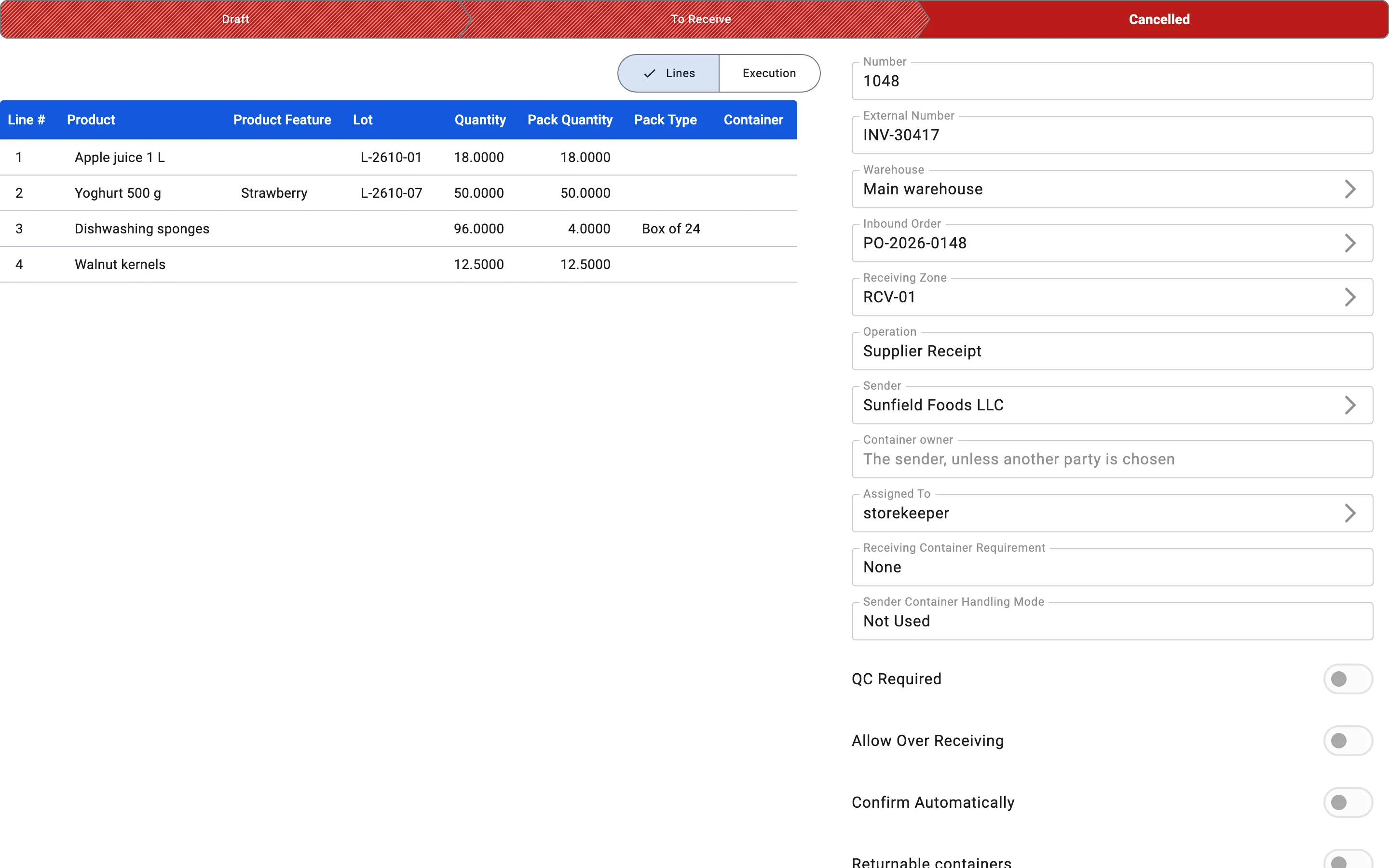
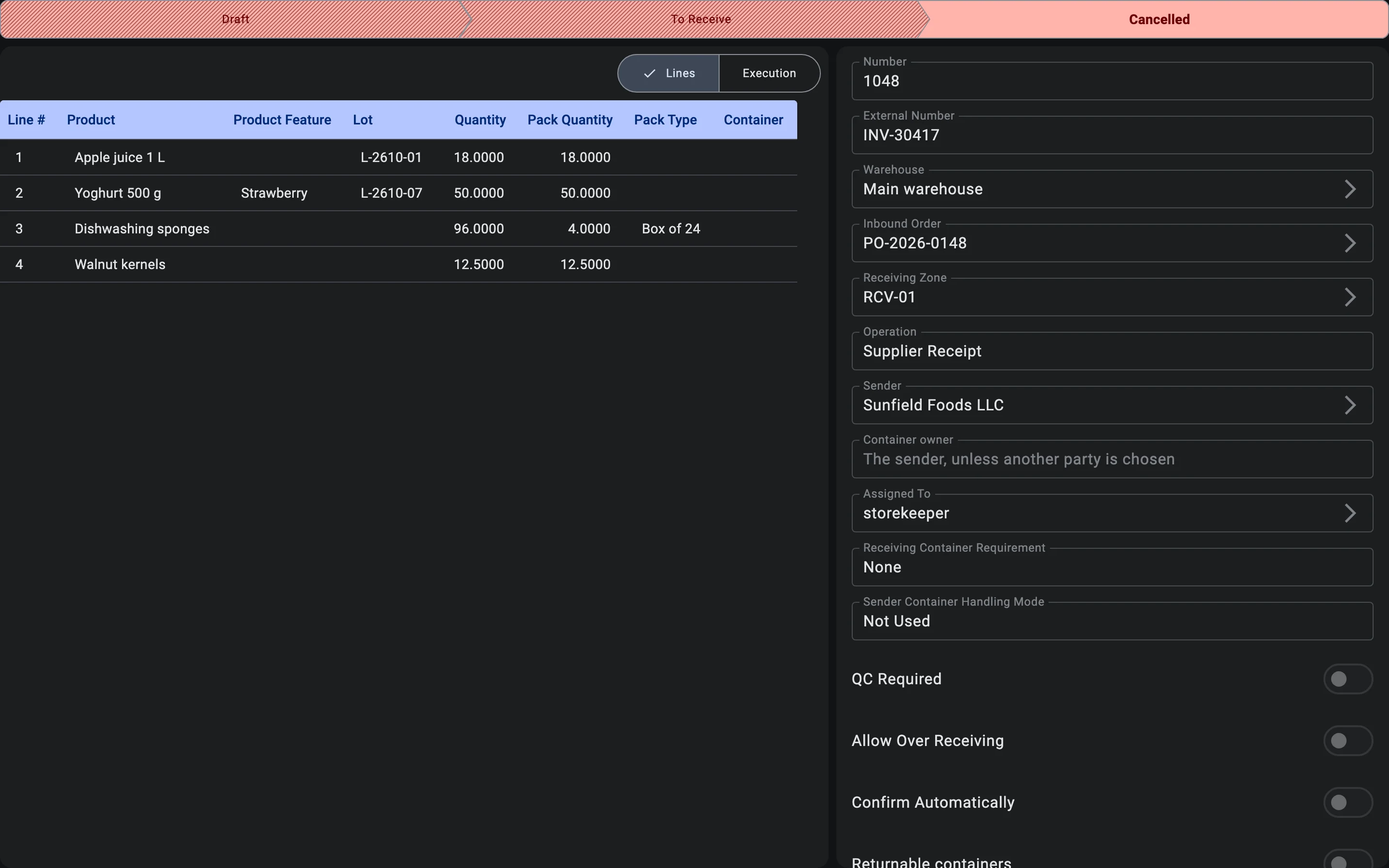
Terminal state. Entered when the document is cancelled — by an operator while it is still in Draft or in To receive with nothing received yet, or by an external system, which may also cancel a receipt that is already Received (its facts are kept). No stock is posted for a receipt cancelled before it was received; the document itself is preserved for audit.
Transitions out: none — terminal.
Automatic confirmation
Normally an operator finishes the receipt by hand. A receipt can instead be set to finish itself: switch on Confirm Automatically on the inbound order or on the receipt (a receipt created from an order takes the setting from it, and it can be changed on the receipt). The switch is off by default.
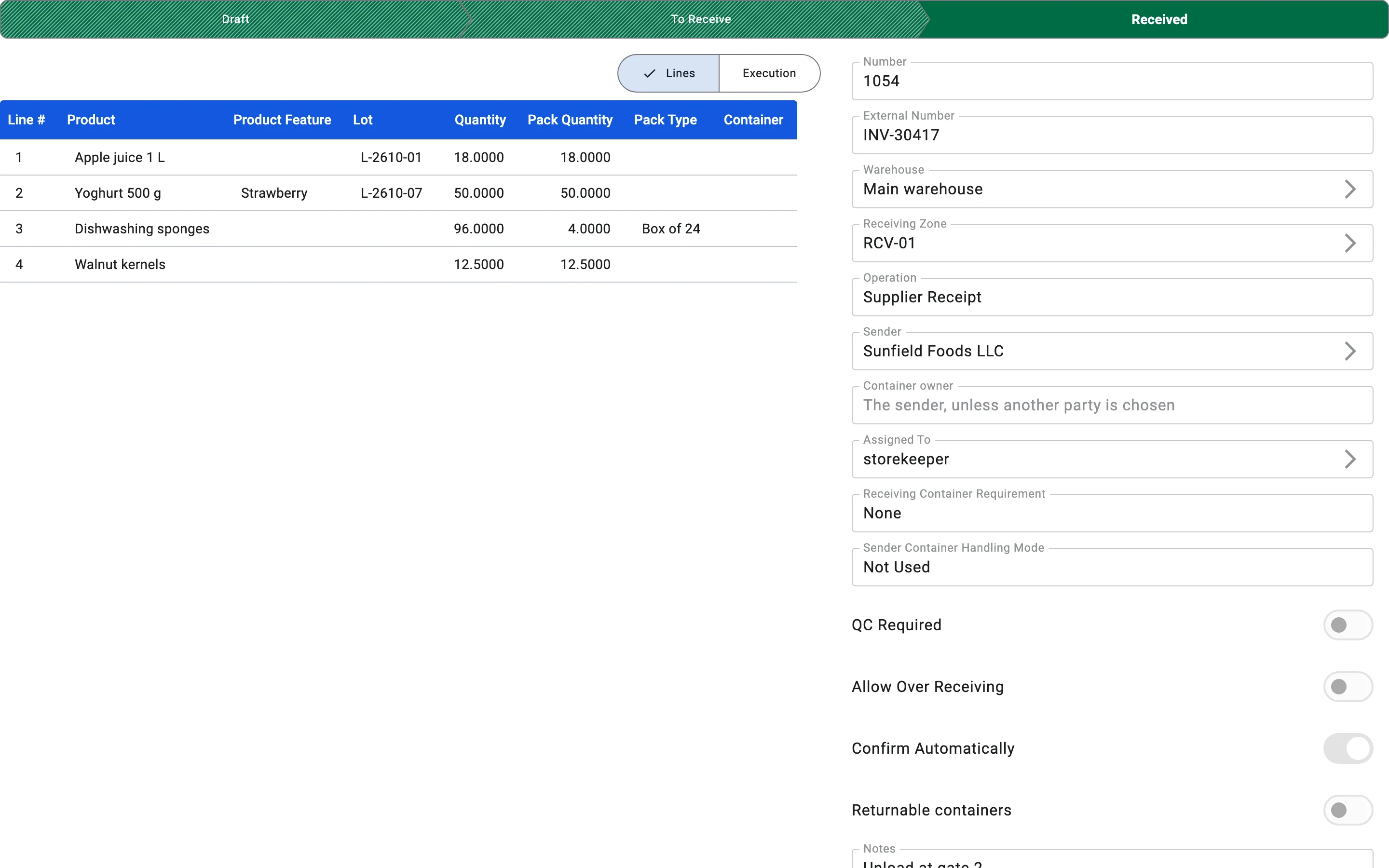
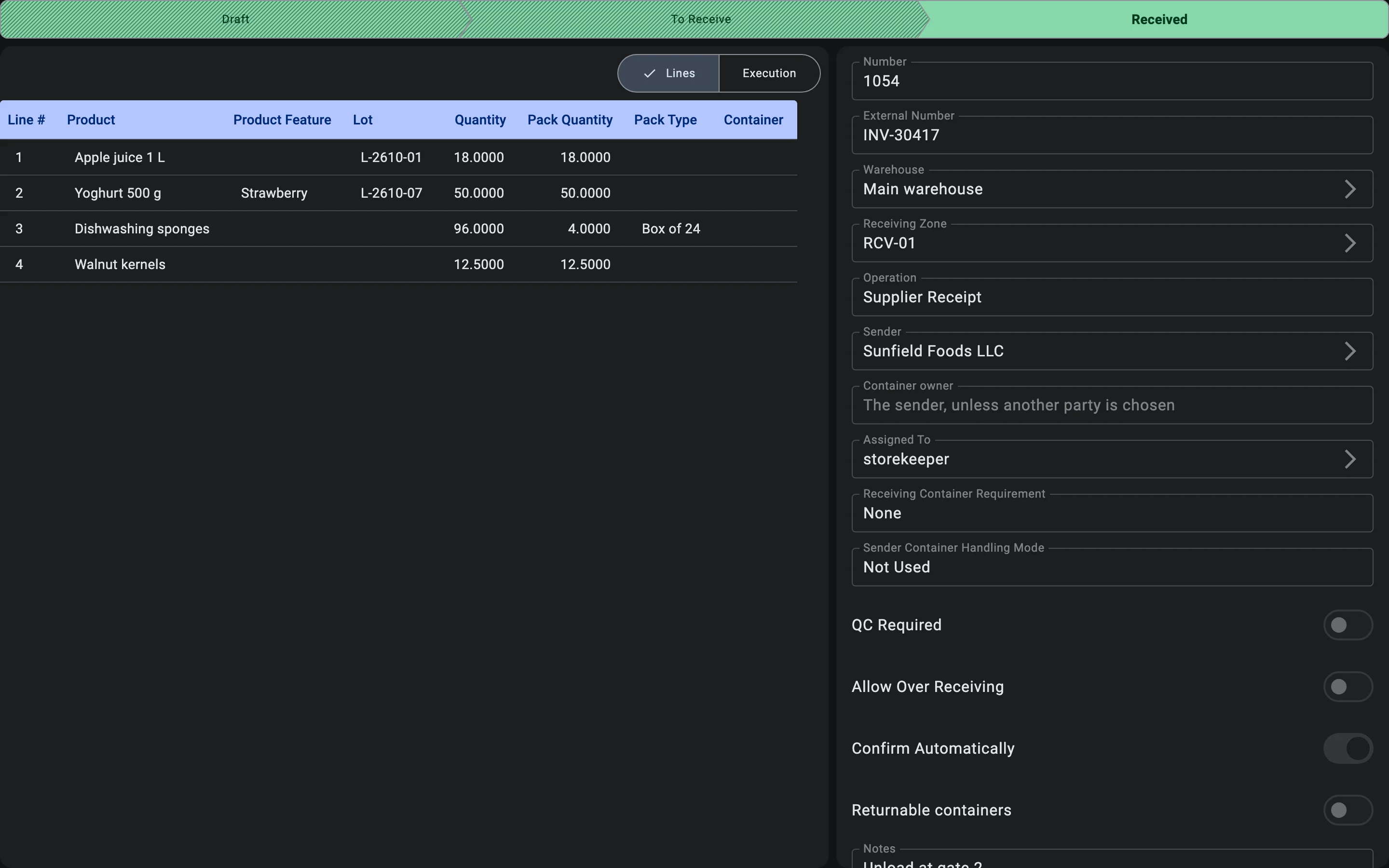
With the switch on, the receipt moves from To receive to Received by itself at the moment a recorded fact (or an accepted container) makes every line match the plan exactly. The rules are strict on purpose:
- The received quantity of every line must equal the planned quantity. Receiving less is not enough, and receiving more does not trigger it either.
- Only a registration that adds goods can trigger it; a reversal never does.
- If the plan is not matched, nothing happens — the fact is still saved and the receipt waits to be finished by hand.
The result is the same as finishing by hand — everything listed under Received happens, including settling the receiving containers. If someone then presses finish on a receipt that has already confirmed itself, nothing breaks — the receipt is simply already Received.