Pack accounting modes
A warehouse decides what a pack (a box, a coil, a whip of profile) means for its stock. The choice is made per warehouse in the warehouse settings, in the field Pack accounting mode, and it changes how received goods are counted. Mode labels match what the operator sees on the screen.
Stock control (STOCK_CONTROL)
The usual mode. Stock is kept in the packs the goods were received or moved in: ten boxes received stay ten boxes on the shelf, and planning and picking look for goods in exactly the needed pack.
Reference only (REFERENCE)
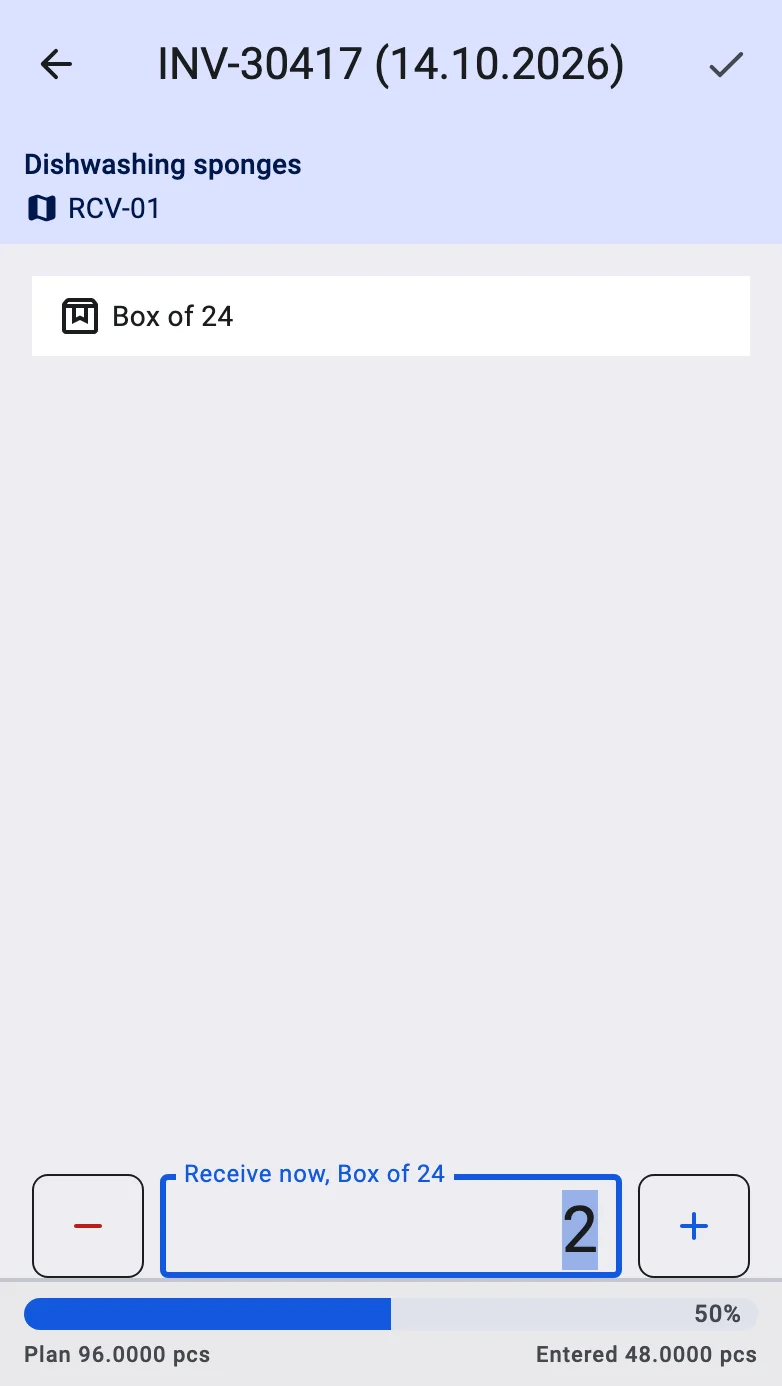
The operator still chooses a pack when receiving, but the pack is only a convenient way to enter the quantity. It is converted to the base unit (metres, kilograms, pieces) and stock is always kept in the base unit. For example, receiving 4 whips of 6.5 m puts 26 m on stock, not four whips.
What the operator sees:
- The pack type and the number of packs entered stay on the received line, so it is clear what was physically counted; the terminal shows the quantity in the base unit.
- The received quantity is always the number of packs multiplied by the pack size.
- Orders, plans and stock figures are in the base unit, so an order in metres finds goods that were received in whips.
Switching the mode applies to what is received after the switch: on a receipt that is already in progress, the goods registered before the switch keep the old mode and the goods registered after it follow the new one.