Offline discrepancies
A handheld terminal (PDT) can keep working without a connection and send its work to the server later. When the server posts that work and finds that it no longer fits — the document was cancelled in the meantime, stock ran out, a lot was blocked — it never throws the work away. It posts what it can and records an offline discrepancy, so a manager can see what happened and fix it with the ordinary screens. This article describes the Offline discrepancies registry where these records are listed.
The registry only shows and tracks. It does not fix anything itself: if a fact could not be posted, the manager posts it by hand on the receipt, putaway or relocation, and then marks the discrepancy as processed.
The registry screen
The registry is in the Administration menu under Offline discrepancies. The entry is shown only to users who have the right to view offline discrepancies.
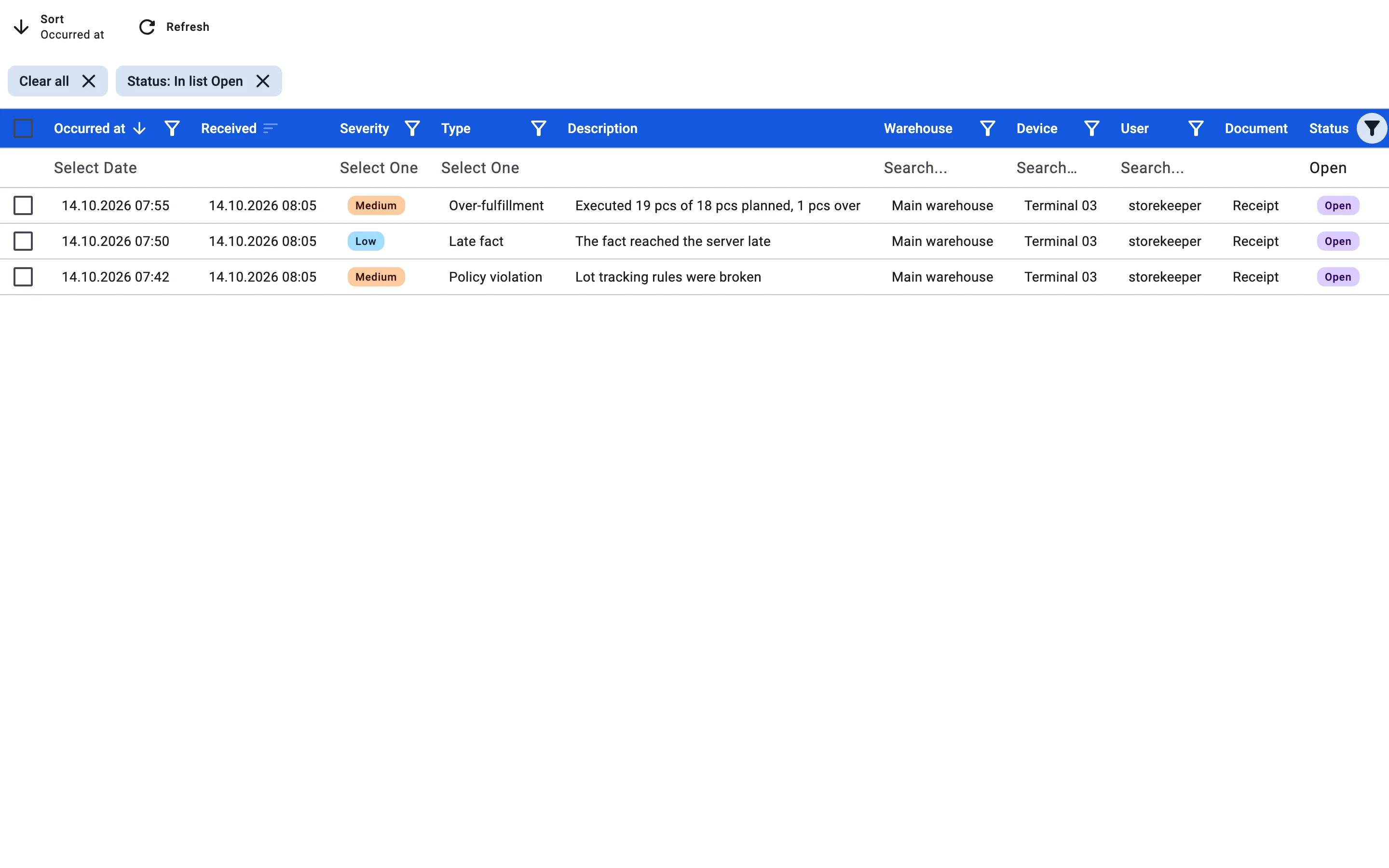
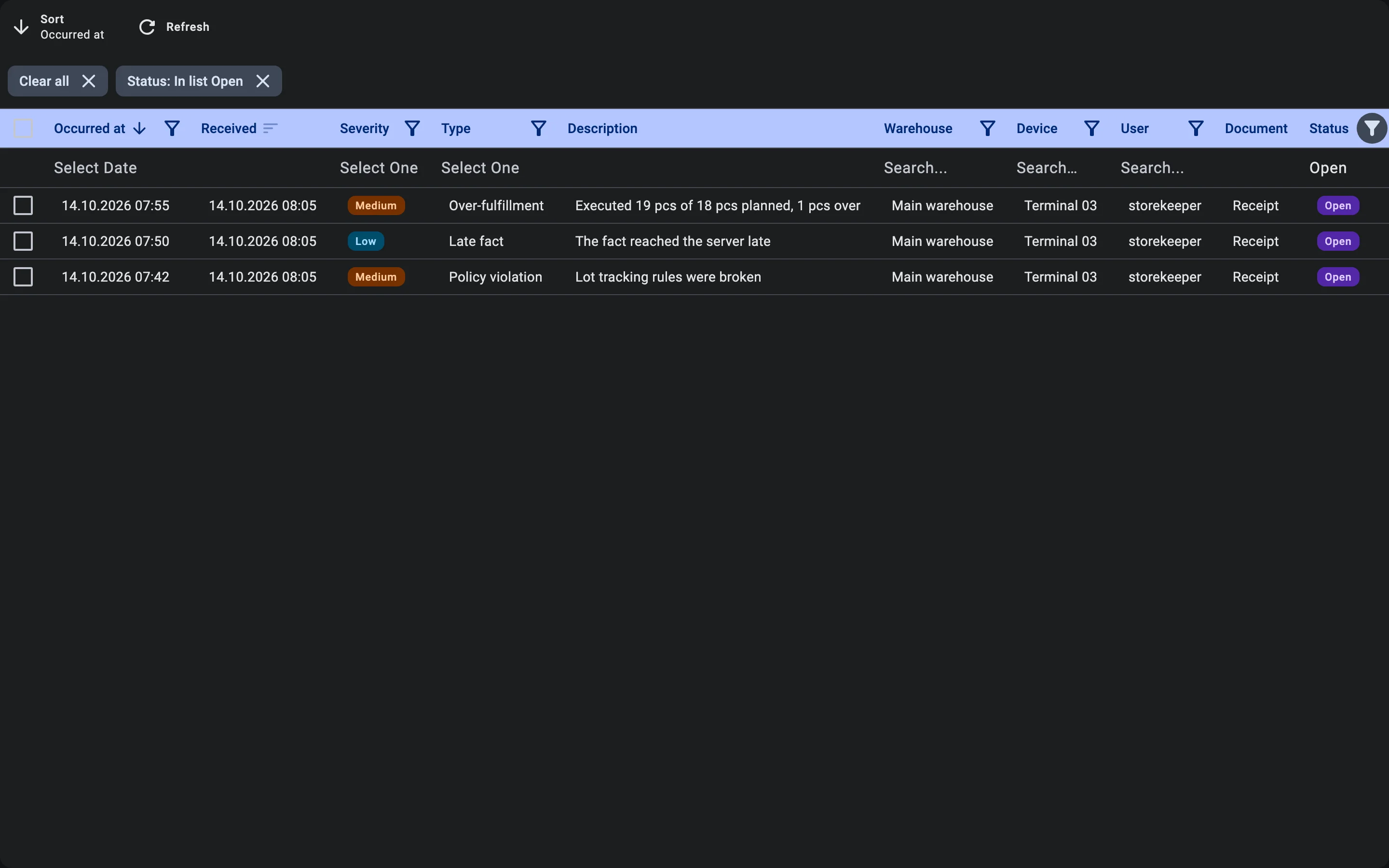
By default the list shows only unprocessed discrepancies (status Open); when there are none it says No unprocessed discrepancies. The columns are Received (when the server got it), Occurred at, Severity, Type, Description, Warehouse, Device, User, Document, Status and Processed. The list can be filtered by warehouse, type, severity, status, device, user and time.
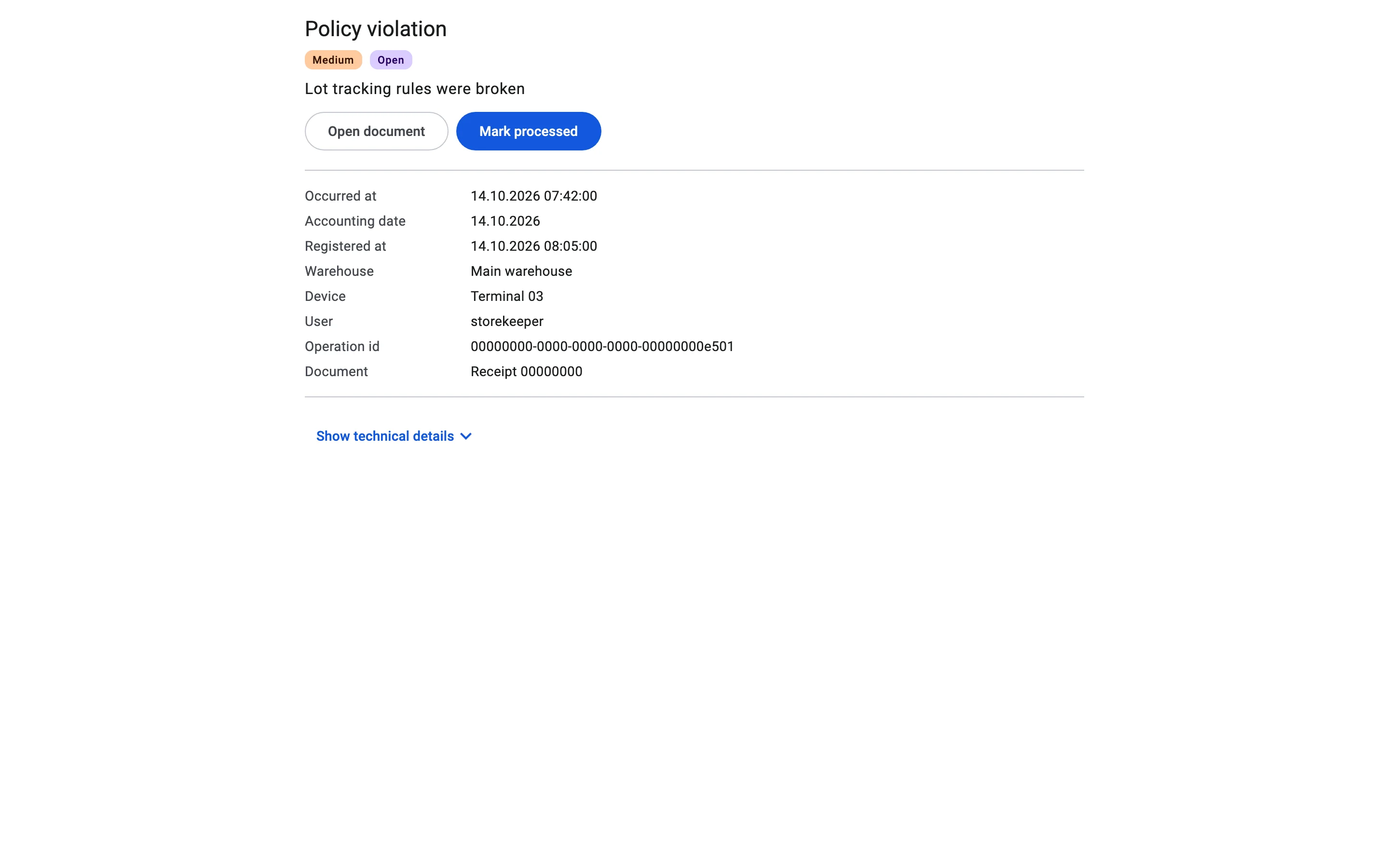
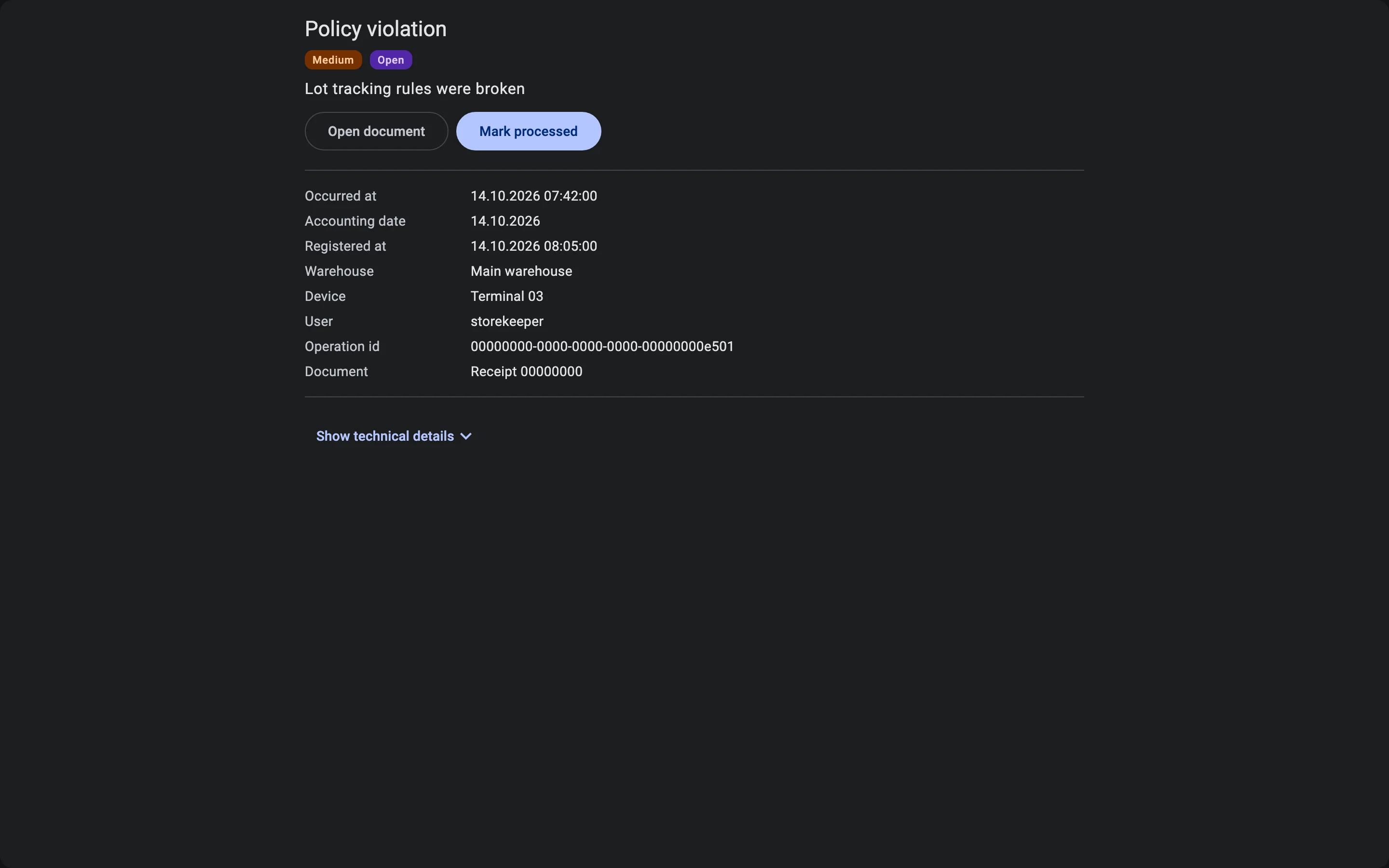
Selecting a row opens the discrepancy card with the details of the case — product, packaging, owner, location, lot, container, the accounting date, who processed it and the comment. A Show technical details switch reveals the raw operation data for support. Open document goes to the receipt, putaway or relocation the discrepancy concerns.
Marking as processed
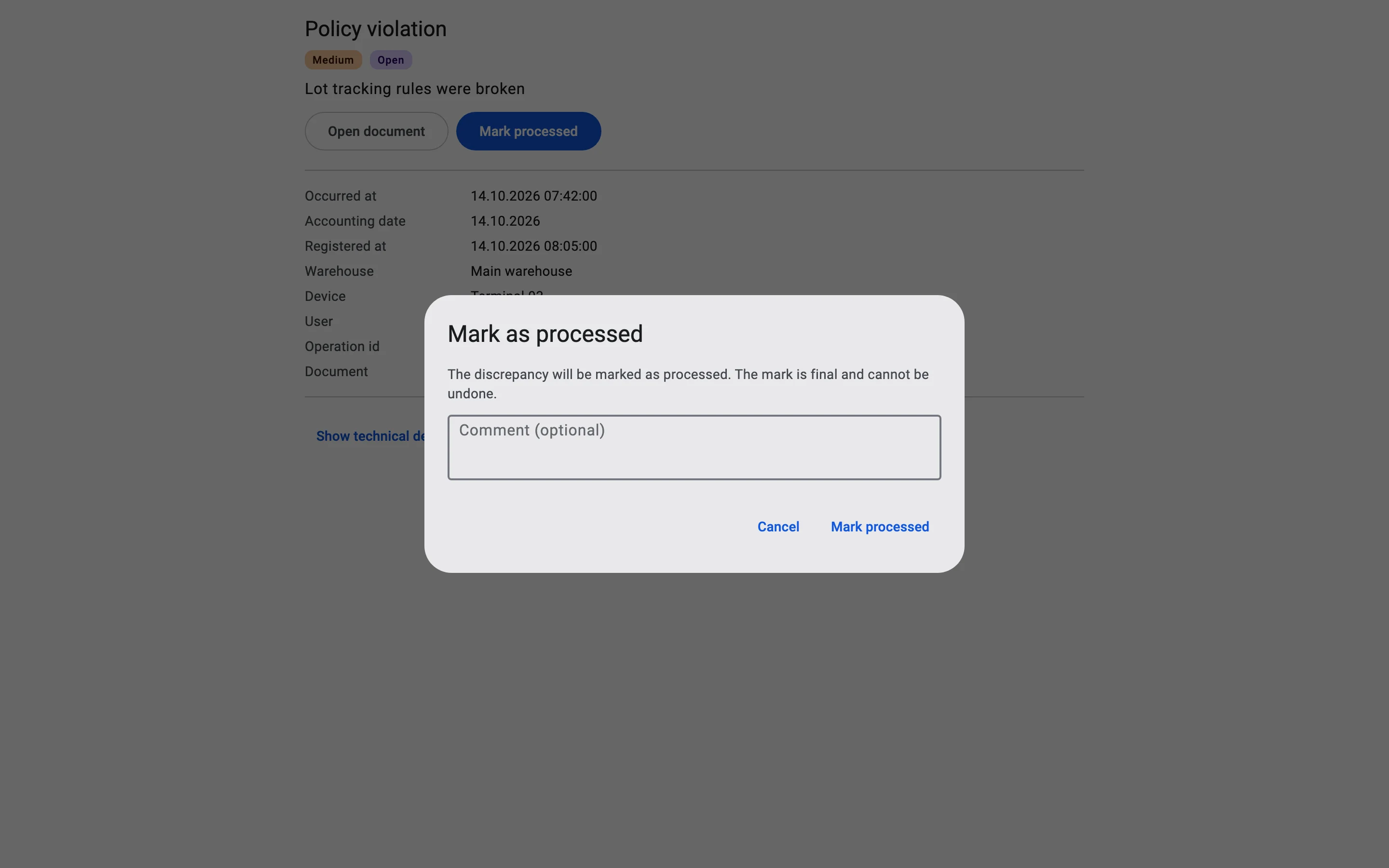
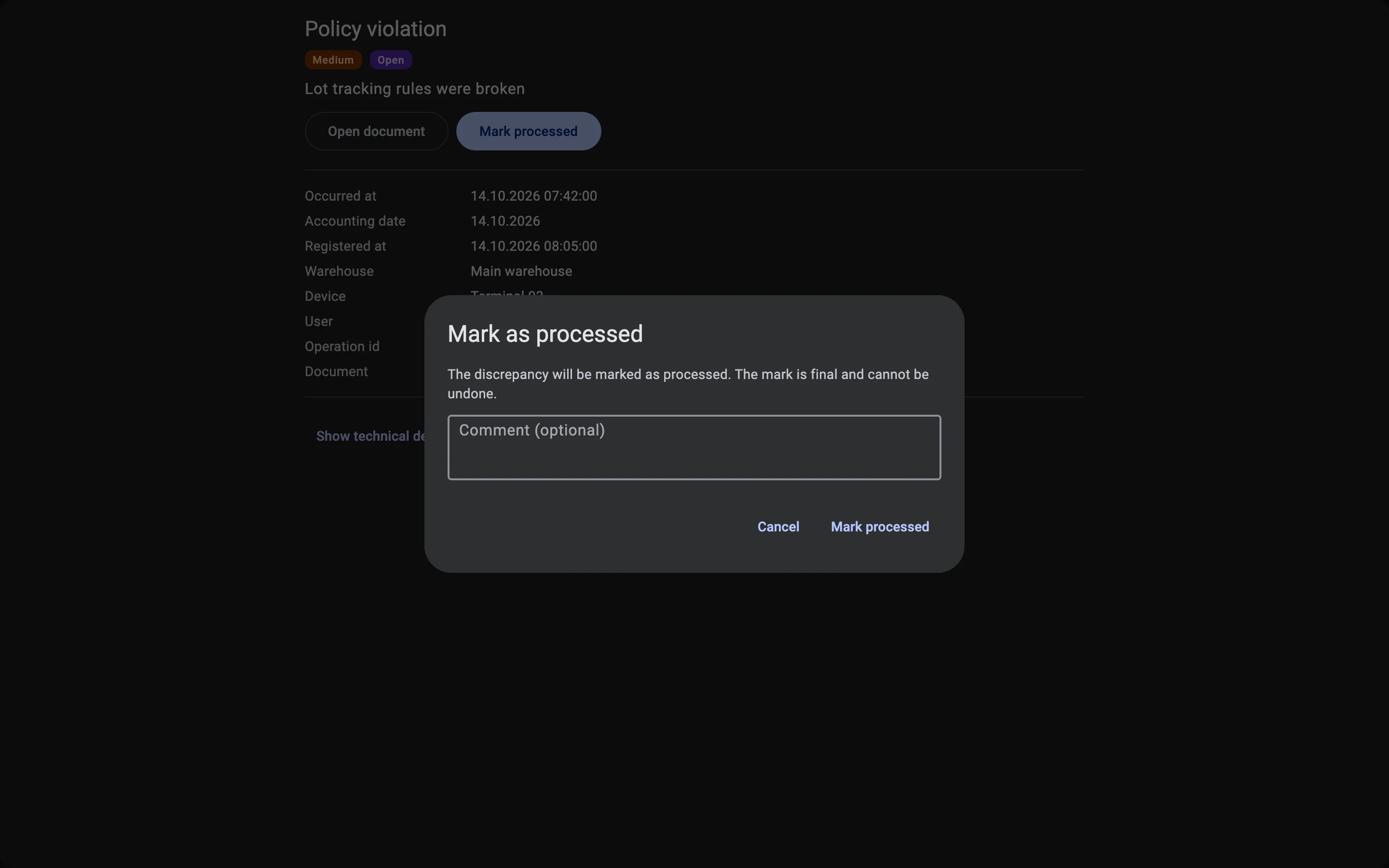
Mark processed is available on the card, and for several rows at once from the list (select the rows, then Mark processed (N)). The dialog asks for an optional Comment and warns that the mark is final and cannot be undone. When some rows cannot be marked — someone changed them in the meantime, they are already processed, or you have no right for their warehouse — the system lists them in a Not all discrepancies were marked message and marks the rest.
Statuses
Open (OPEN)
Waiting for someone to look at it.
Processed (RESOLVED)
Marked by a user; who marked it, when and with what comment is kept. Final.
Resolved automatically (AUTO_RESOLVED)
The system closed it itself because the cause disappeared, for example a negative balance that was later restored. Final.
Rights
Two rights govern the registry; both are granted per warehouse, like other rights, and a user sees only the discrepancies of the warehouses where they hold the right to view:
- View offline discrepancies — see the registry, read only.
- Mark offline discrepancies processed — mark discrepancies as processed. It builds on the right to view.
Severity
A discrepancy is High, Medium or Low, shown in the Severity column. Low ones are kept in the list for audit — for example a device clock that ran fast or slow, or a late fact.
Types of discrepancy
| Type | What it means |
|---|---|
| Fact not posted | The server rejected the operation and it was not posted. The description gives the reason; post the fact by hand, then mark the discrepancy processed. |
| Policy violation | The operation was posted although a rule was broken: the lot tracking rules (including a lot with too little remaining shelf life), a blocked lot, a reserved container, a blocked location, a returnable container without an owner. |
| Over-fulfillment | More was executed than planned. The description shows executed, planned and the excess. |
| Negative balance | Stock went below zero because of the operation. Closes by itself when the balance is restored. |
| Reservation conflict | The goods are reserved by other documents. |
| Fact on a closed document | The fact came for a document that was already finished, cancelled or deleted. |
| Completion not applied | The terminal finished a document, but the server could not apply it because the document was deleted or had already changed status. |
| Lot attribute conflict | Some lot attributes entered offline differ from the server's. |
| Lot without required attributes | A lot was created offline without its required attributes. Fill them in on the lot card; the discrepancy closes by itself. |
| Barcode conflict | The barcode registered offline is already bound to another product. |
| Container position conflict | The container's position on the server differs from what the terminal assumed. |
| Closed period | The operation falls into a closed accounting period. |
| Late fact | The fact reached the server late. |
| Device clock skew | The terminal clock ran ahead or behind; the system corrected the time of the operation. |
| User access revoked while offline | The user was deactivated, lost access to the warehouse or lost a needed right while working offline. |
| Other discrepancy | Any case not listed above. |