Issuing a token
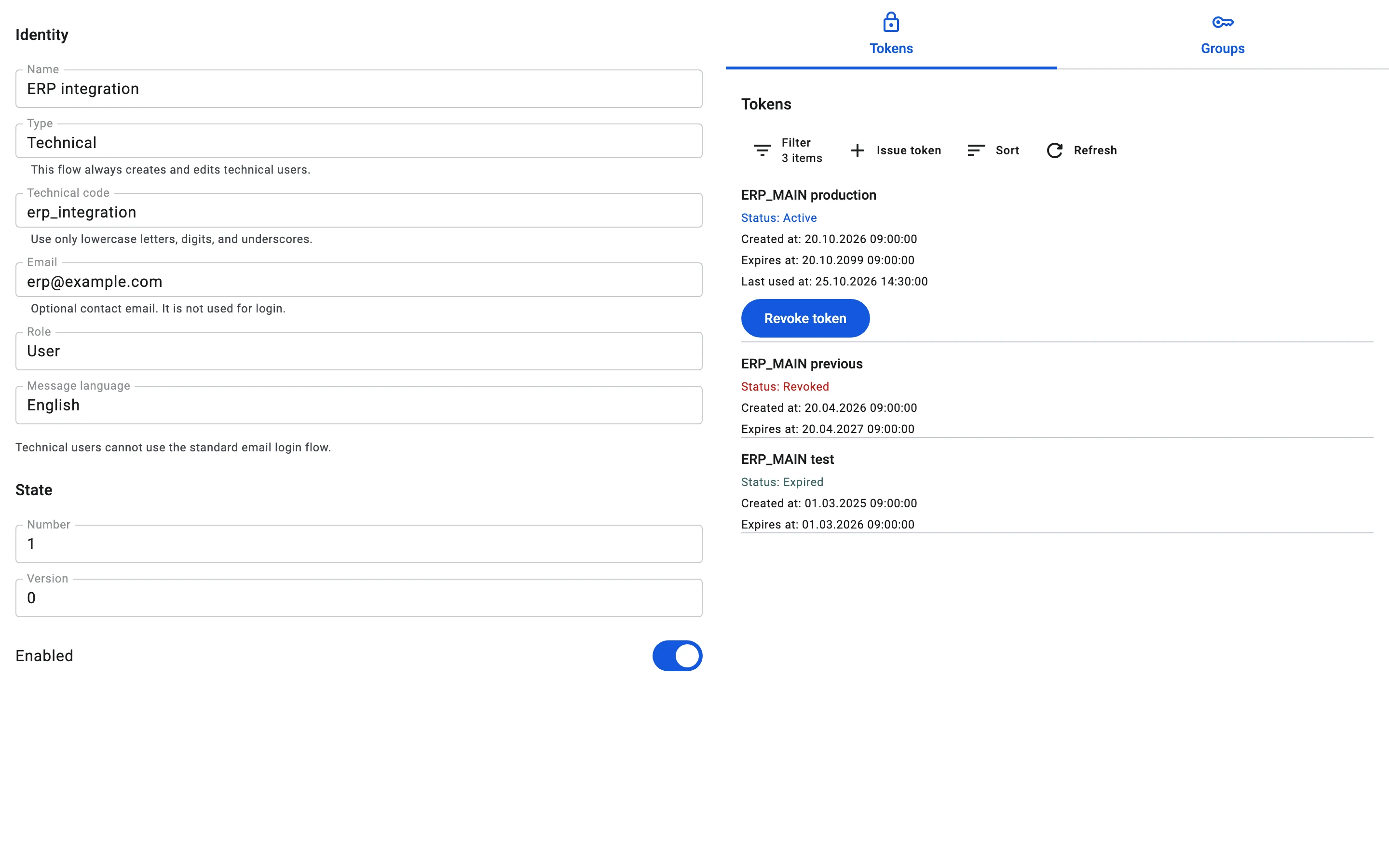
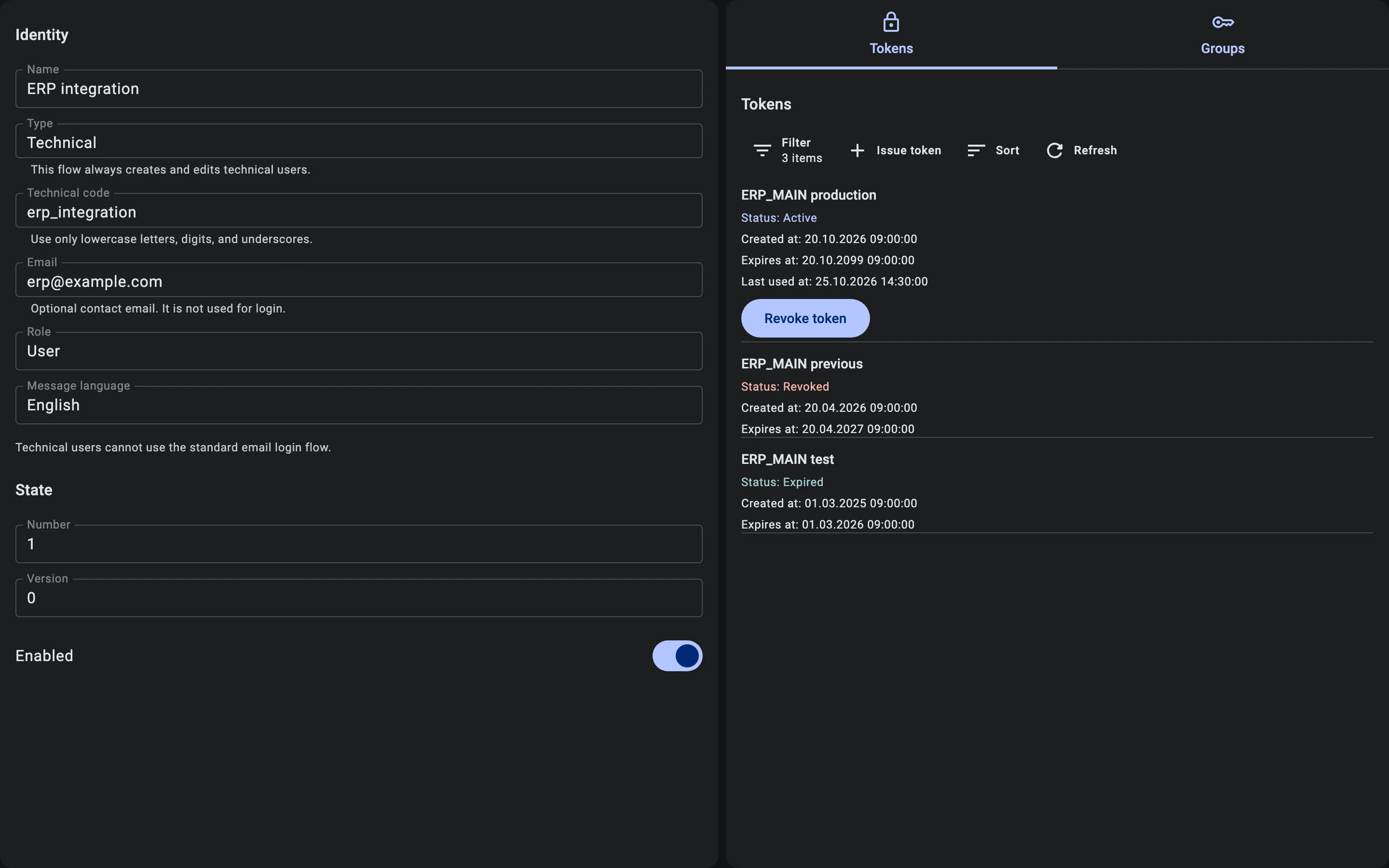
A technical user signs in with a token. You issue it on the Tokens tab of the technical user card.
Issuing
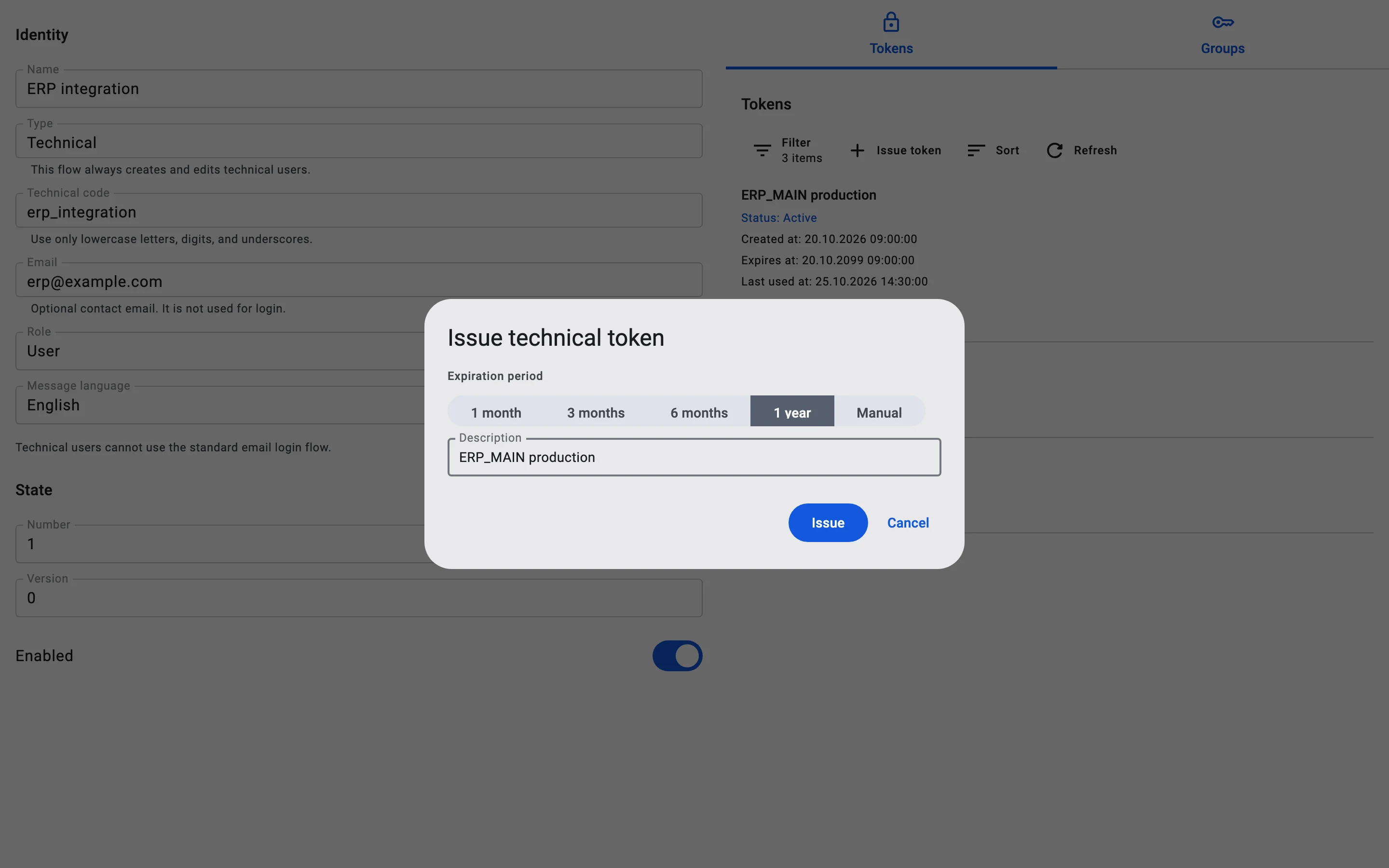
- On the Tokens tab, click Issue token. The Issue technical token dialog opens.
- Under Expiration period, choose 1 month, 3 months, 6 months or 1 year. If none of them fits, choose Manual and enter the exact expiry date and time. The date must be in the future and within the longest lifetime a token may have (by default, one year from now). A later date is rejected.
- Fill in Description so you can recognise the token later, for example "ERP_MAIN production".
- Click Issue.
A technical user has one active token at a time. Issuing a new token revokes the current one. From the moment you click Issue, the module can no longer sign in with the old token. A session it had already opened is short-lived and may keep working for a few more minutes. The module works normally again only after you give it the new token.
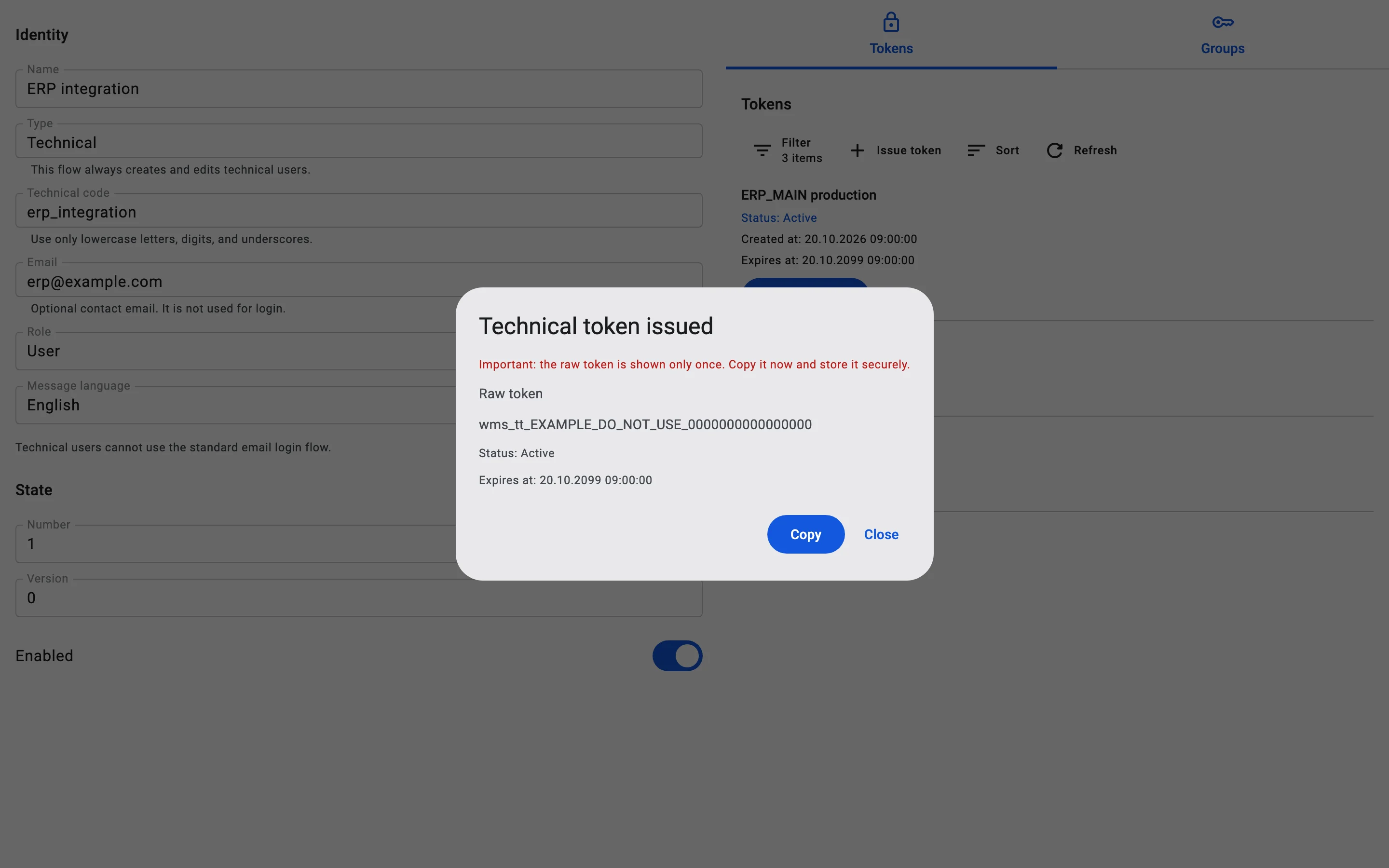
The token is shown once
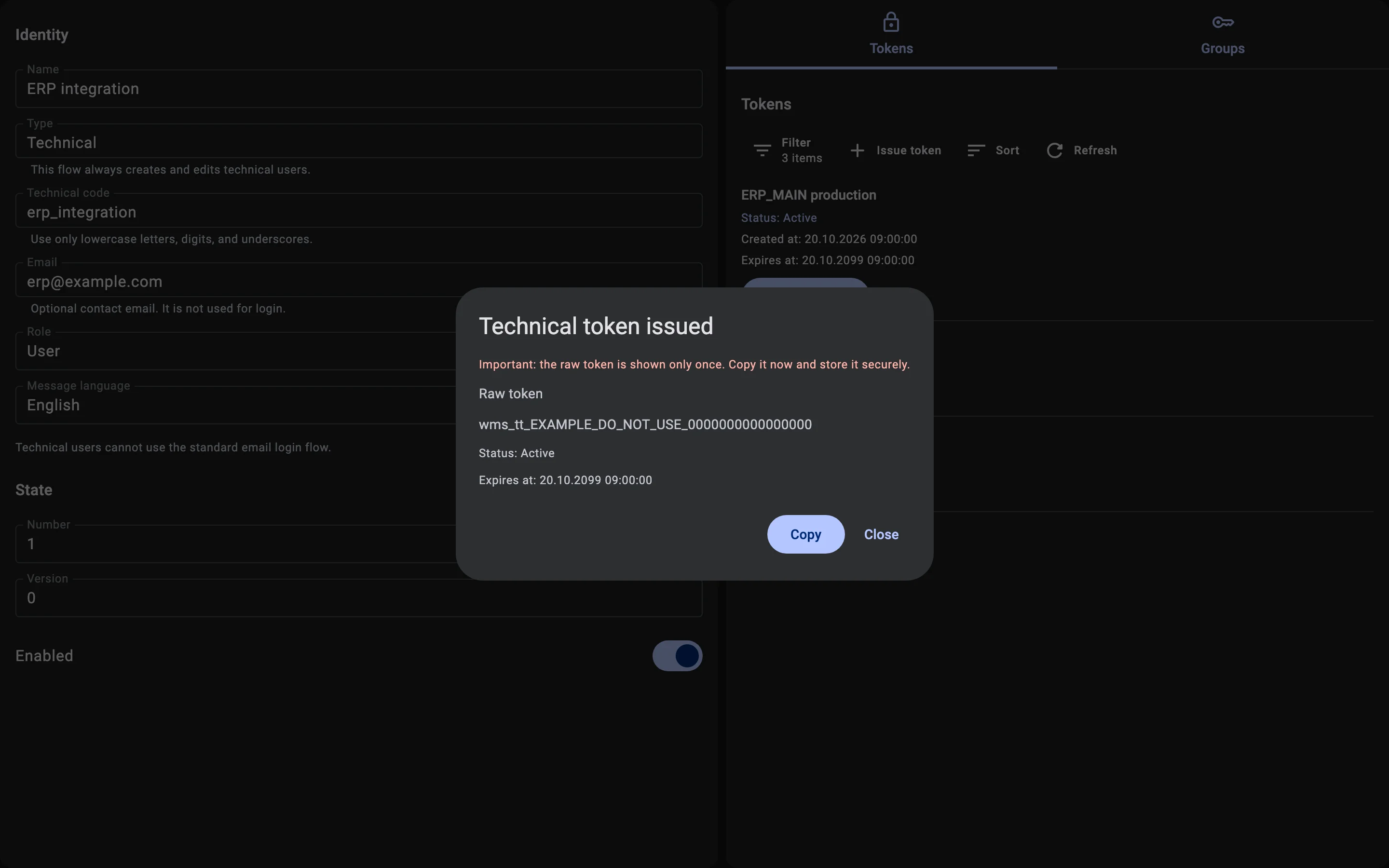
The Technical token issued dialog shows the Raw token, its status and its Expires at date. The raw token appears only once: "Important: the raw token is shown only once. Copy it now and store it securely." Click Copy to put it on the clipboard, and keep it somewhere safe. After you click Close, nobody can see it again.