Creating a technical user
A technical user is an account for a program, not for a person. It has no password and cannot sign in through the Client. Its only way in is a token, and with that token it can reach the integration endpoints only. Nothing else in the WMS accepts it.
Open Administration in the Client and go to Technical Users. Create a new one there.
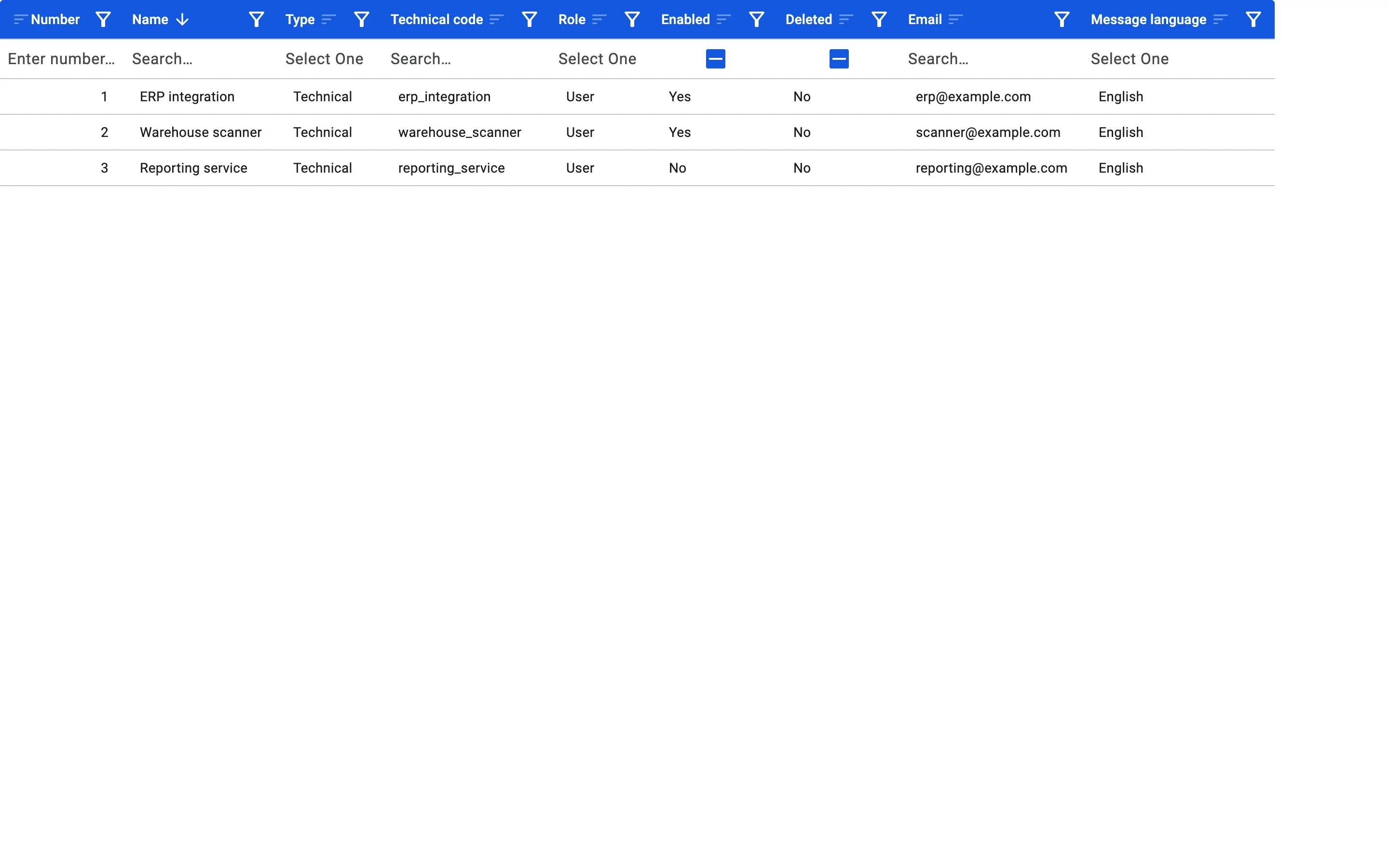
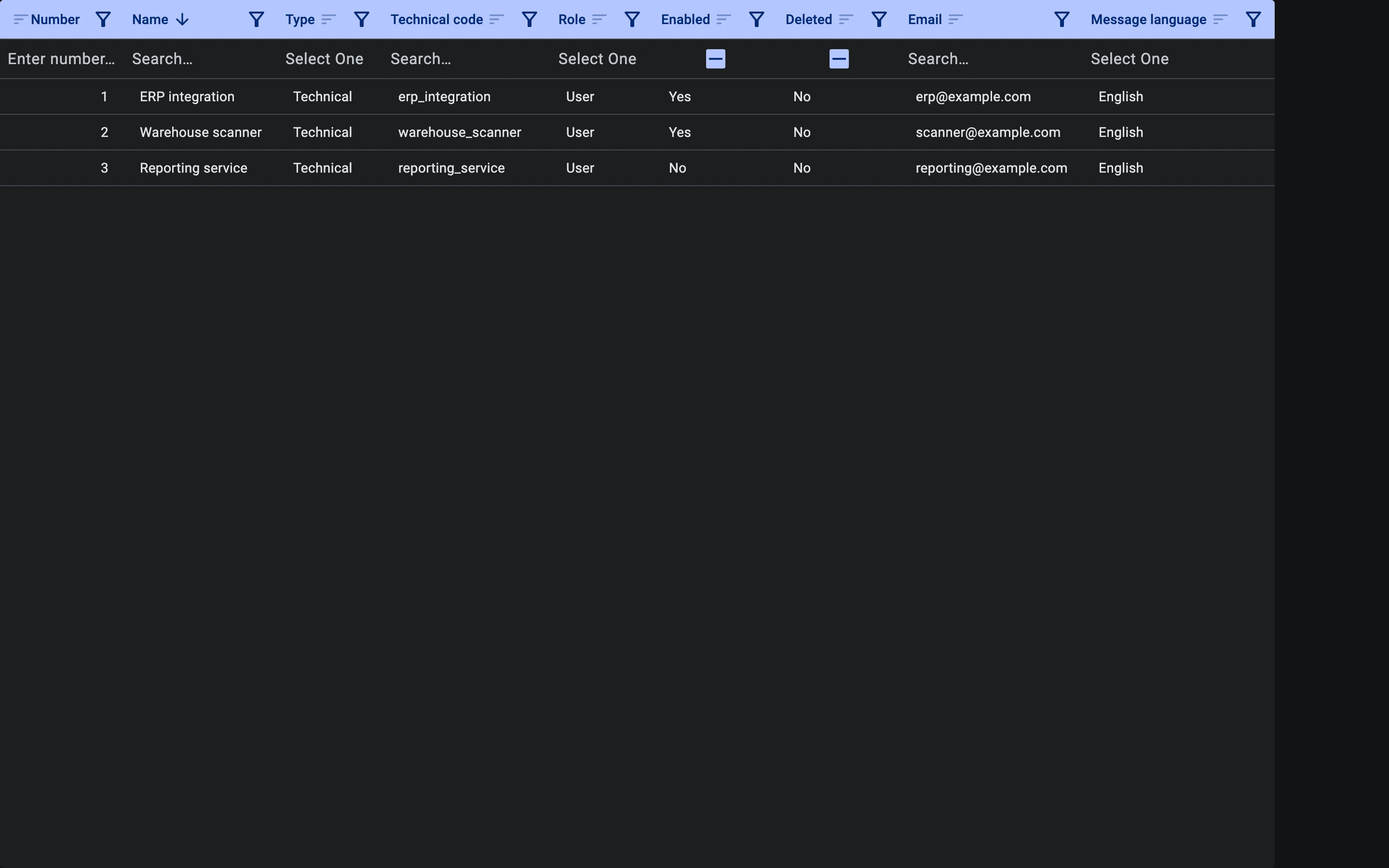
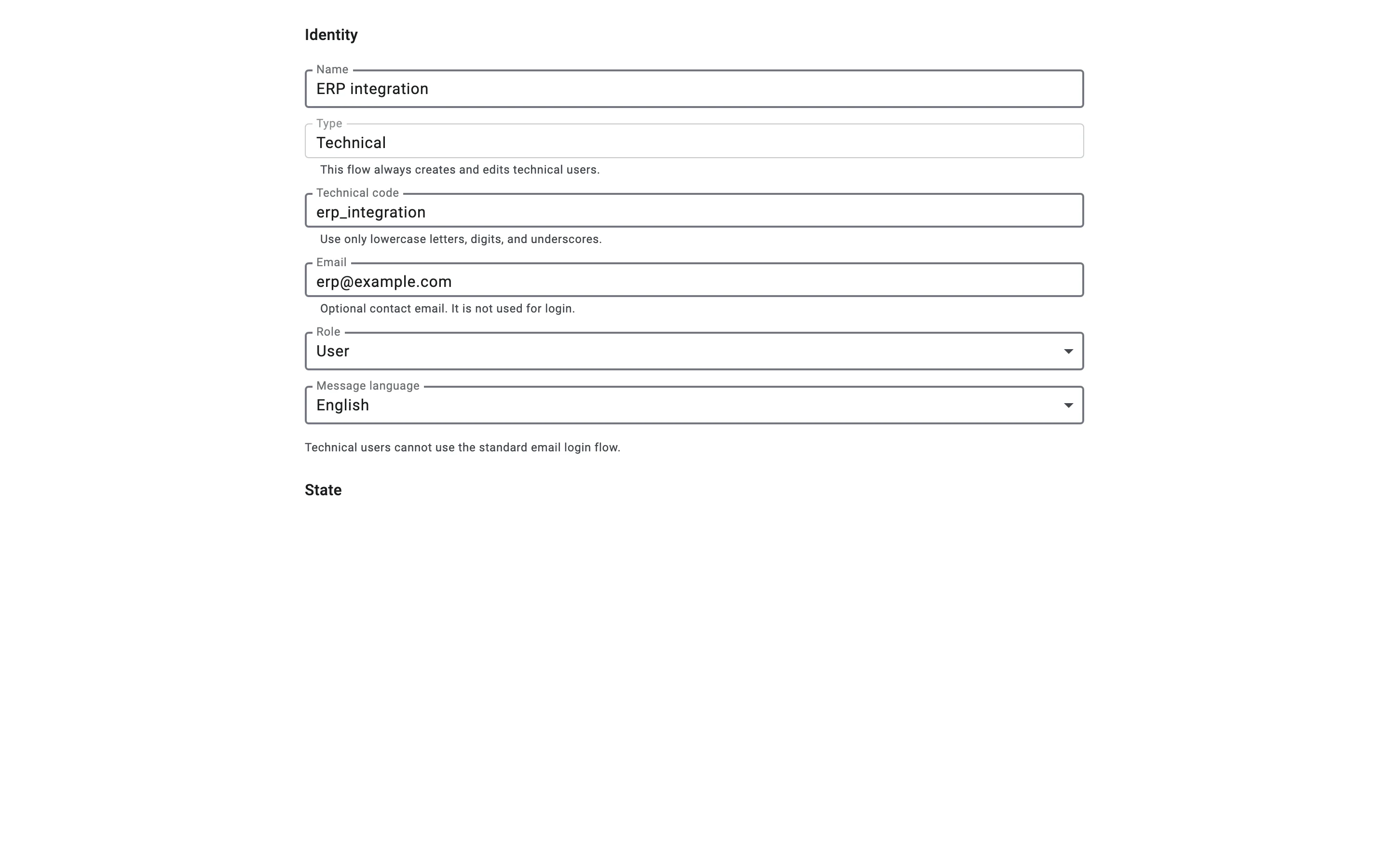
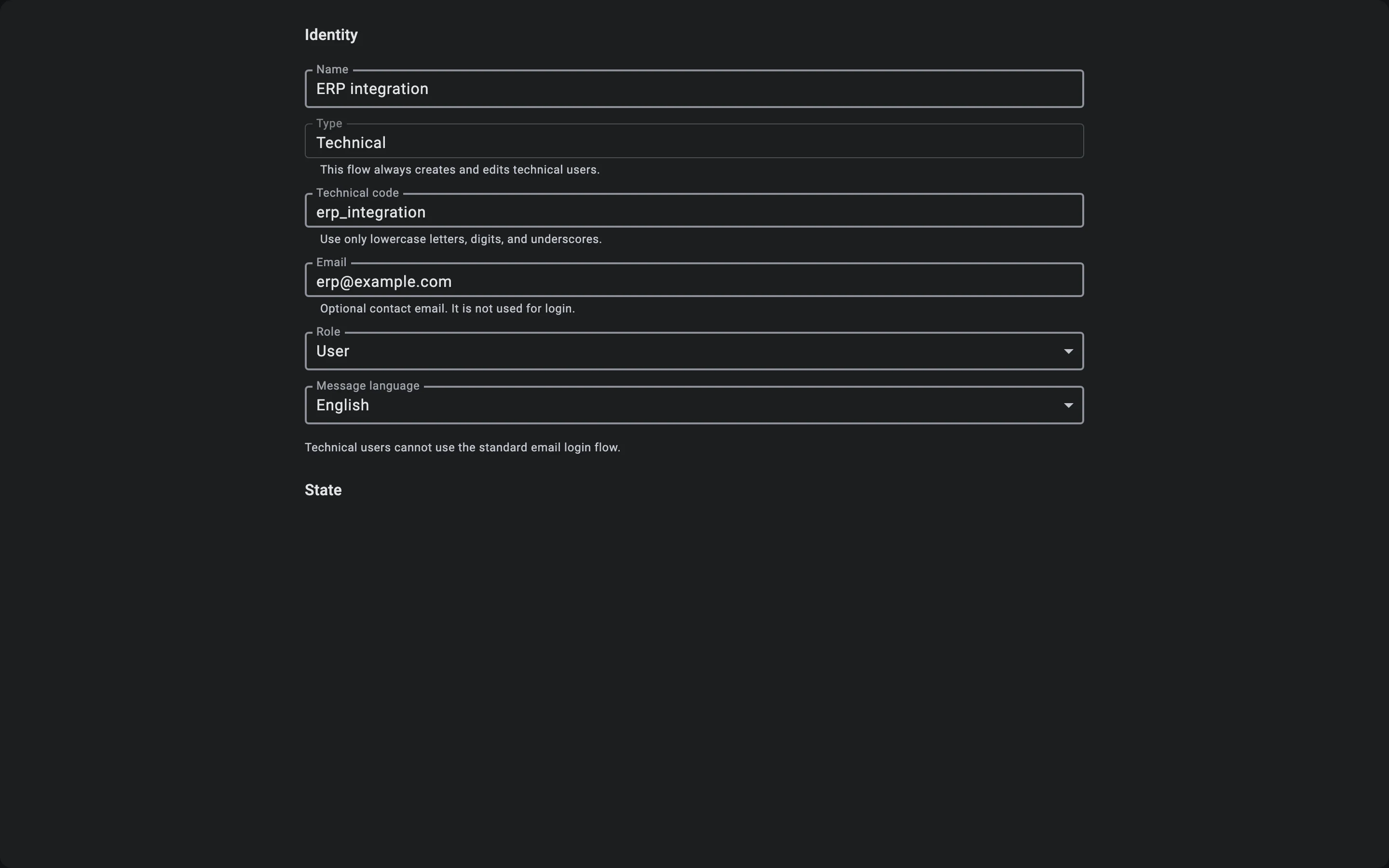
The technical user's General tab
The form has these fields:
- Name — a name people will recognise, for example "ERP integration".
- Type — always set to the technical type. This screen only creates and edits technical users.
- Technical code — the user's code, for example
erp_integration. Use only lowercase letters, digits and underscores. The code cannot be changed after the user is created. - Email — optional contact email. It is not used for sign-in.
- Role — the user's role. Choose User for a technical user: then it can do only what its access groups allow. An administrator role skips those checks and would give the integration full access.
- Message language — the language of the messages sent to this user.
Click Save. The Tokens and Groups tabs appear once the user has been saved.
The technical user's Enabled switch
A new technical user is created switched off. Once it is saved, its card shows the Enabled switch: turn it on to let the user sign in. The switch takes effect at once; you do not need to click Edit first.
While Enabled is on, the user's tokens work. If you switch it off, the Client asks you to confirm, and from then on the integration can no longer sign in with its token. A session the module had already opened is short-lived: it may keep working for a few more minutes until it runs out. Switch Enabled back on to restore access.
Licence limit
Enabled technical users count against the technical seats of your licence. If the limit has been reached, switching Enabled on fails with this message: "The technical-user limit for your license has been reached. Contact your administrator to free up or add seats." Free up a seat or ask for more, then try again.