Giving a technical user access
A technical user gets its rights the same way a person does: by being a member of an access group. A new technical user belongs to no group. With the User role, this means that even with a valid token it is allowed to do nothing yet. The Admin and Owner roles skip these checks, which is why a technical user should have the User role.
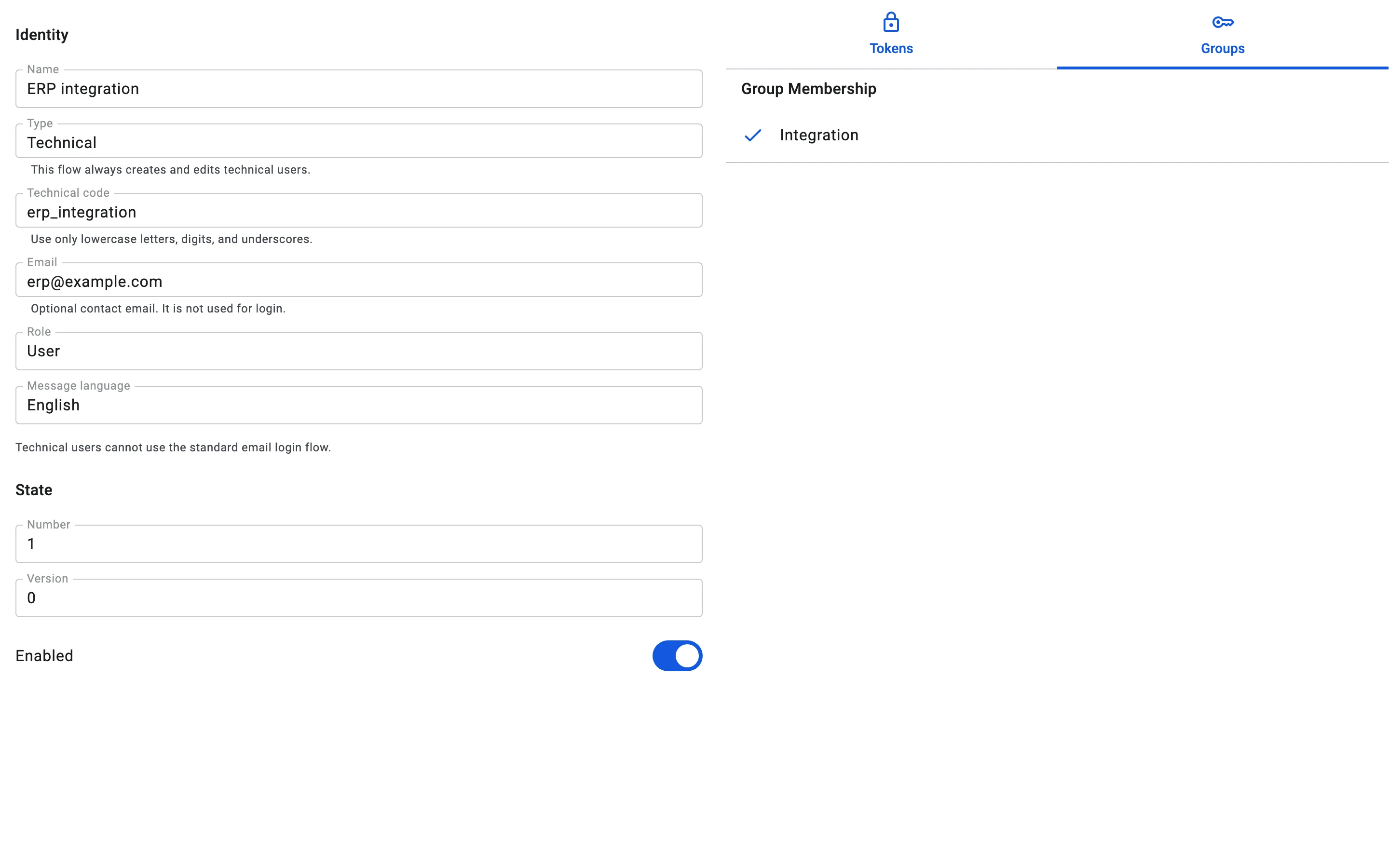
The technical user card opens in view mode, where you can only look at the groups. To change membership:
- Open the technical user and click the Edit (pencil) icon.
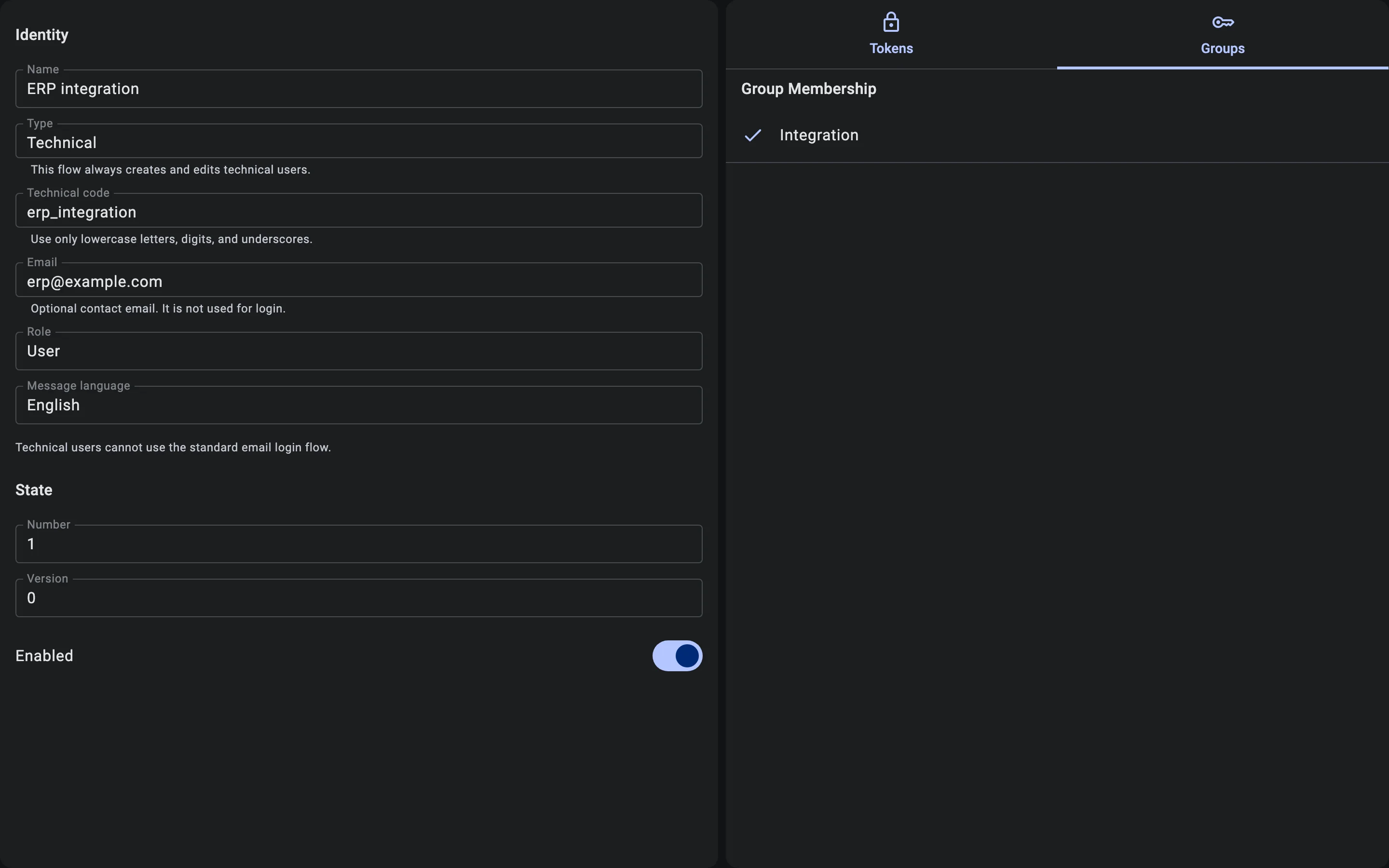
- Switch to the Groups tab. Its Group Membership list shows every access group, with a check mark next to the ones the user belongs to.
- Tick the group that gives the integration the rights it needs, for example "Integration". Untick a group to remove the user from it.
- Click Save. The button appears once you have made a change. The Client confirms with "Saved".
How groups are built and combined is described in Access groups.