Setting the warehouse scope
The warehouse scope says which warehouses the external system may work with. You set it on the Warehouses tab of the external system card. While you are creating the system, the tab is already editable. To change it later, click Edit on the card, and click Save when you are done.
There are two ways to set it.
Global access
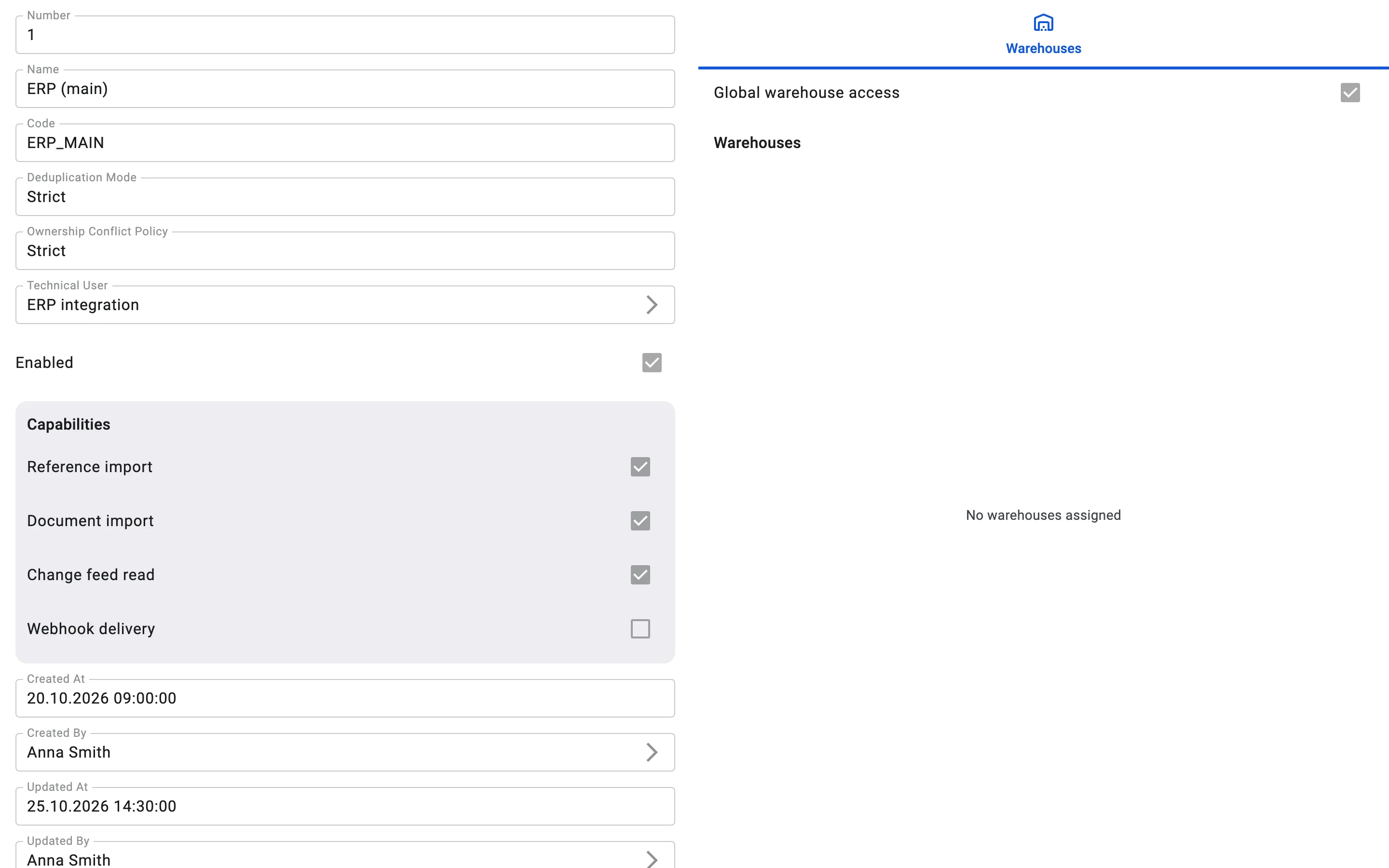
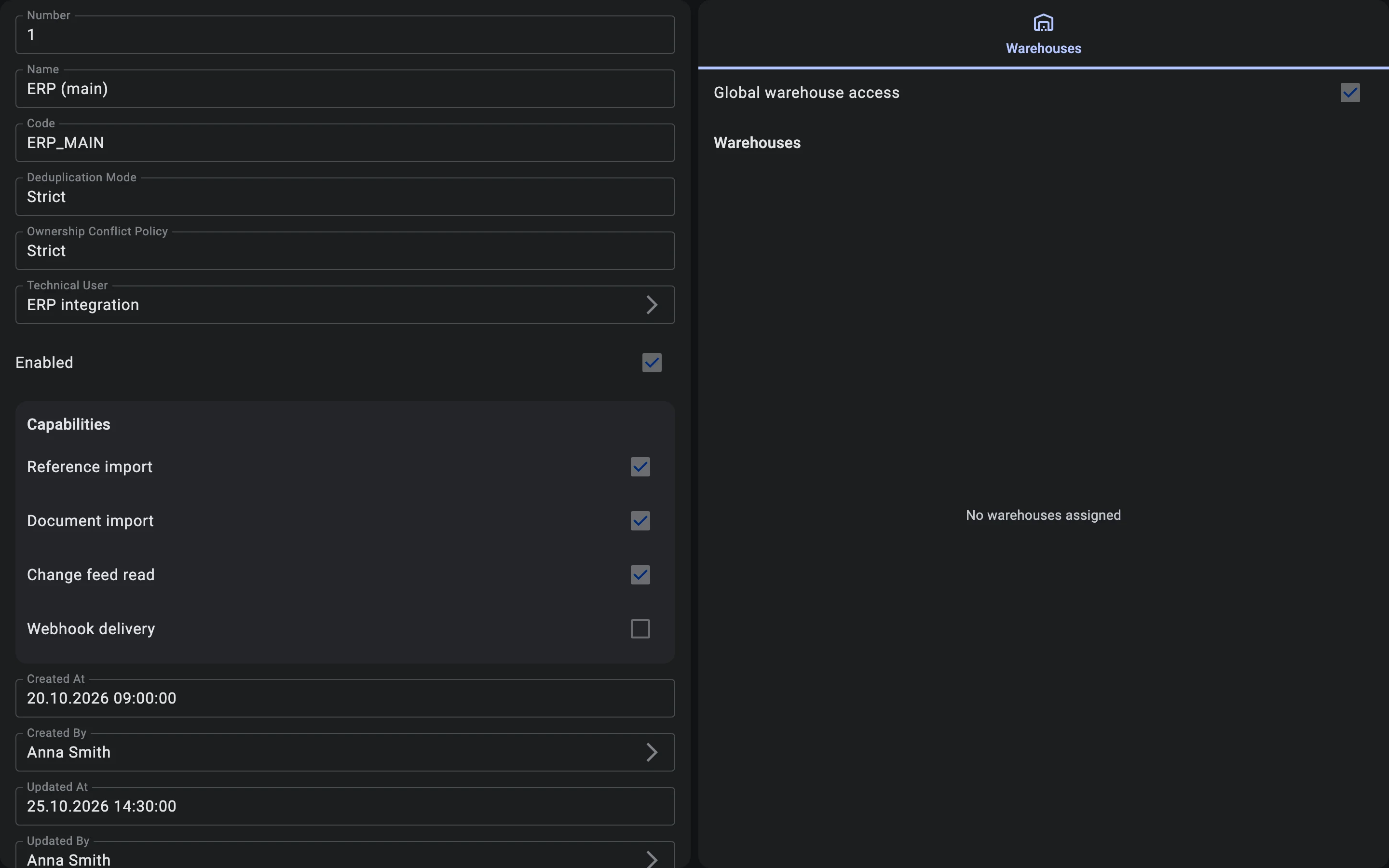
Tick Global warehouse access to let the system work with all warehouses, including those you create later. The list below it is then not used.
A chosen list
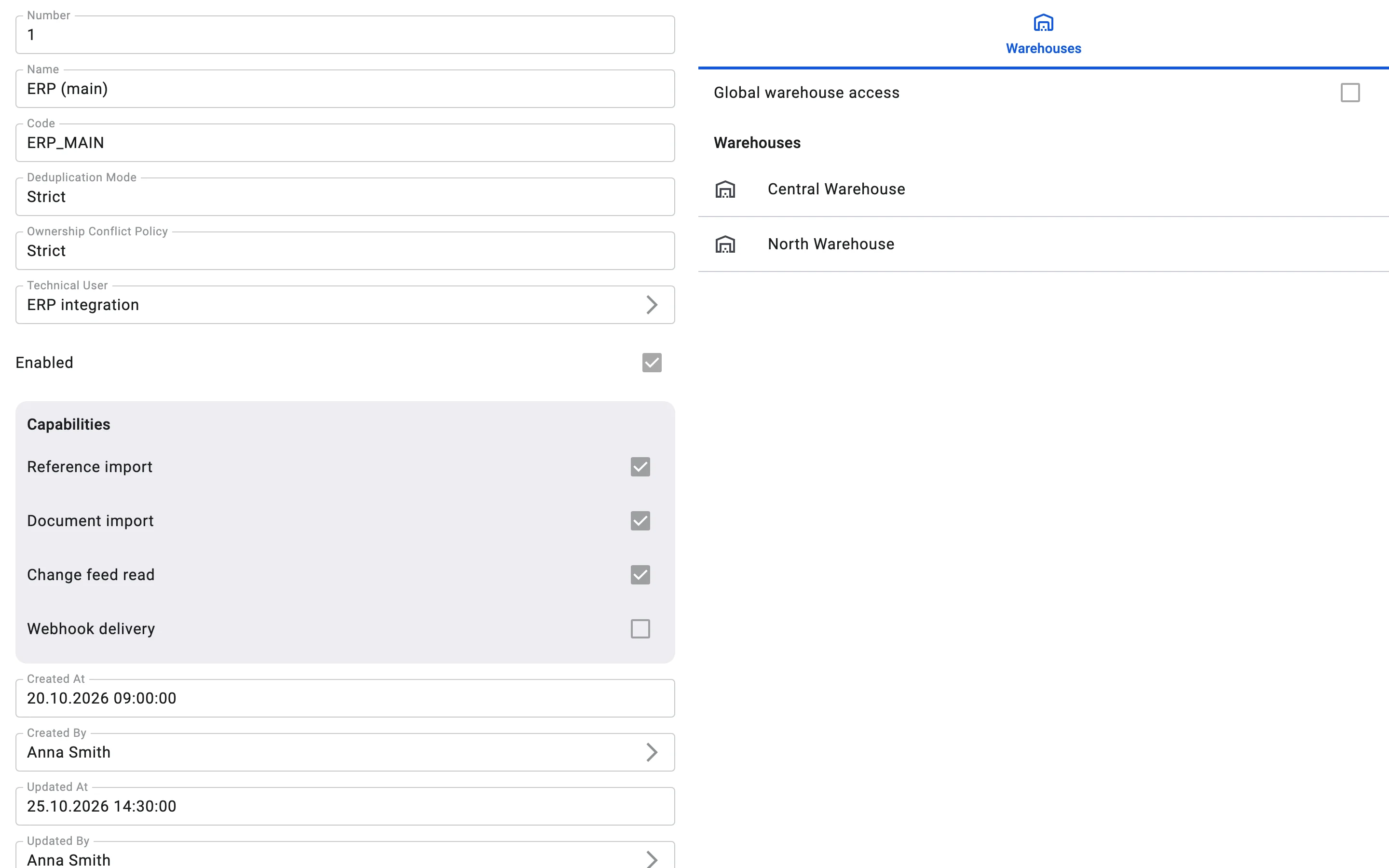
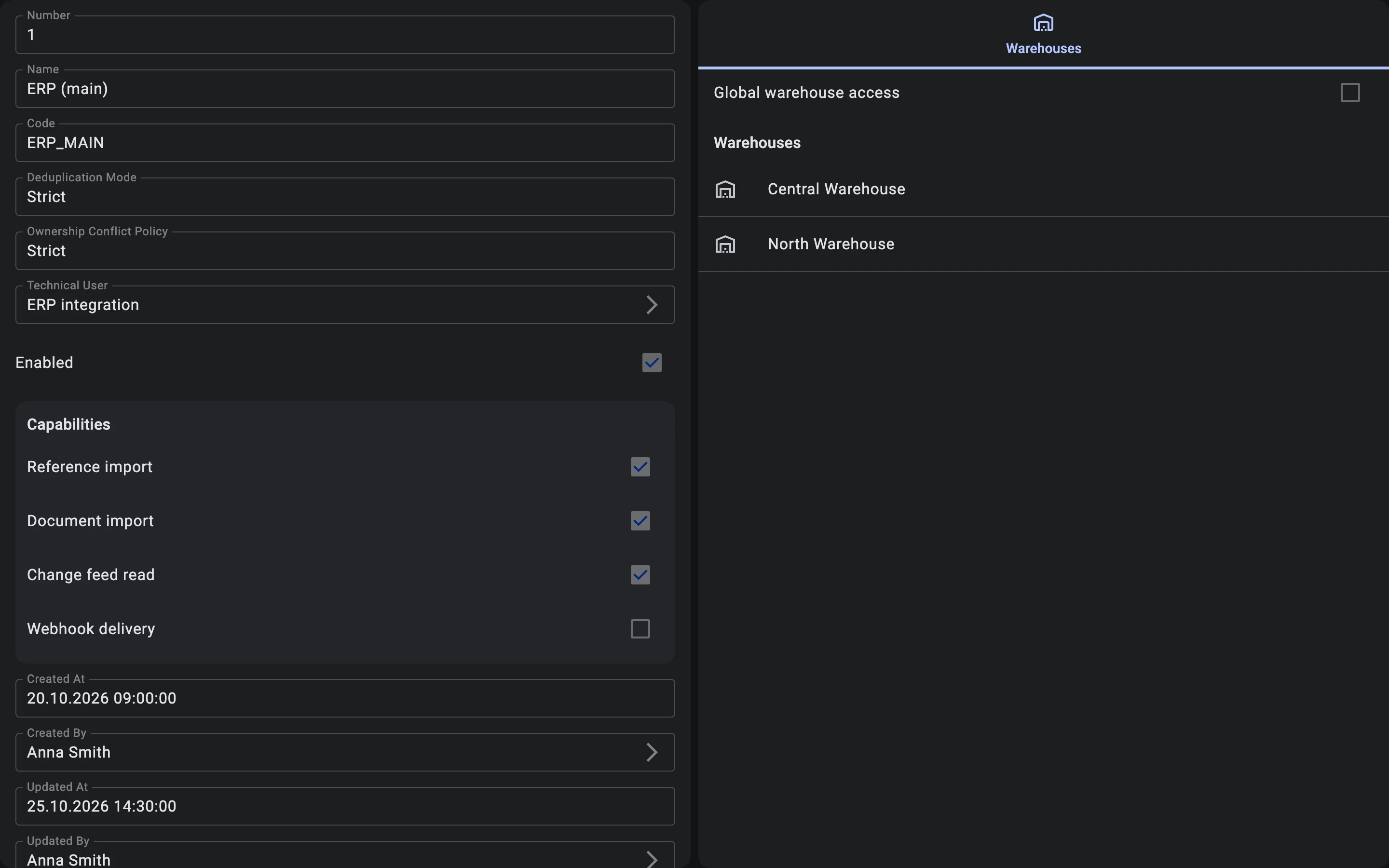
Leave Global warehouse access off and list the warehouses the system may use, for example "Central Warehouse" and "North Warehouse":
- In edit mode, click Add warehouses and pick one or more warehouses.
- To take a warehouse off the list, use Remove next to it.
- Click Save.
The system can then work only with the listed warehouses. A request about any other warehouse is rejected.
If Global warehouse access is off and the list is empty ("No warehouses assigned"), the system has access to no warehouse. Either tick Global warehouse access or add the warehouses the system needs.