Registering an external system
An external system is the record of the connected program inside the WMS. It says who the program signs in as, what it may do, and how the WMS treats its data.
Open Administration in the Client and go to External Systems. To add a system, click Create. To change one, open it and click Edit; when you are done, click Save. The Client confirms with "External system saved".
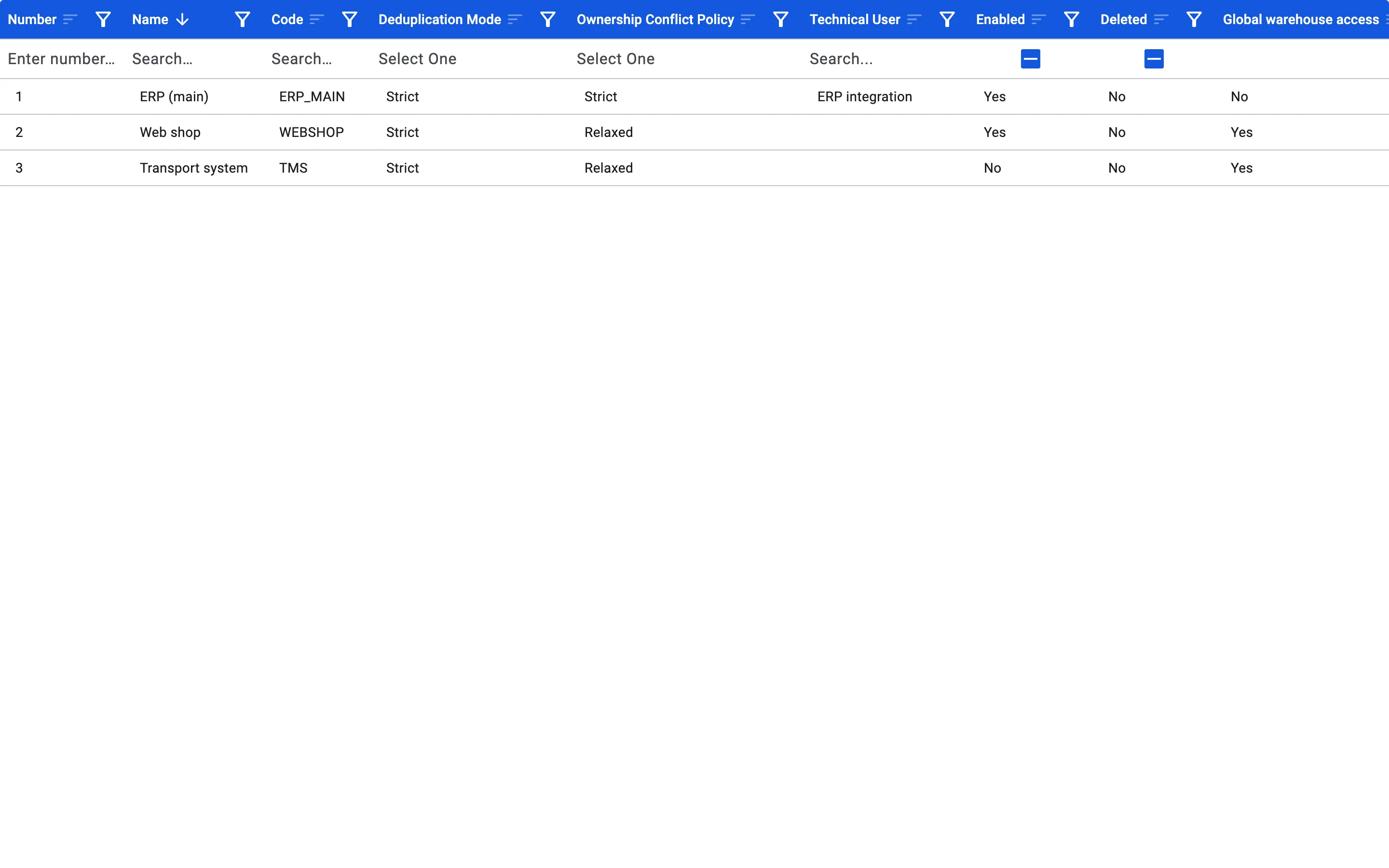
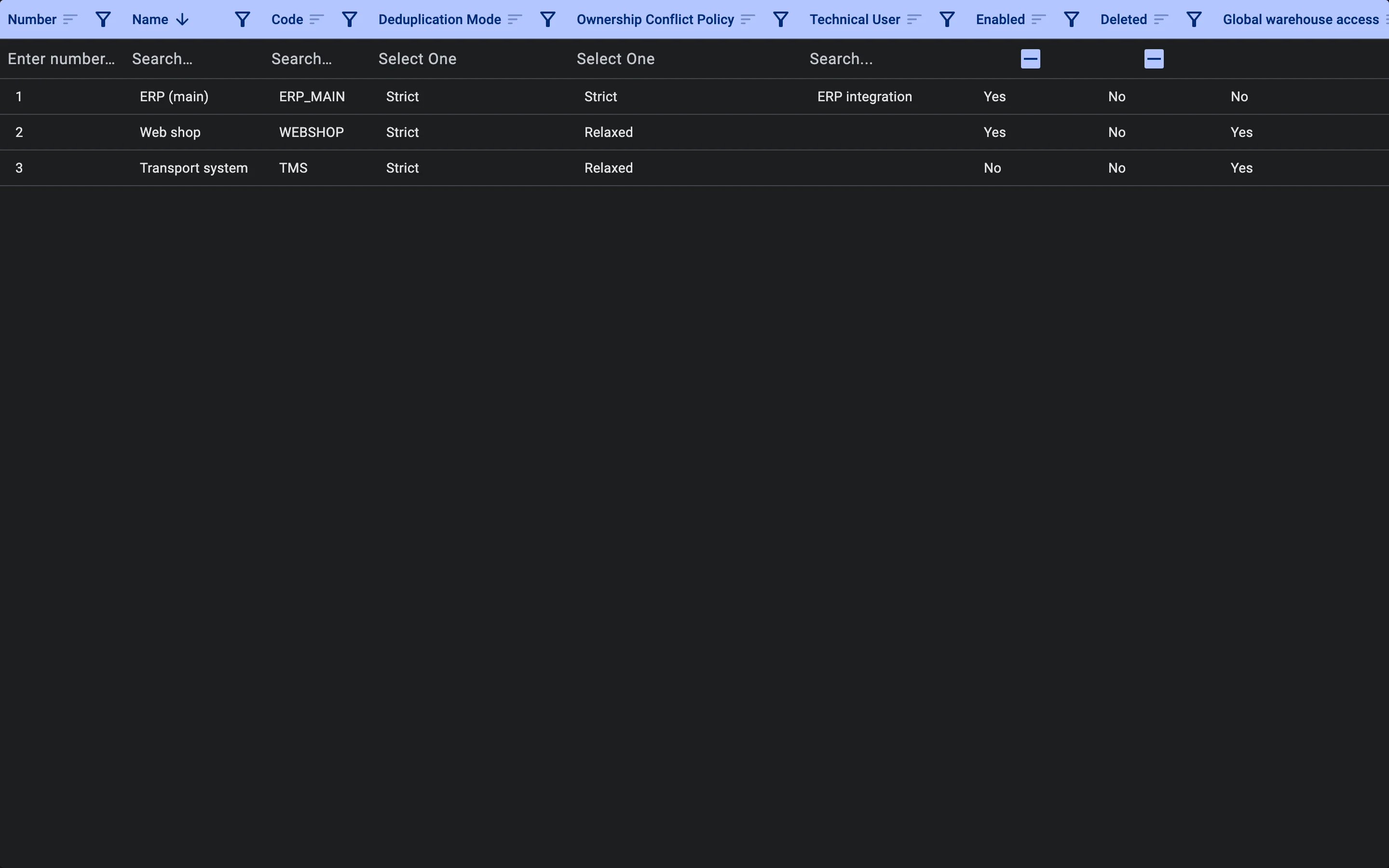
The external system's General tab
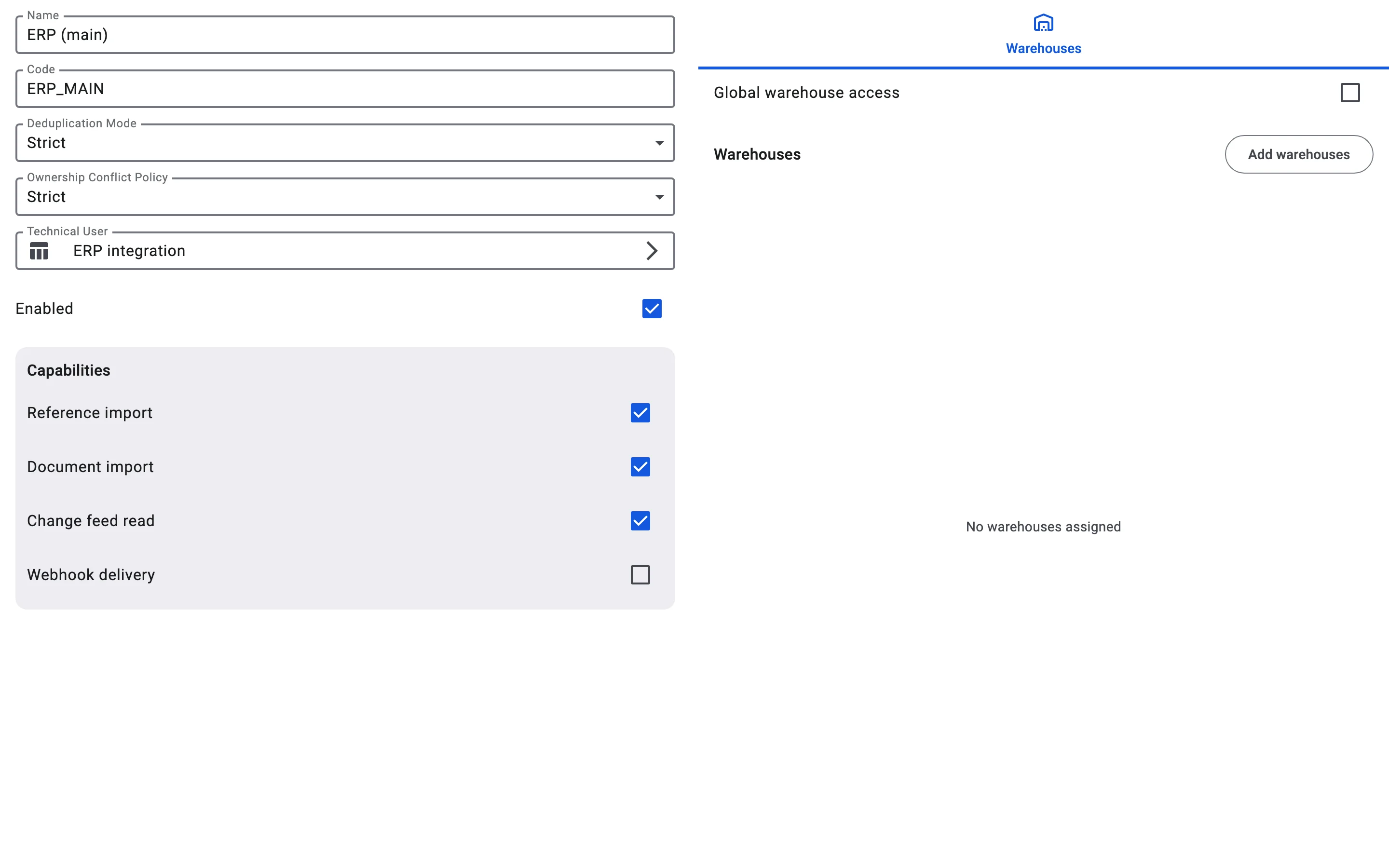
The form has these fields:
- Name — a name people will recognise, for example "ERP (main)". It is required.
- Code — the code of the system, for example
ERP_MAIN. It is required. Your developer uses this code in every request, so choose it carefully: the code cannot be changed after the system is created. - Deduplication Mode and Ownership Conflict Policy — see below.
- Technical User — the technical user the system works as, for example "ERP integration". Pick it from the list of technical users; see Creating a technical user. The system is linked to the user, not to a particular token, so issuing a new token does not break the link.
- Enabled — decides whether the system works at all.
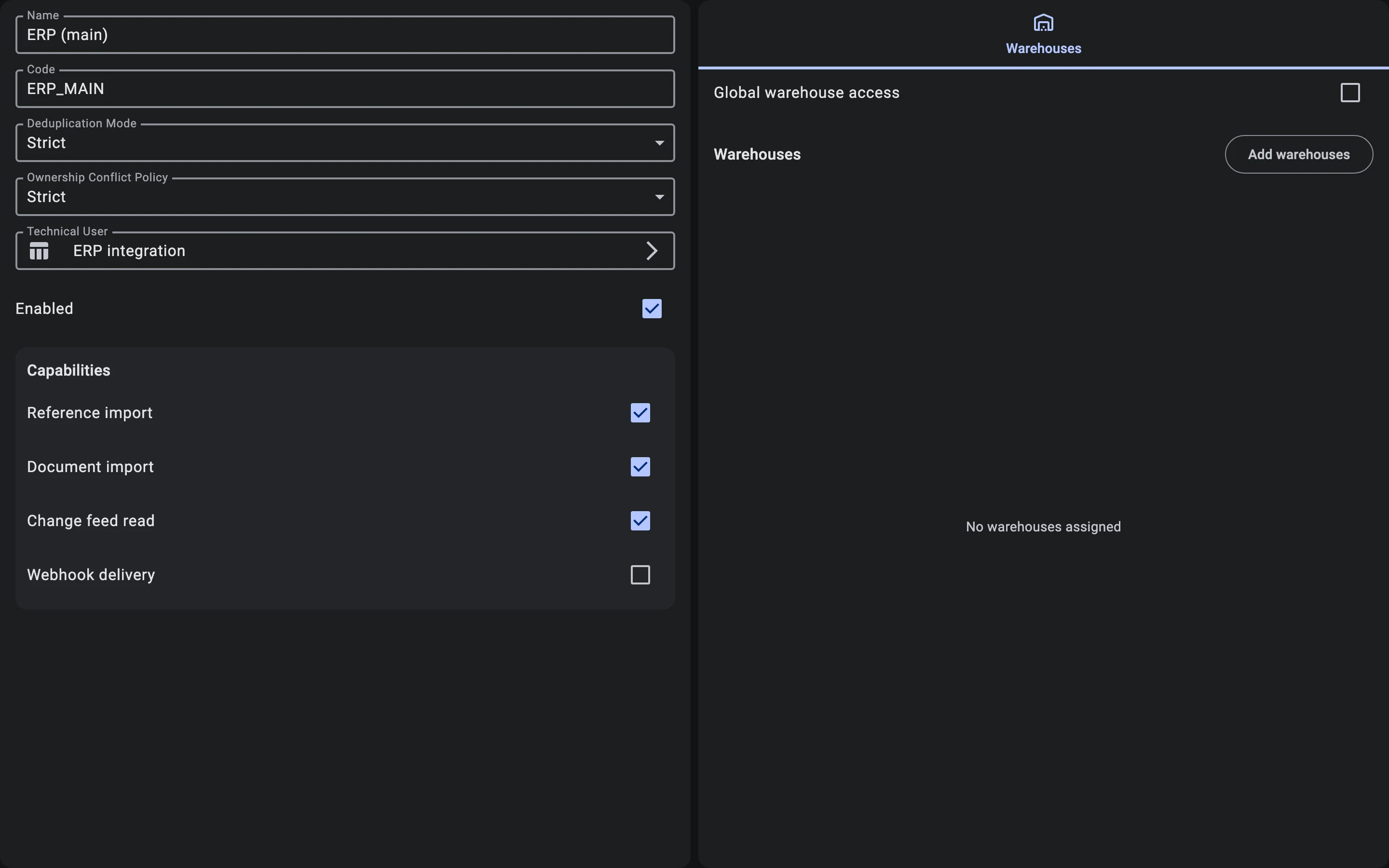
On a computer the card shows this form on the left and the Warehouses tab on the right, in one view. The Number field, assigned by the WMS, appears once the system exists.
Capabilities
Under Capabilities, tick only what the connected system really uses:
- Reference import
- Document import
- Change feed read
- Webhook delivery — reserved for the future
If a request needs a capability the system does not have, the WMS rejects it. See Integration capabilities for what each one allows.
Deduplication mode and ownership conflict policy
- Deduplication Mode decides what happens when data sent by the system collides with a record the WMS already has: Strict or Relaxed. See Deduplication modes.
- Ownership Conflict Policy decides what happens when two systems claim the same record: Strict or Relaxed. See Ownership conflict policies.
What a recorded conflict means and how to resolve it is covered in Conflicts.
The external system's Enabled setting
While Enabled is on, the system works. If you switch it off, the WMS rejects its requests, as if the system were not registered. Switch it back on to restore access. The WMS rejects the requests of a deleted system in the same way.