Setting the main code
Use this when a system has several codes for one record and a different code should be the main one. For example, ERP (main) has two codes for the product "Steel bolt M8": the old 000123 and the new 000987, and from now on 000987 should be used.
The code you choose becomes the system's main code for the record, and its conflict mark is removed. The system's other codes for this record stop being main codes. Their conflict marks stay; resolve them separately if needed.
Steps
- In External References, select the code that should become the main one.
- In the bar at the bottom, click Set as primary. The Set primary reference screen opens with every code of this system for the record. The reference you selected is ticked.
- Make sure the right code is ticked, and click Confirm.
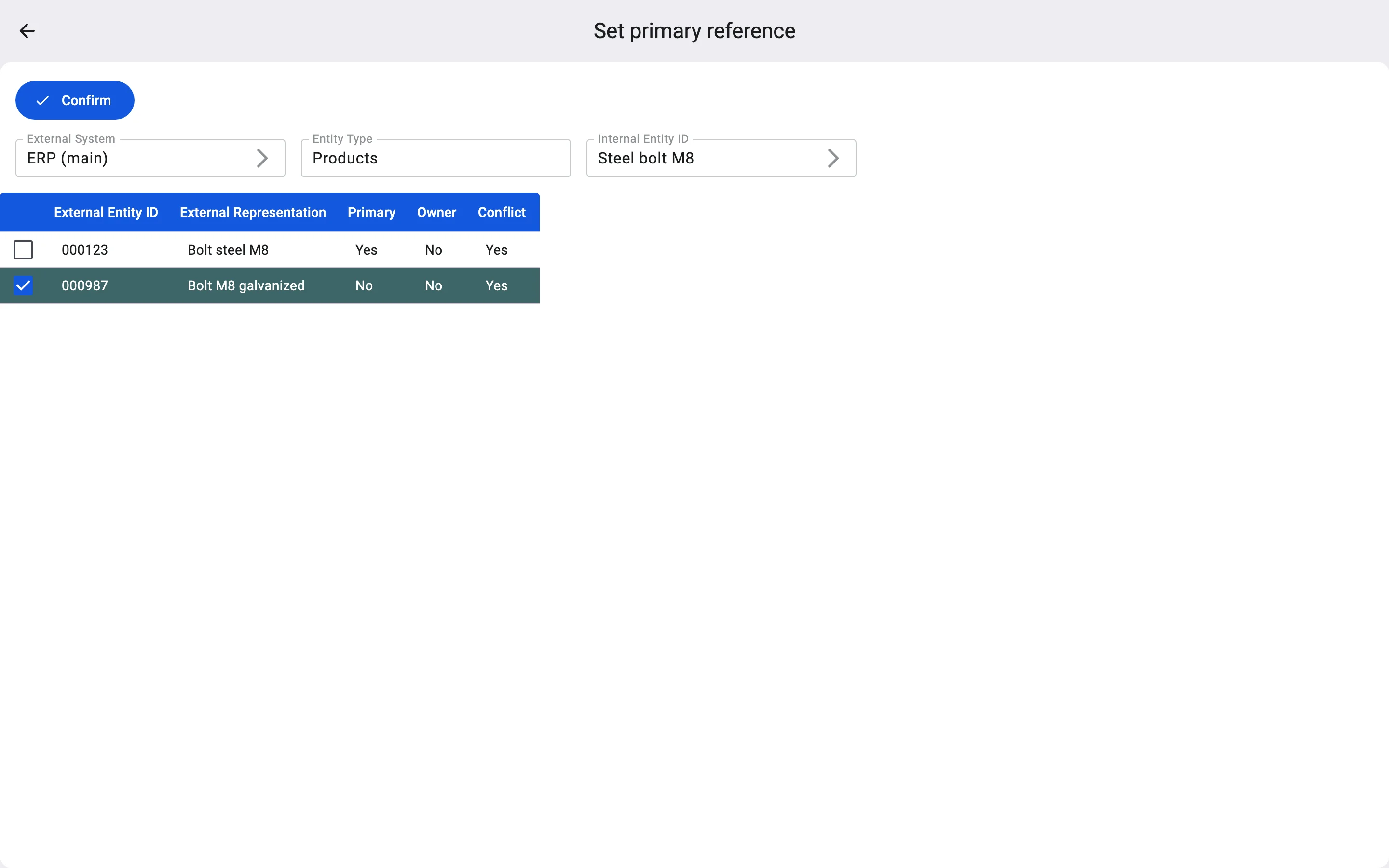
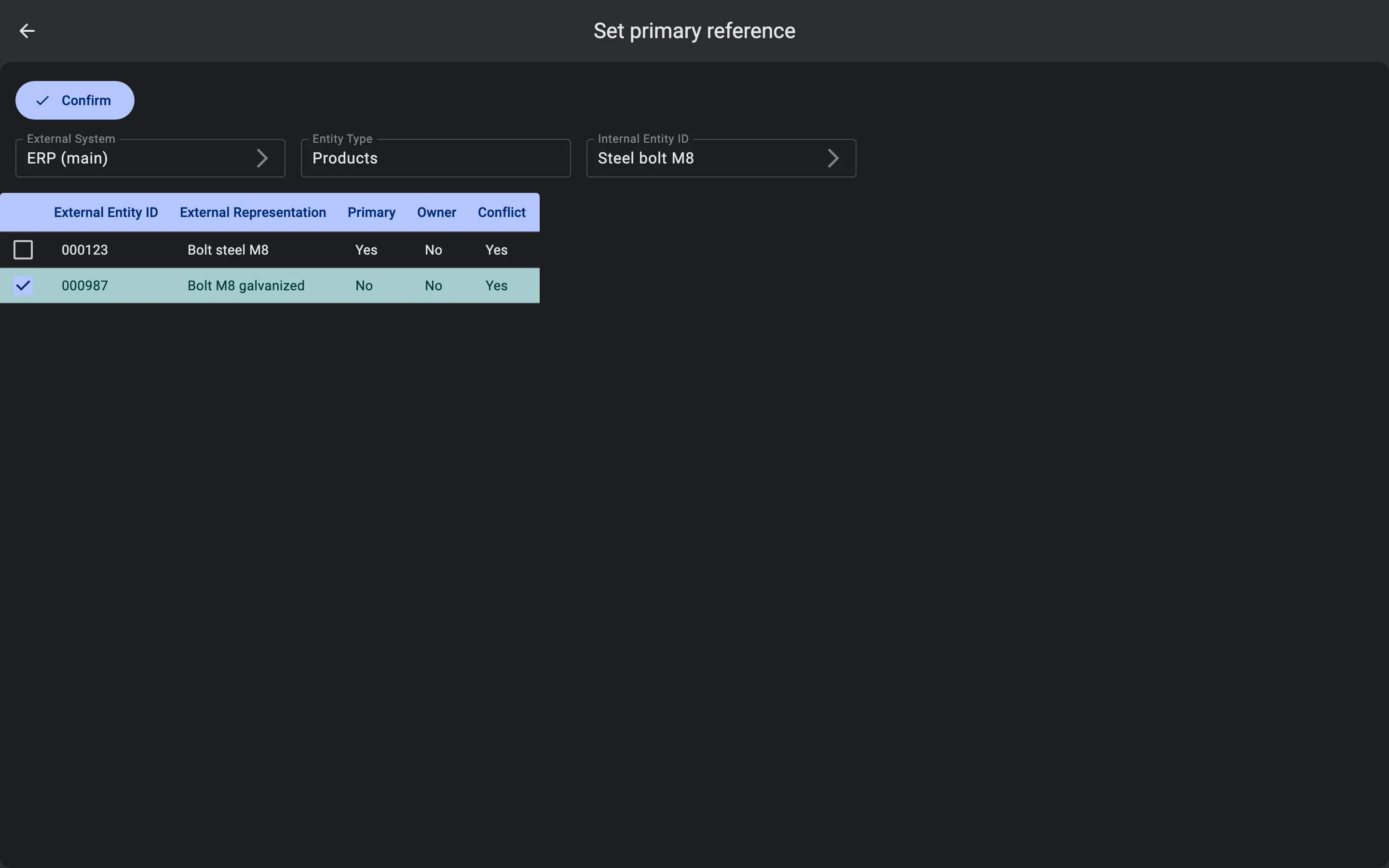
The Client shows "Primary reference updated successfully" and returns to the list.
When the main code cannot be changed
If this system owns the record, its owner code is always its main code. Instead of the Confirm button the screen then says "Primary cannot be changed because this group already has an owner." To make another code of the same system the main one, transfer ownership to that code.
Ownership conflicts come back
Setting the main code does not make the system the owner. If another system owns the record and this system's ownership conflict policy is Strict, the next full update from it marks the code as a conflict again. In that case, transfer ownership, or change the system's policy (see Ownership conflict policies).