Resolving a conflict
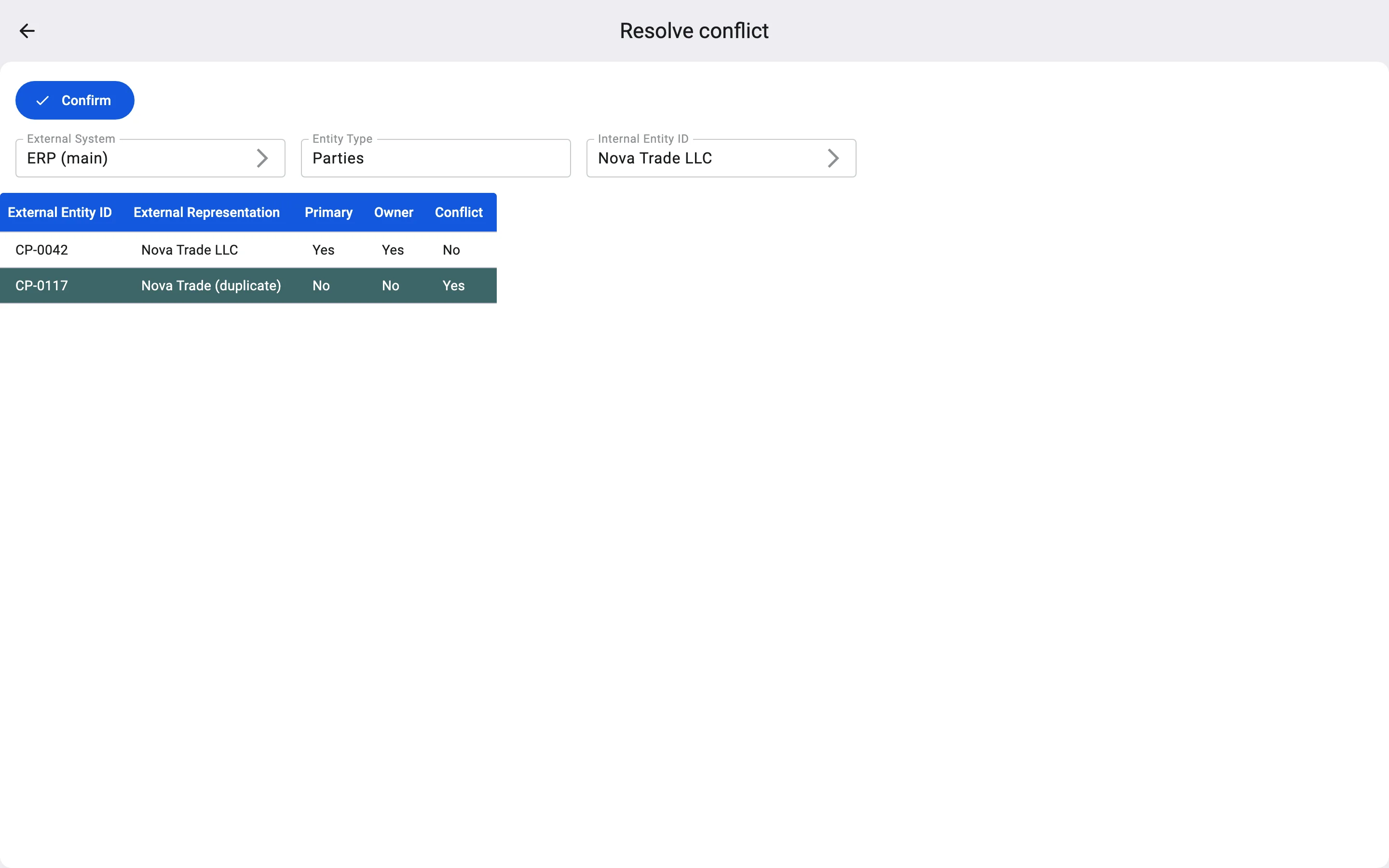
Use this when the conflicted code is a duplicate: the same system already has a main code for the record, and that main code has no conflict. For example, ERP (main) knows the counterparty Nova Trade LLC as CP-0042, and the duplicate card CP-0117 arrived later.
Resolving the conflict keeps the code but makes sure it is not the main one, and removes the conflict mark. When the system mentions the record under this code, for example in a document, the WMS finds the record again. Changes sent under this code do not change the record: only the main code does that.
Steps
- In External References, select the conflicted reference.
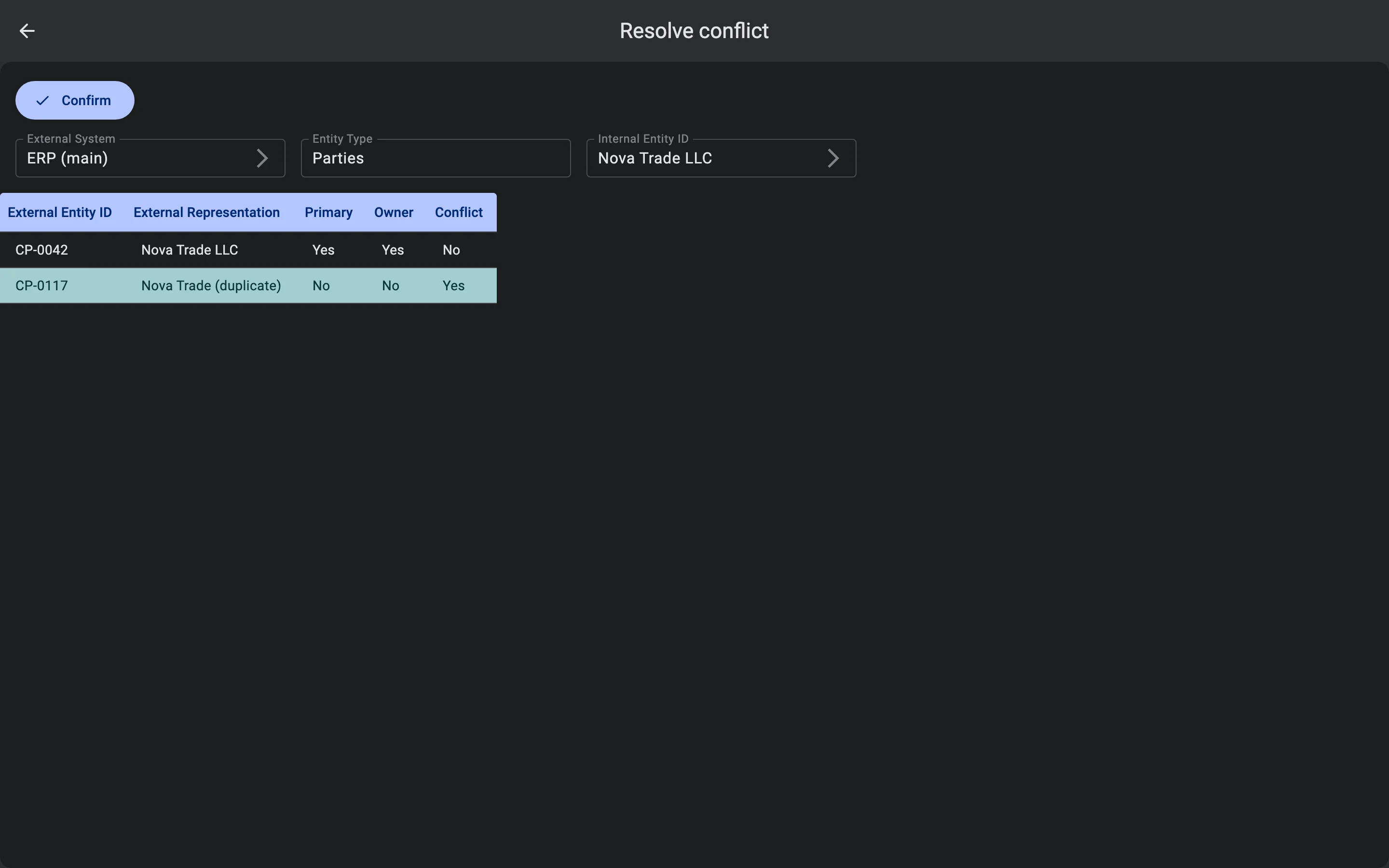
- In the bar at the bottom, click Resolve conflict. The Resolve conflict screen opens. At the top it shows the external system, the entity type and the record in the WMS. The table below lists every code of this system for the record, and the reference you selected is highlighted.
- Click Confirm.
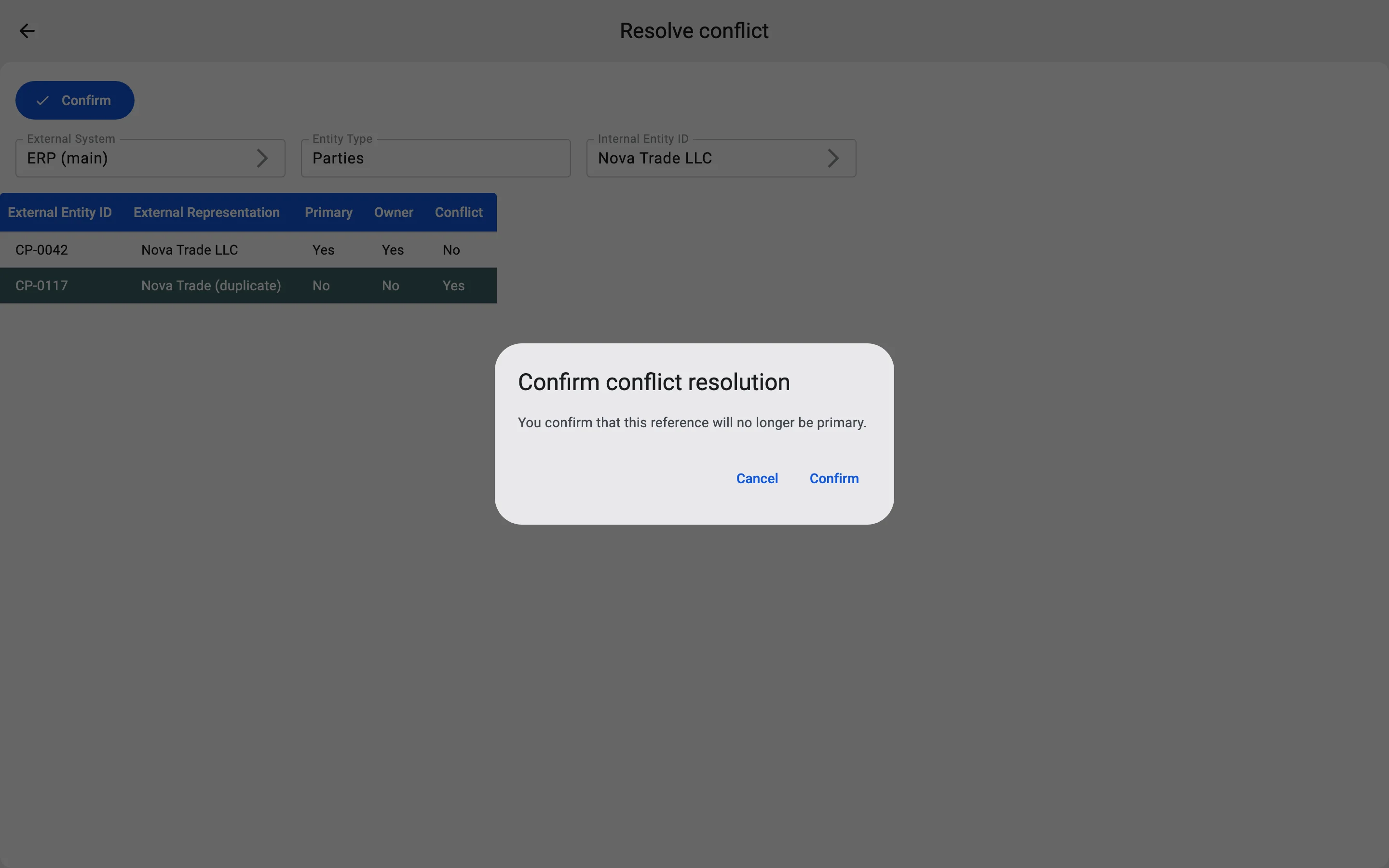
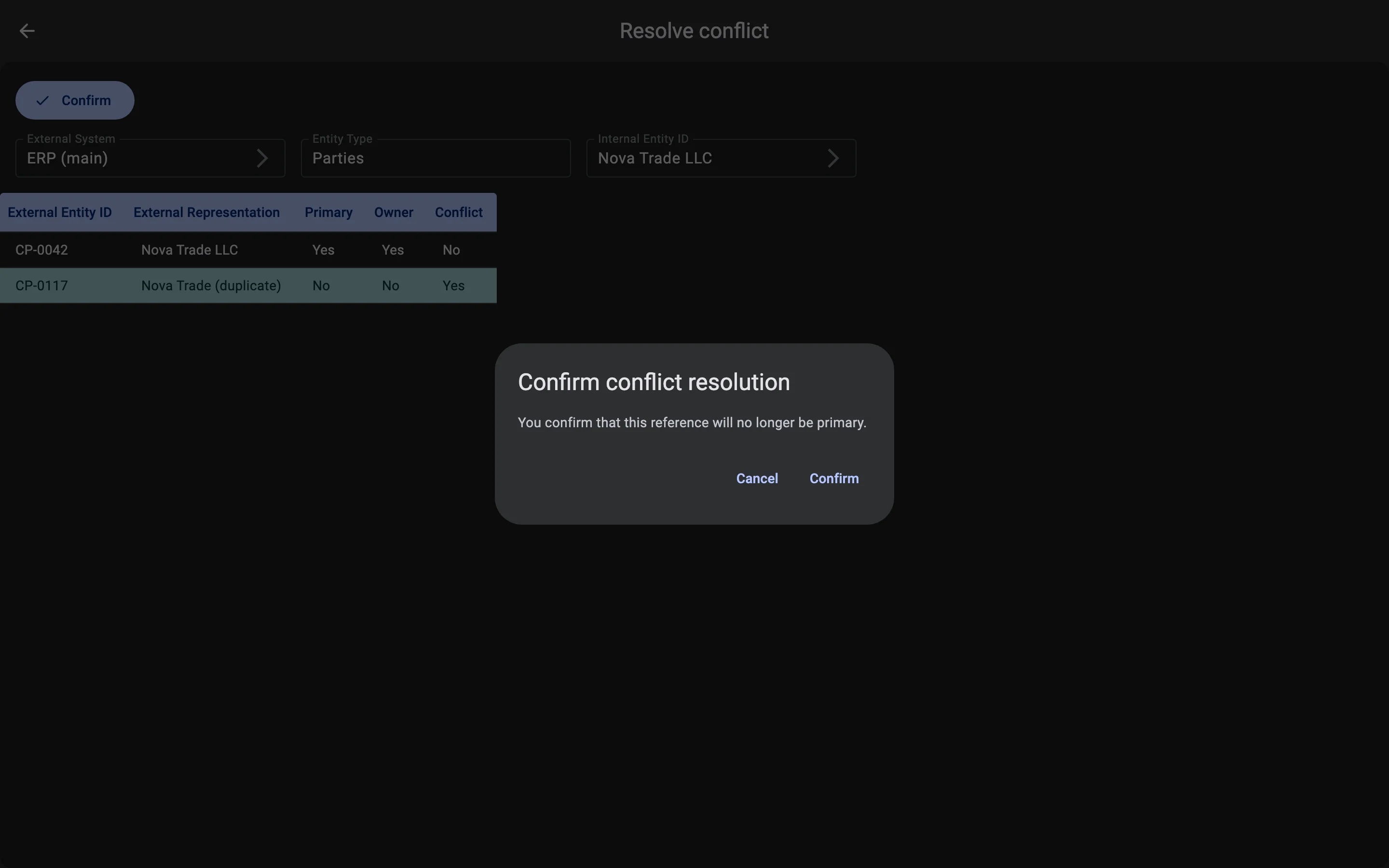
- The Client asks you to confirm: "You confirm that this reference will no longer be primary." Click Confirm again.
The Client shows "Conflict resolved successfully" and returns to the list.
If the conflict cannot be resolved this way
If the system has no other main code for the record without a conflict, the WMS refuses with "At least one primary reference without a conflict must remain". This happens with an ownership conflict, when the conflicted code is the system's only main code. In that case, choose another action in Conflicts: usually transferring ownership or setting another code as primary.