Linking a code to another record
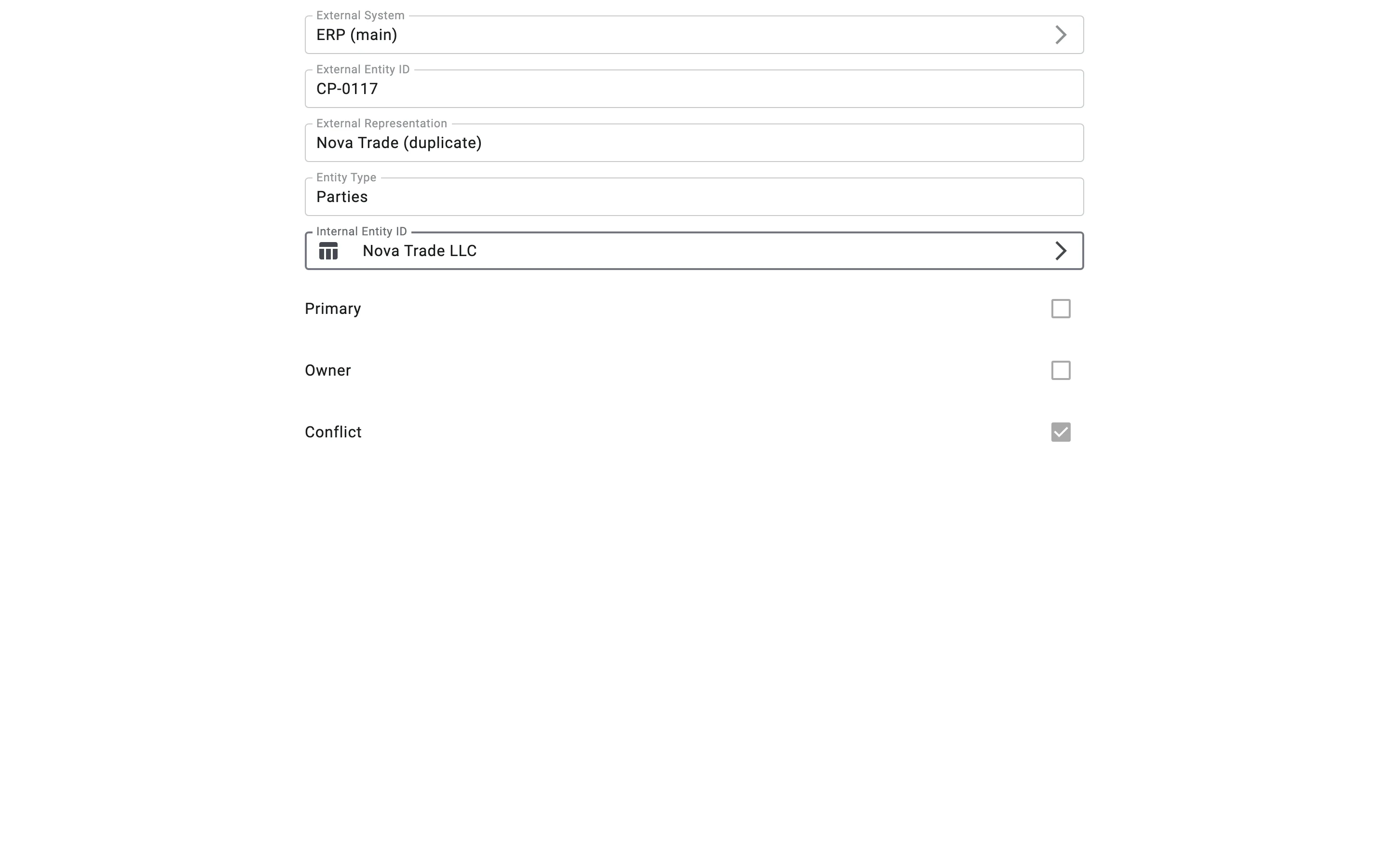
Use this when the WMS matched a code to the wrong record. For example, CP-0117 from ERP (main) was linked to Nova Trade LLC, but in fact it is a different counterparty.
Steps
- In External References, open the reference and click the edit button (the pencil).
- In Internal Entity ID, choose the record the code should point to.
- Click save. The Client shows "External reference saved".
What the WMS checks
The WMS checks the new link the same way it checks a code during an import. If the system already has a main code for the new record, the reference becomes an additional code. With the deduplication mode Strict it is then marked as a conflict again; in that case, resolve the conflict or set the main code for the new record.