Conflicts
Every record that an external system exchanges with the WMS has an external reference: a link between that system's own code for the record and the record in the WMS. A conflict is a mark on one such reference. It means the WMS cannot decide on its own how to treat this code and waits for a person to choose.
You work with conflicts in the Client: open Administration and go to External References.
What a reference shows
Each row of External References is one code of one system:
- External System — the system the code belongs to.
- Entity Type — what kind of record it is, for example a product or a counterparty. See Integration entity types.
- External Entity ID — the code itself, as the system knows it.
- Internal Entity ID — the record in the WMS that the code points to.
- External Representation — how the system names the record.
- Primary — this is the system's main code for the record. A system can have several codes for one record, but only one main code.
- Owner — this system owns the record. A record has at most one owner, usually the system that linked to it first. Only the owner can change the record as a whole.
- Conflict — the reference is waiting for a decision.
When a conflict appears
A conflict appears in one of two situations. Which ones are possible depends on the settings of the external system that sends the data.
- Ownership conflict. A system sends a full update of a record that another system owns, and its ownership conflict policy is Strict. For example, the web shop created the product "Steel bolt M8", and then ERP (main) sends the same product under its own code
000123. The update is not applied, and the ERP (main) code is marked as a conflict. See Ownership conflict policies. - Second code of the same system. A system sends a new code for a record it already has a code for, and its deduplication mode is Strict. For example, the counterparty Nova Trade LLC was entered twice in ERP (main): the WMS already knows it as
CP-0042, and now the duplicate cardCP-0117arrives. See Deduplication modes.
What a conflict blocks
While a reference has a conflict:
- the WMS does not accept data from that system under this code. Every record sent under it fails in the import with the error "Reference conflict detected", and so does every document that mentions it;
- if the system has more than one code for the record, the WMS cannot tell which one to use, so it does not send this record to that system.
Other systems and other records keep working as usual.
Resolving a conflict does not repeat what failed. Once it is resolved, ask whoever runs the external system to send the record again.
Finding conflicts
In External References, filter the Conflict column to show only references that have one. Select a row: a bar appears at the bottom of the list with the actions for that reference.
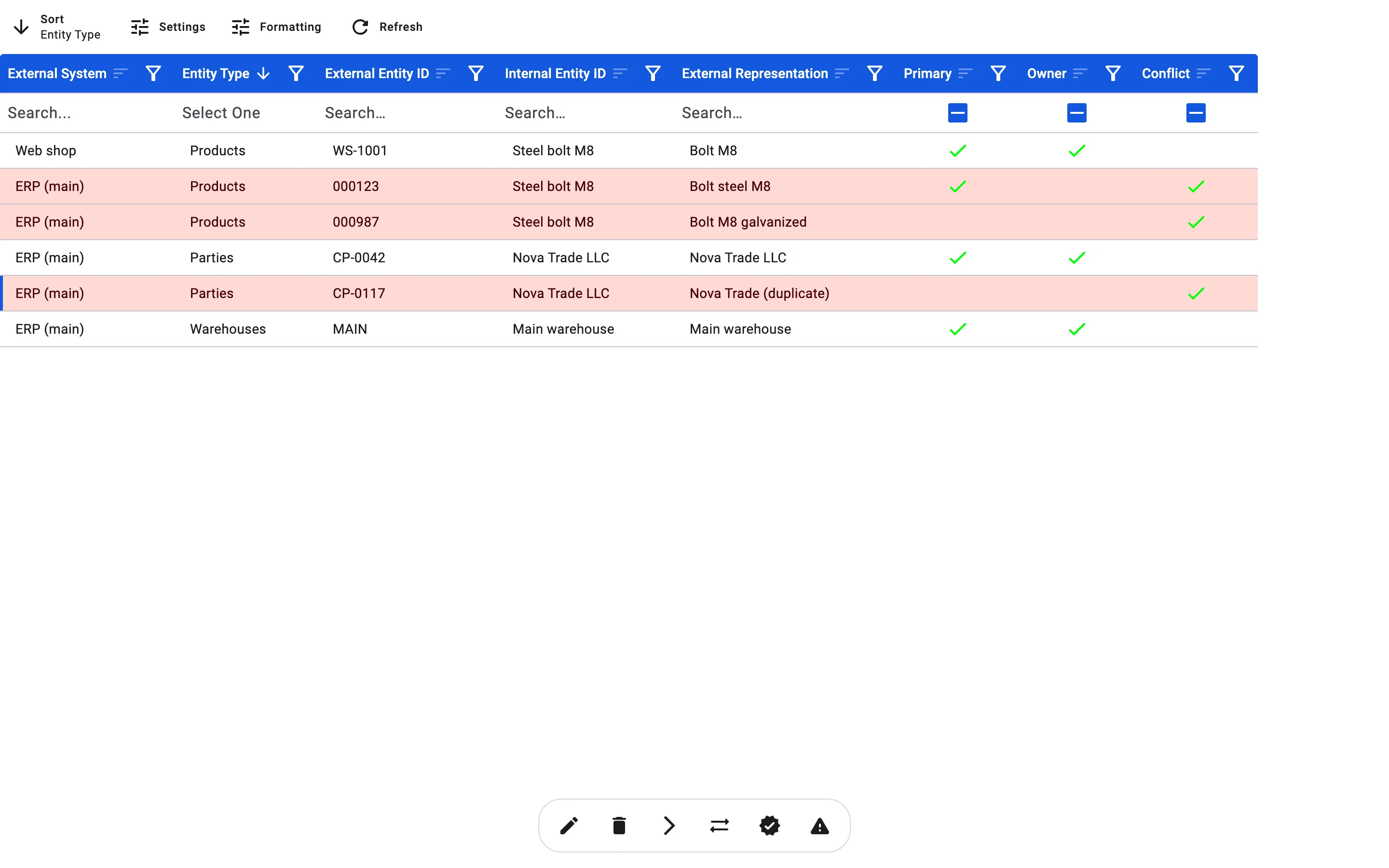
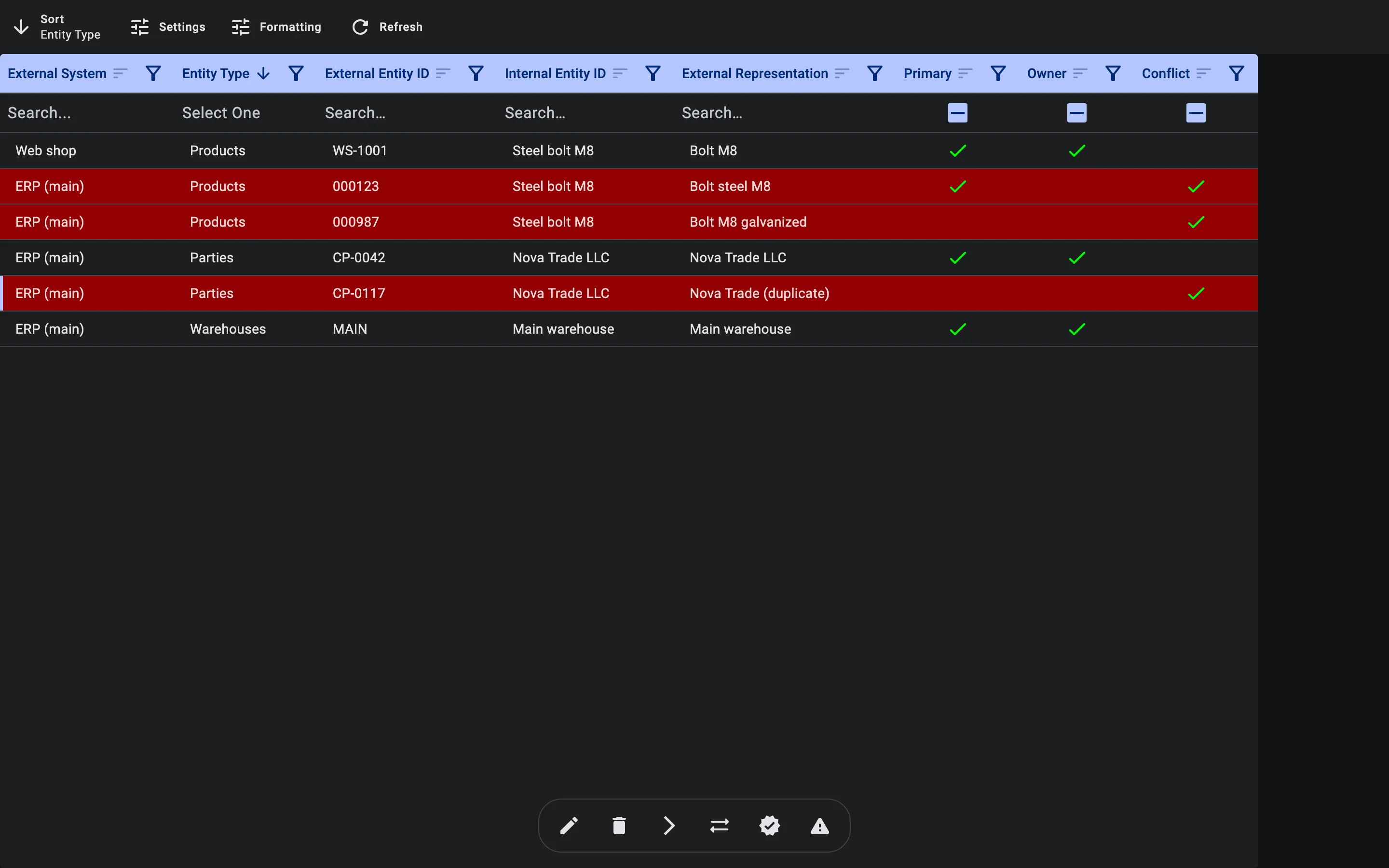
Next to the usual view, edit and delete buttons, the bar shows up to three buttons for conflicts. Hold the pointer over a button to see its name:
- Transfer ownership — when the selected reference is not the owner;
- Set as primary — when it is not the system's main code;
- Resolve conflict — when it has a conflict.
Choosing what to do
| The situation | What to do |
|---|---|
| The code is a duplicate. The same system already has a correct main code for this record. | Resolve the conflict. The code stays, but no longer as the main one. |
| This code should become the system's main code for the record. | Set it as primary. |
| This system should own the record from now on. | Transfer ownership to its code. |
| The code was matched to the wrong record in the WMS. | Link it to another record. |
If ownership conflicts keep coming from a system that is not meant to own these records, change its Ownership Conflict Policy to Relaxed in the external system's settings (see Registering an external system). Its updates to records owned by others are then ignored without errors.
Who can do this
Changing external references needs the right to manage them in your profile. Administrators can always do it.