Discrepancy resolution
Discrepancies between expected and actual cargo are a routine part of the job. Every receipt line shows the planned and the received quantity side by side, so a shortage or a surplus is visible as soon as it is recorded, and the receipt can be printed as an Inbound Discrepancy Act to back a claim to the supplier.
When a decision cannot be made on the spot (for example, the supplier still needs to be contacted), the receipt stays in progress: the disputed goods are neither added to the free stock nor written off until the receipt is finished.
Over-receiving
An over-receiving discrepancy — more arrived than the plan expected — is handled inline when the receipt allows it (the Allow Over Receiving switch on the receipt):
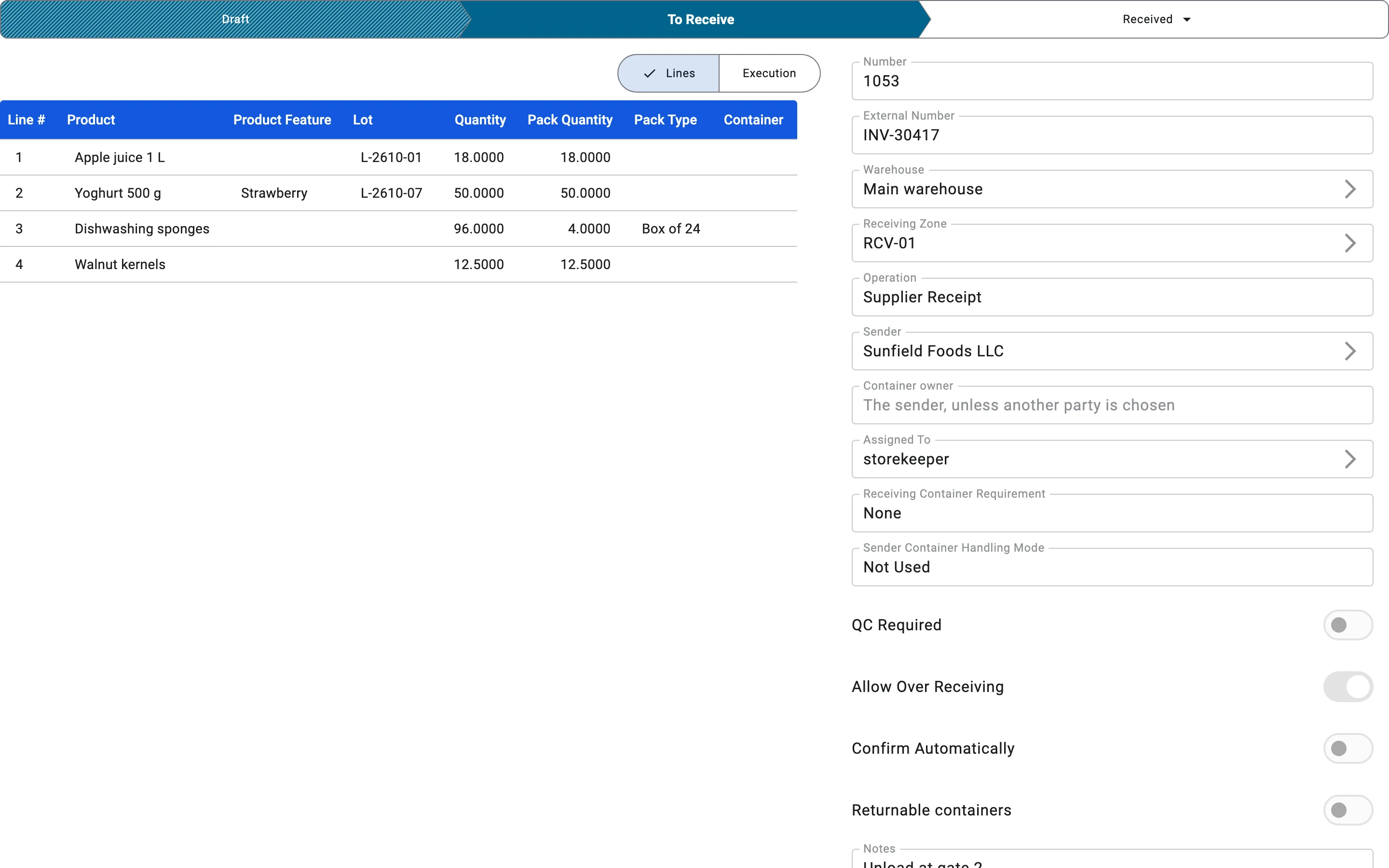
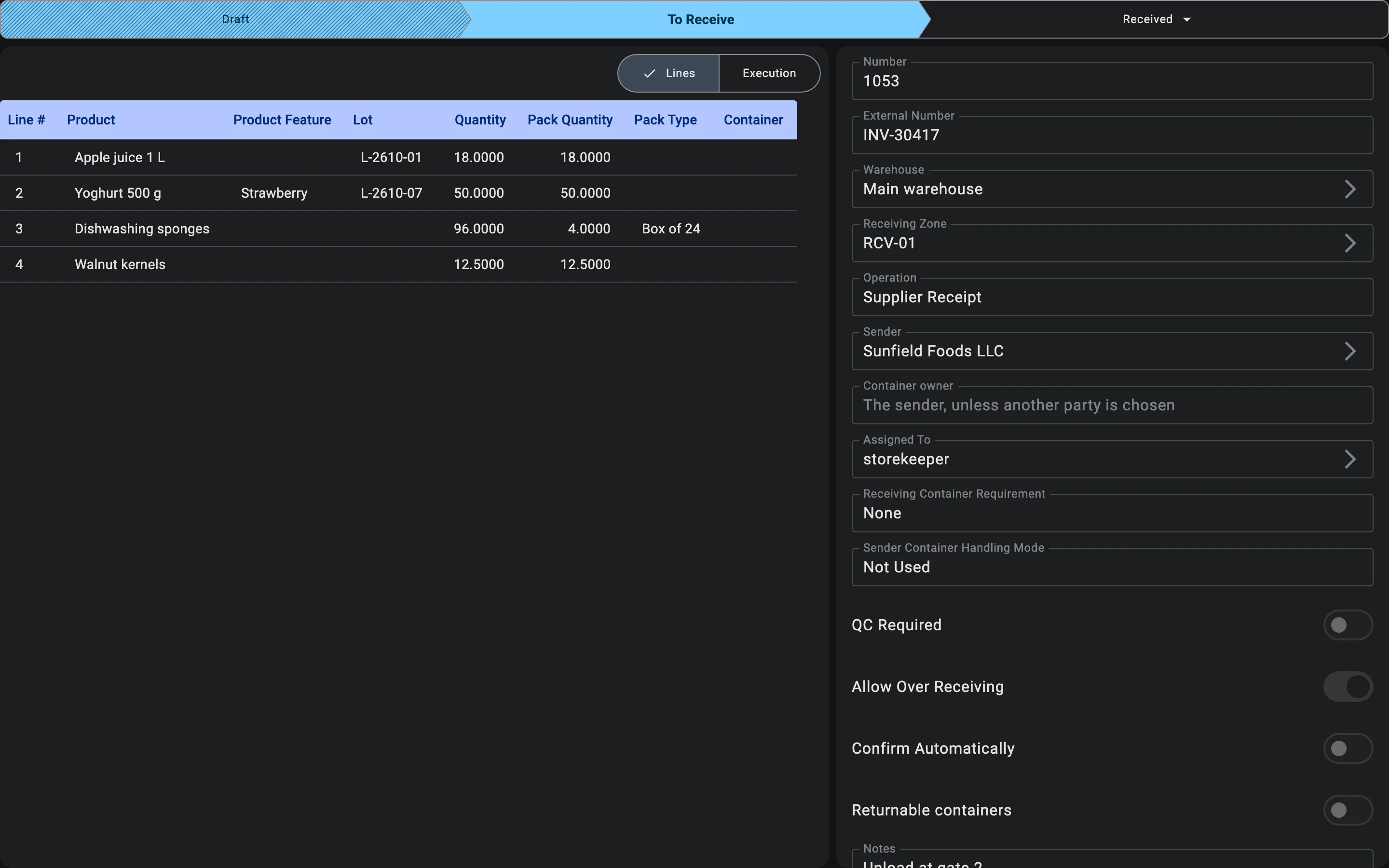
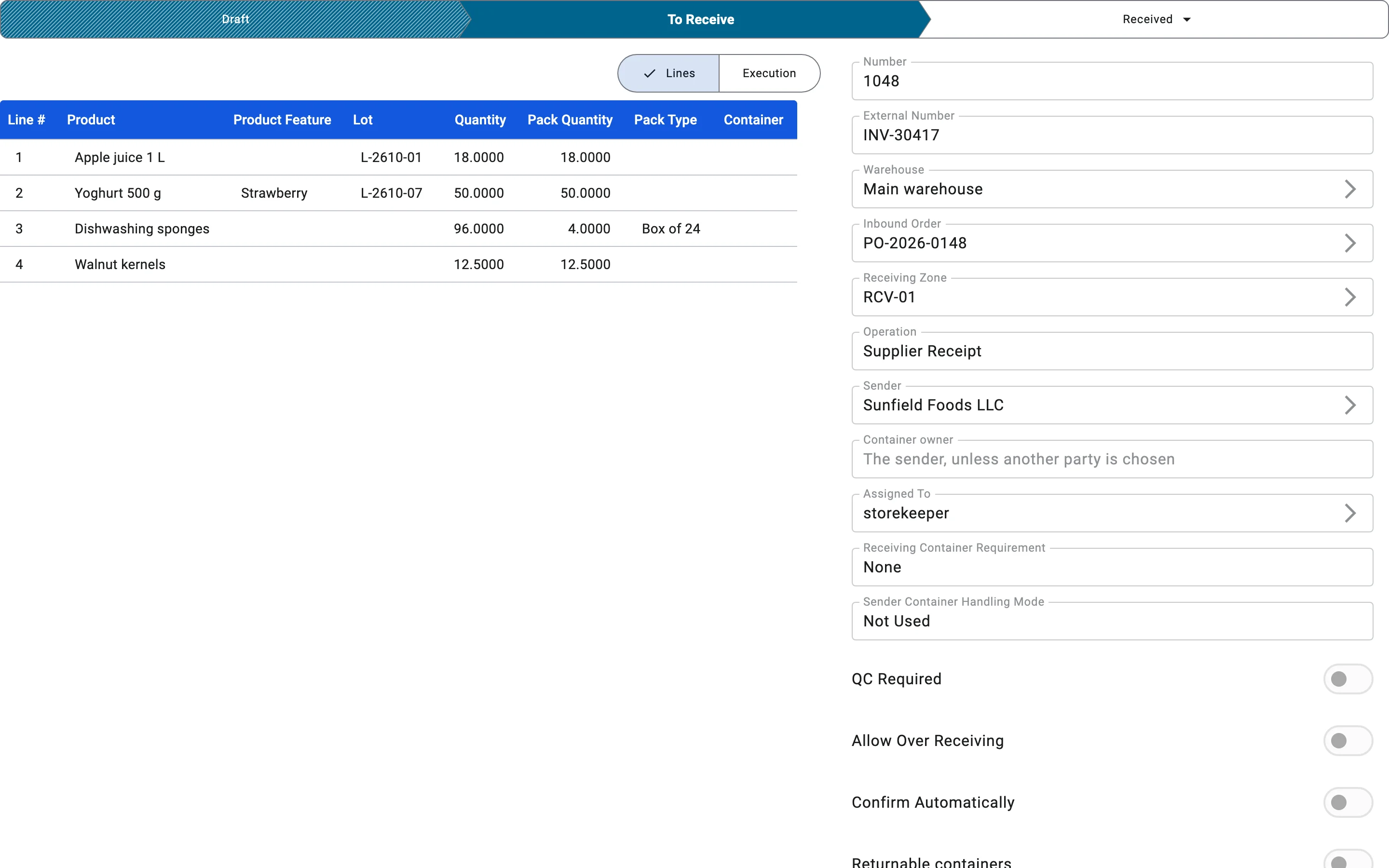
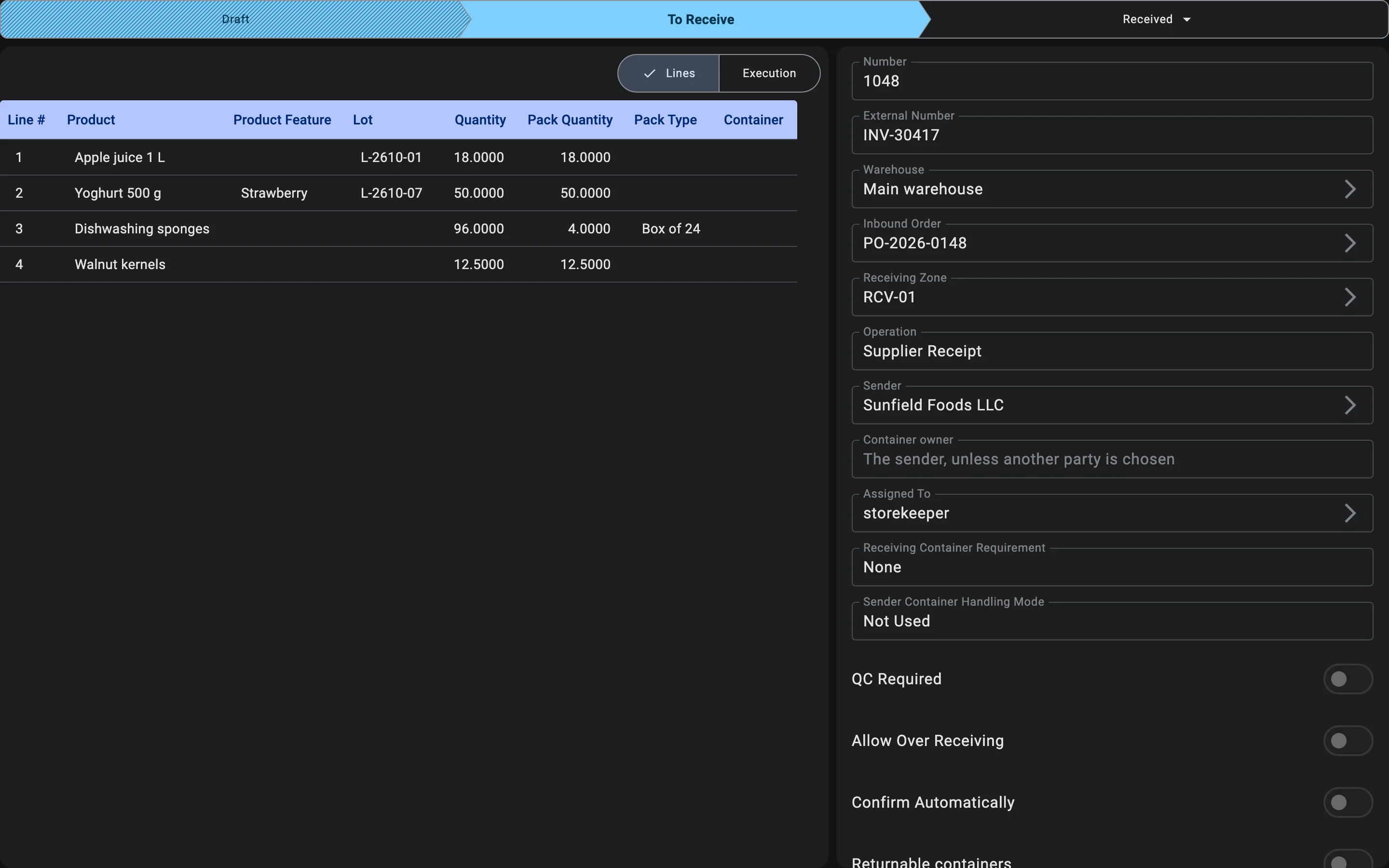
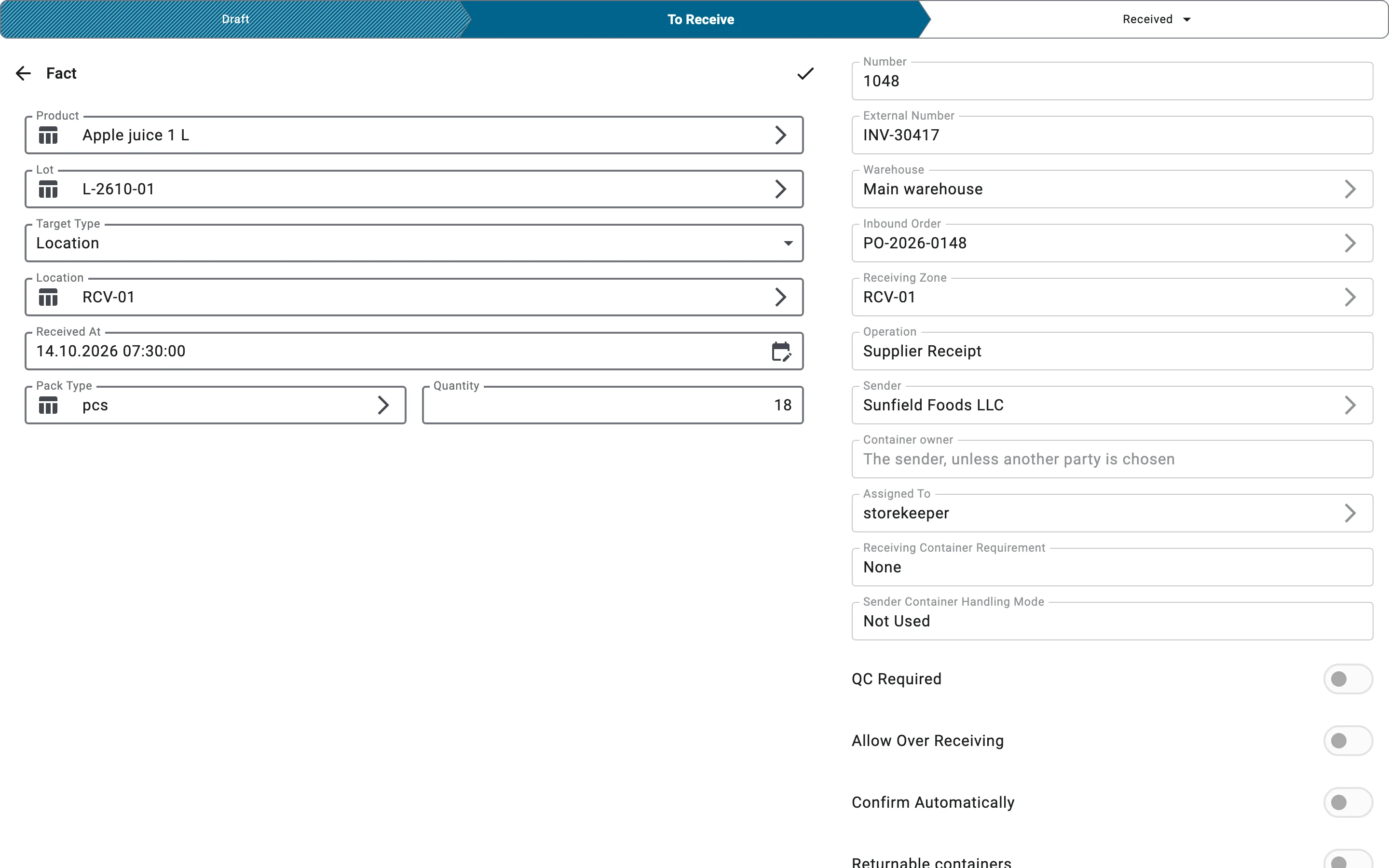
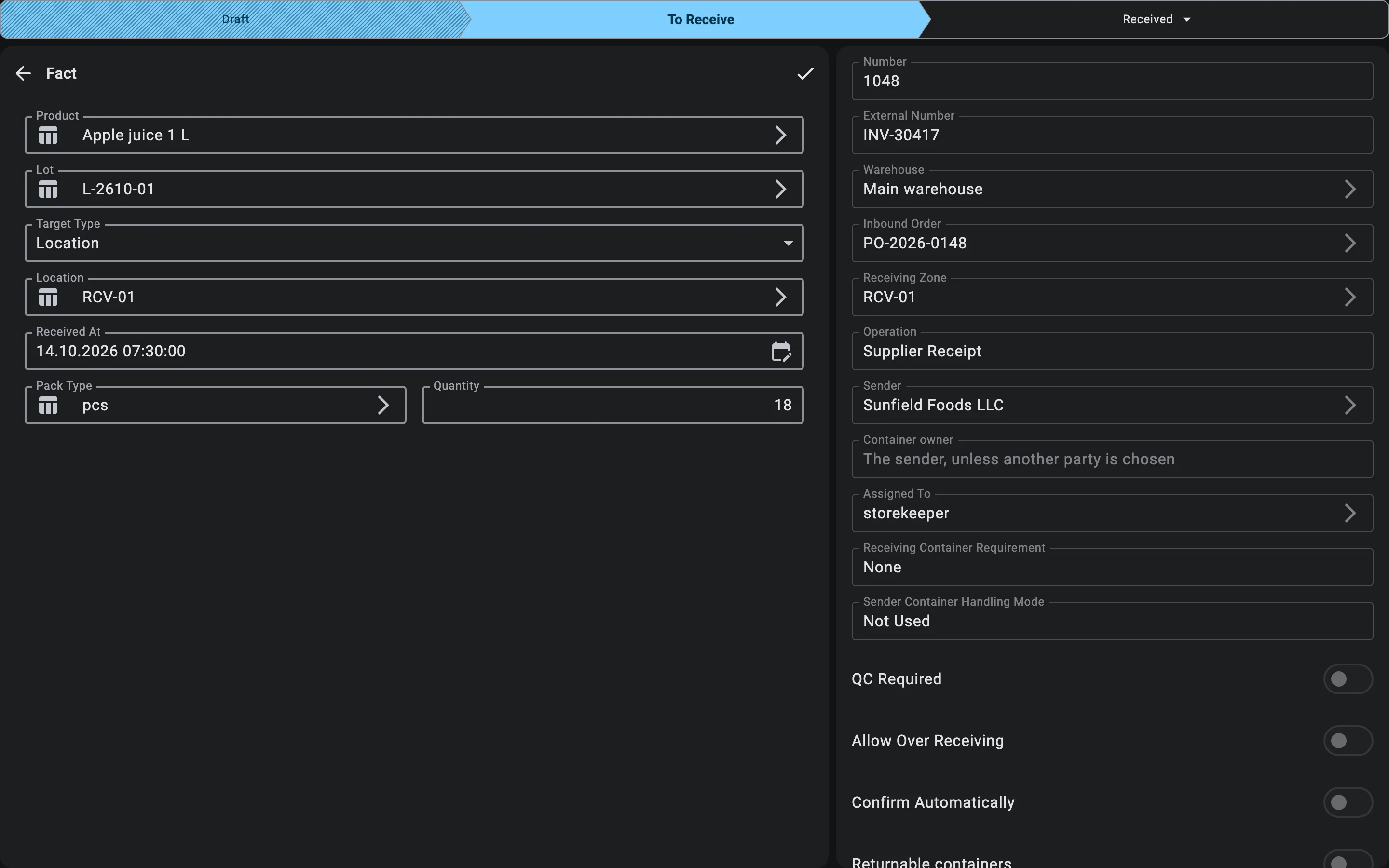
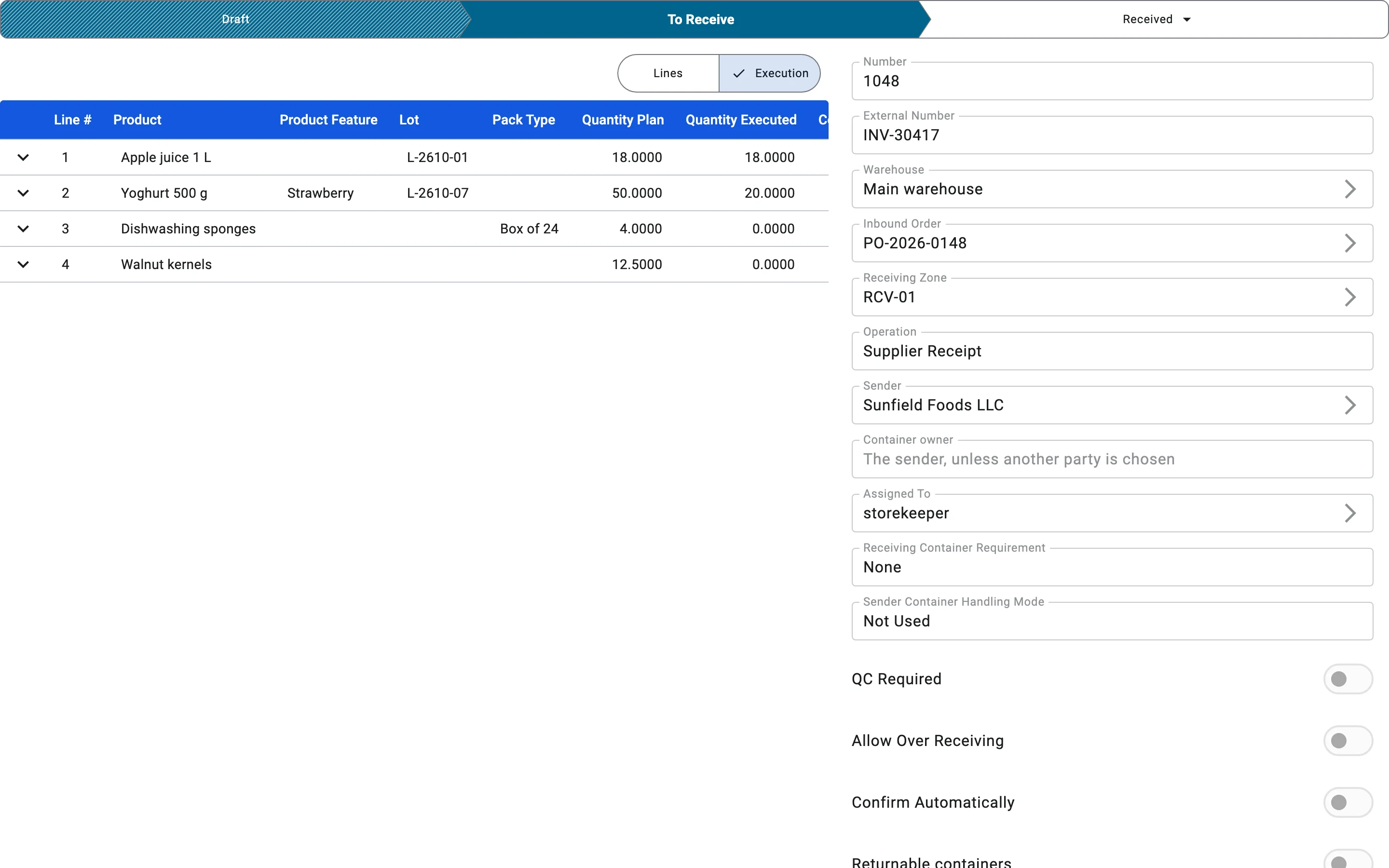
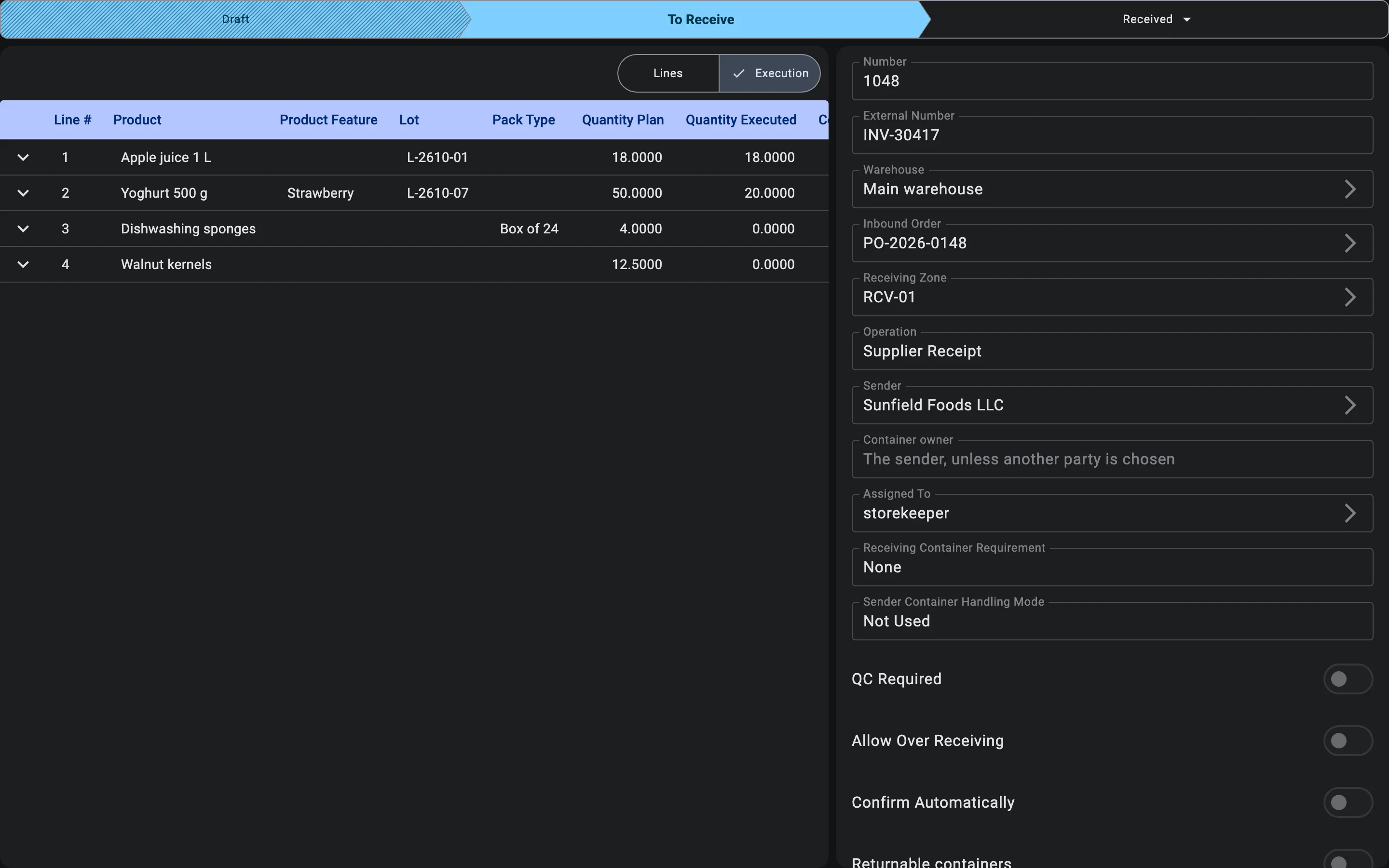
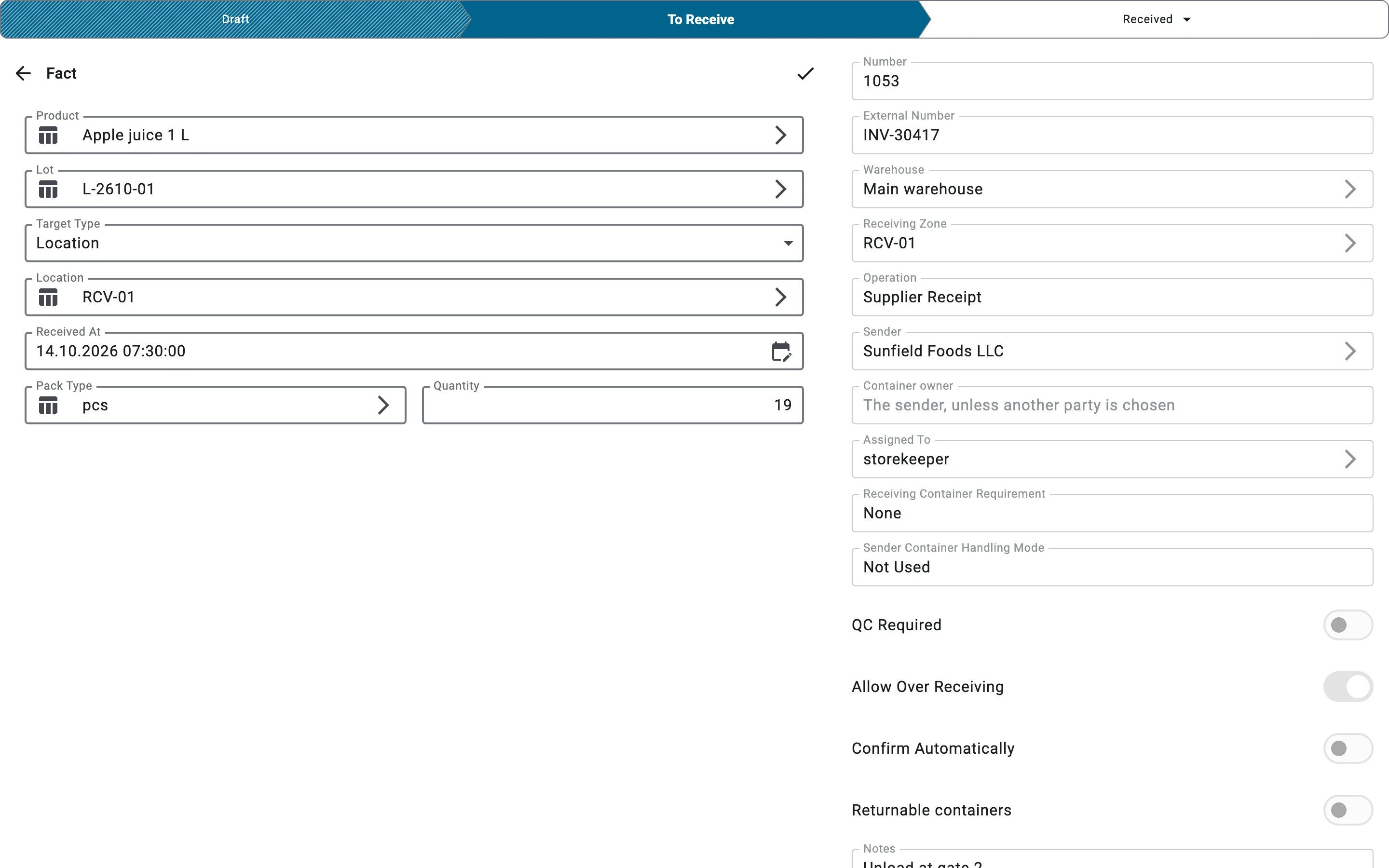
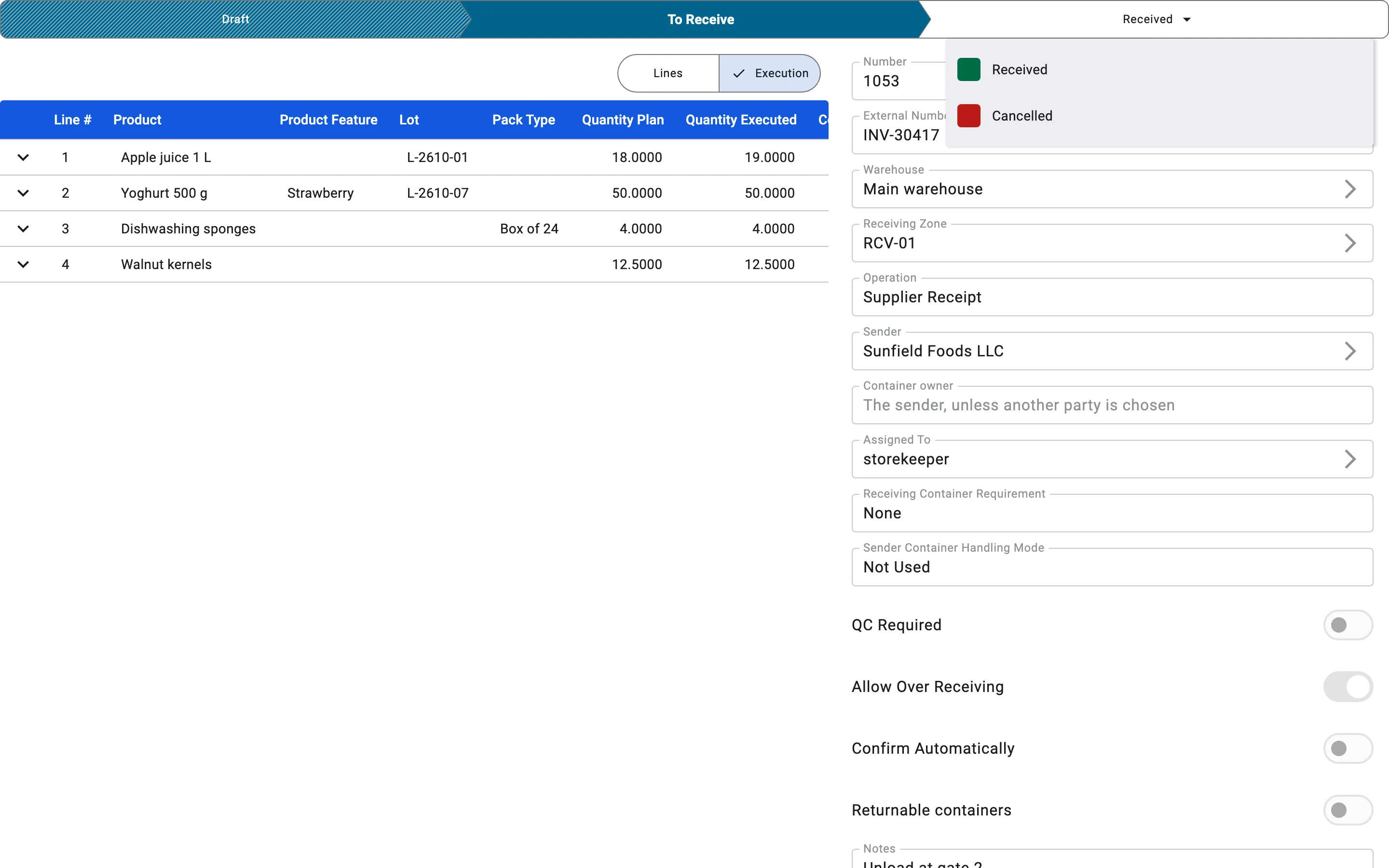
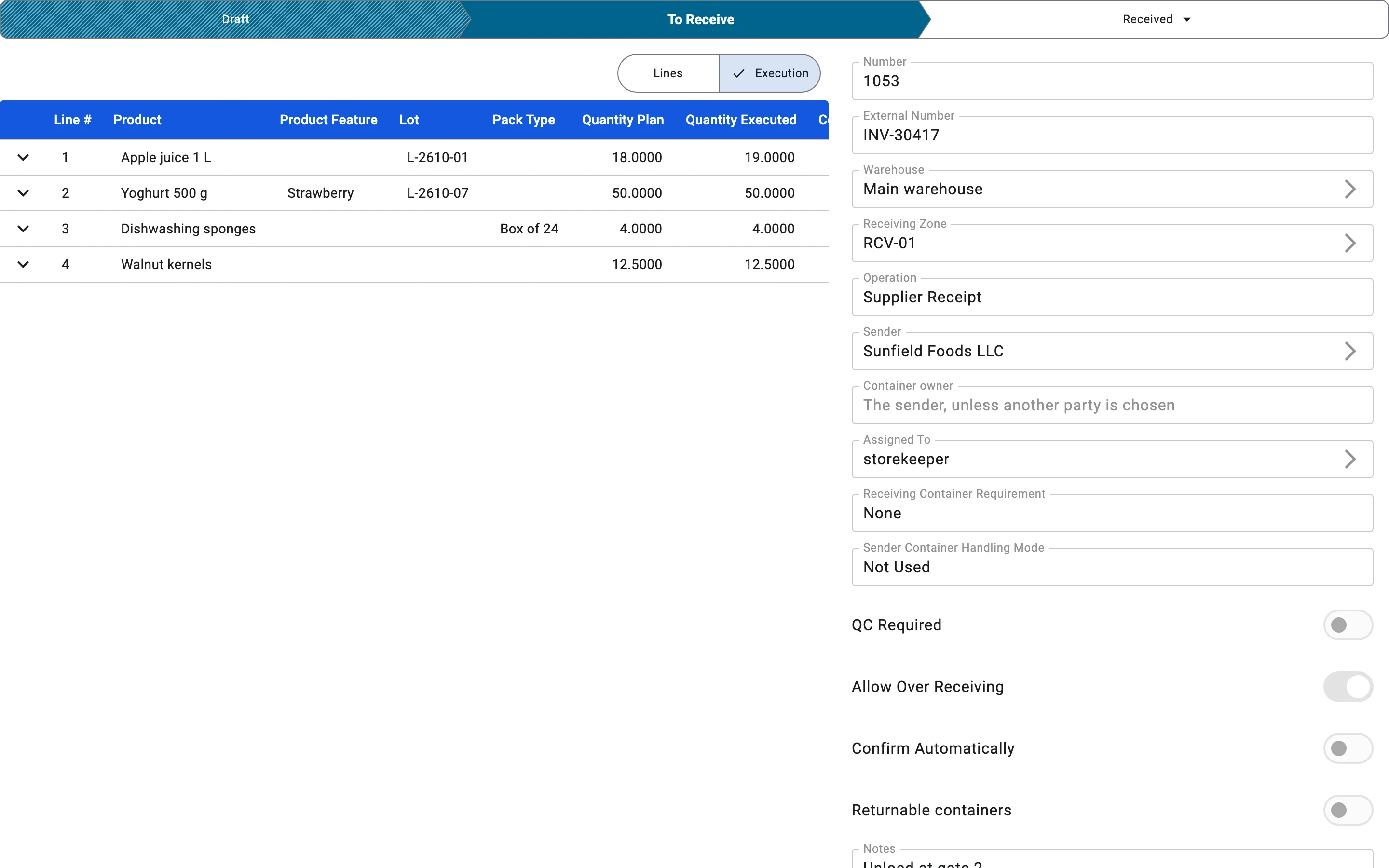
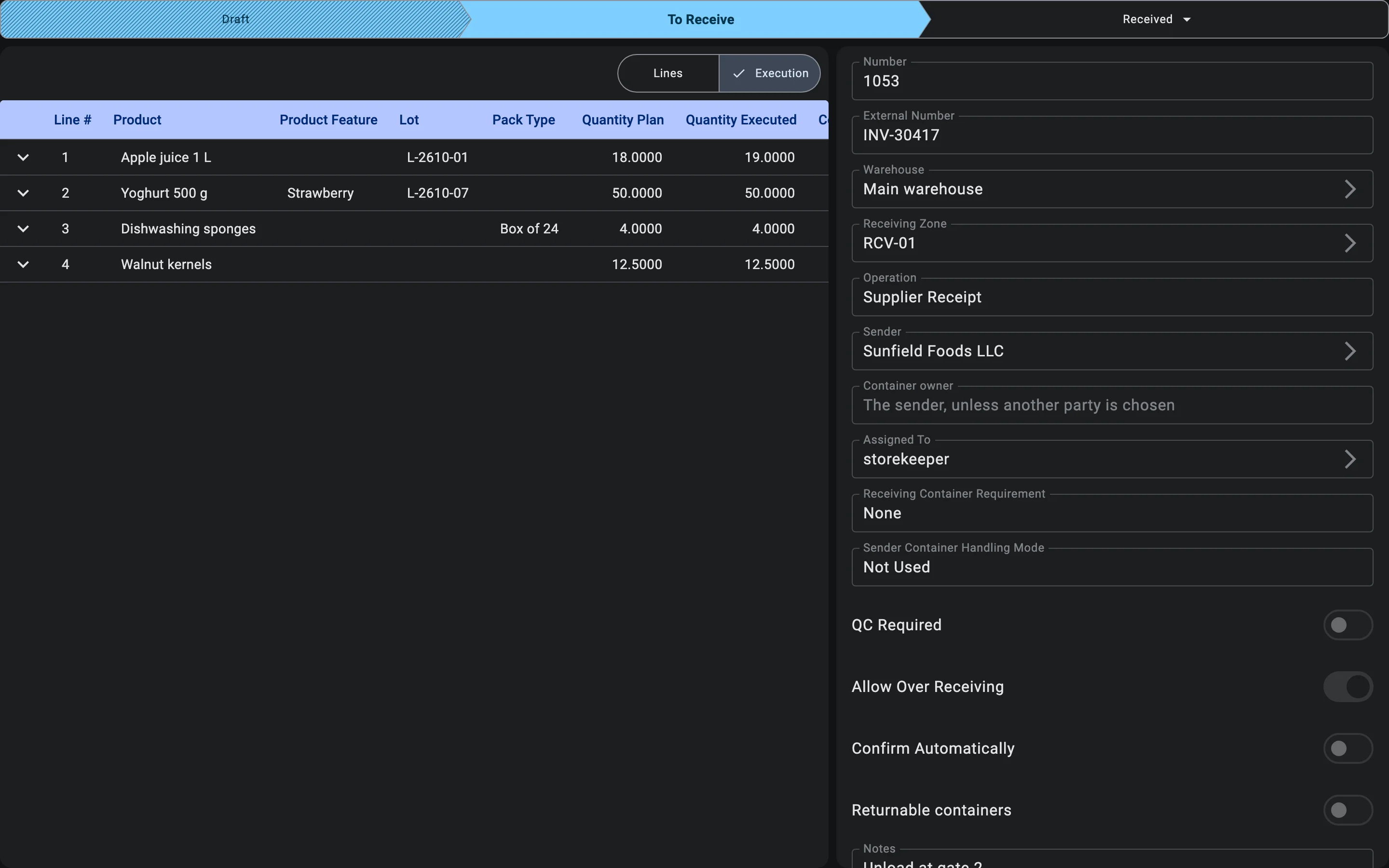
When the switch is off, the system refuses a fact that would take a line above its plan. The one exception is the receipt's Tolerance %: for goods that are weighed or measured, a surplus of up to that percentage of the planned quantity is accepted even with the switch off. Goods counted in pieces get no tolerance.
The discrepancy act
The Inbound Discrepancy Act is a print form of the receipt. It is built from what has been recorded at the moment of printing.
The header repeats the receipt's Discrepancy tolerance and whether over-receiving is ALLOWED or FORBIDDEN. The table lists every line with the planned quantity, the actual quantity, the difference (Δ, also as a percentage of the plan) and a status:
| Status on the act | When it is shown | Counted as a discrepancy |
|---|---|---|
| OK | The received quantity equals the plan. | No |
| Shortage | Less was received than planned. | Yes |
| Within tolerance | More was received than planned, but only by up to the tolerance, and the product is weighed or measured. | No |
| Surplus (allowed) | More was received than planned, beyond any tolerance, and the receipt allows over-receiving. | Yes |
| Surplus | More was received than planned, beyond any tolerance, and the receipt does not allow over-receiving. | Yes |
Below the table the act sums up the lines — how many are short, how many have a surplus, how many are within tolerance — and ends with a conclusion banner: No discrepancies detected when every line is OK or Within tolerance, otherwise DISCREPANCIES DETECTED with the number of lines concerned. The last block has places for the supplier, the recipient and a commission member to sign, so the act can serve as the basis for a claim.
Discrepancies recorded on terminals working offline
A PDT can keep receiving when the connection is lost; its work is sent to the server later. If something recorded offline no longer fits the situation on the server, the system does not stop the operator and does not lose the work — it posts what it can and records an offline discrepancy for a manager to review.
This includes a lot accepted offline with too little remaining shelf life (see Lots with a short remaining shelf life); the discrepancy's description reads Lot tracking rules were broken.
Such discrepancies are not shown on the receipt. They collect in the Offline discrepancies registry in Administration, where each row opens the receipt it concerns. The screen, its columns and the types of discrepancy are described in Offline discrepancies.
On the PDT
This phase happens after the PDT operator closes the document; it does not run on the PDT. See Receiving on PDT for the full context.